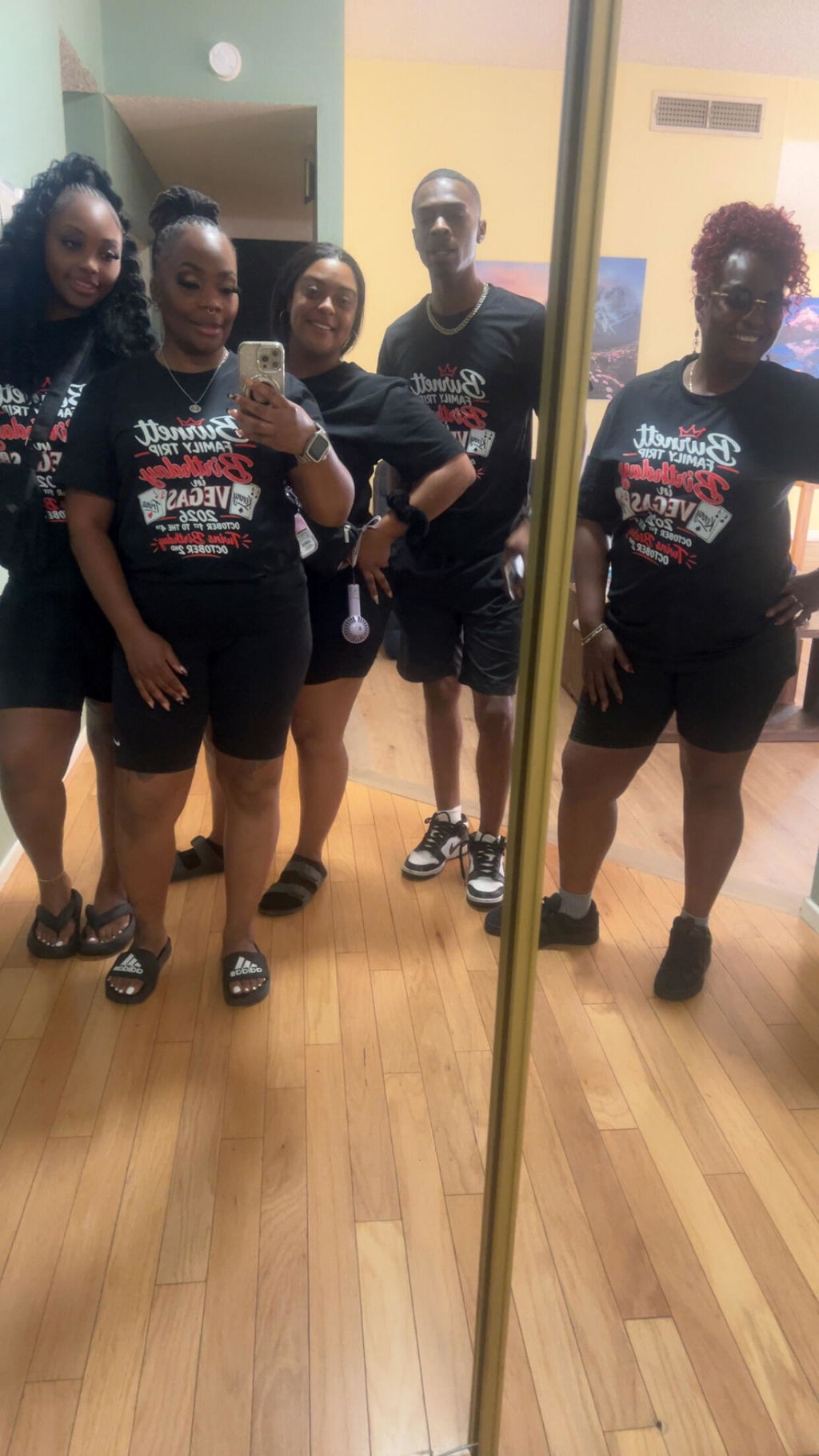
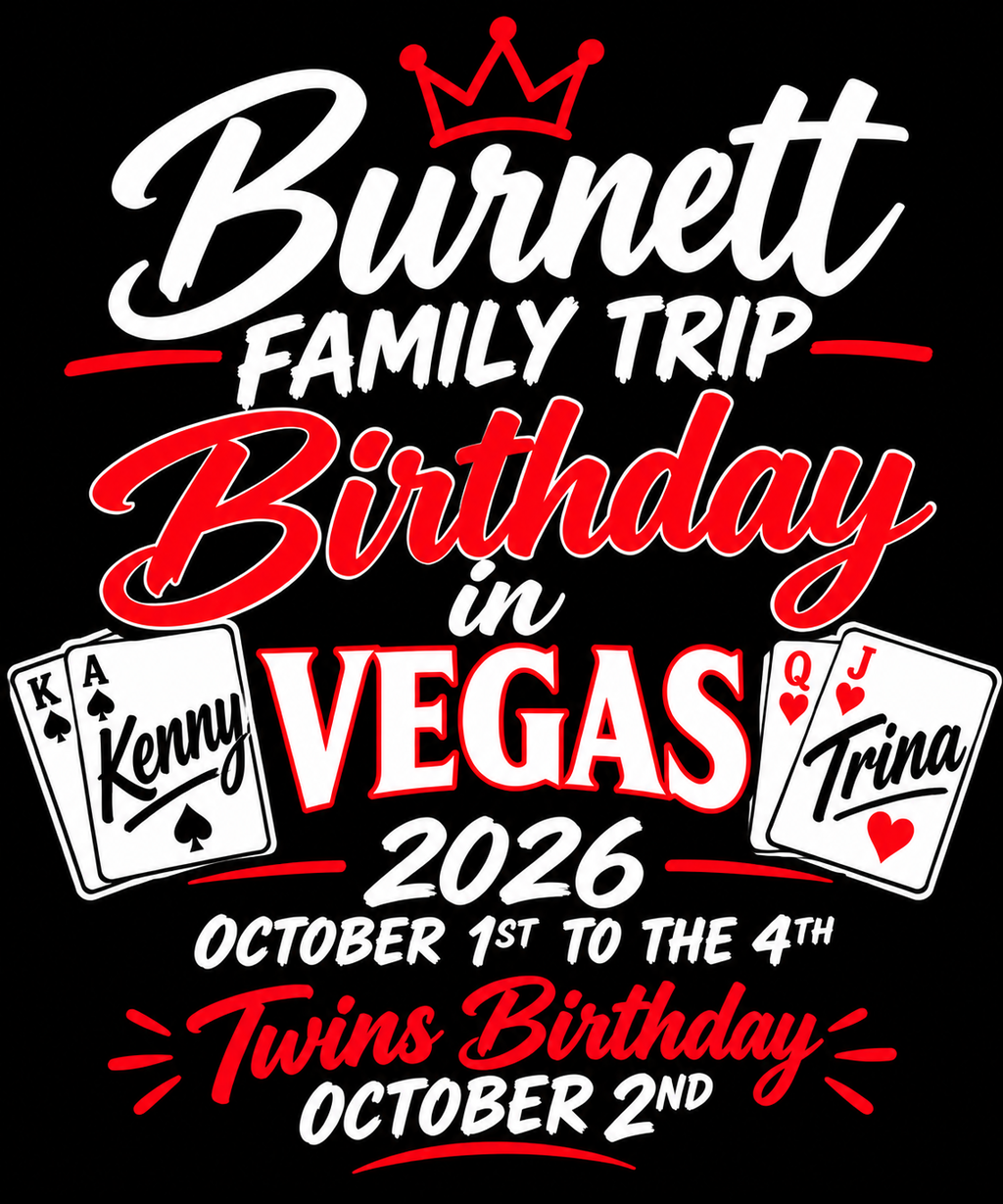
Personalized apparel orders become complicated for a simple reason: the graphics may look similar, but they are not interchangeable. A team order might use the same logo on every shirt while changing a player name and number. A company order may repeat the same back design while giving each employee a different name. A family, event, or group order can contain dozens of one-off variations that must all be matched to the correct garment.
That makes a personalized DTF gang sheet different from a layout built around repeated copies of one design. The main challenge is not simply fitting graphics onto the available sheet. It is preserving the connection between each person, each artwork variation, each finished size, and each required quantity from the order list through the final upload.
The safest workflow is to organize the personalization before you start arranging the gang sheet. Once the order is reconciled, the sheet becomes a production layout rather than the place where unresolved personalization decisions are being made.
Start With a Personalization Roster, Not the Gang Sheet
Before opening a layout tool, create one clear source of truth for the order. This can be a spreadsheet, an order-management record, or another system that your team already uses reliably. The exact software matters less than the information being complete and consistent.
For every personalized garment, the record should make it possible to identify the person or order line, the personalized wording, any number, the artwork role, the intended transfer size, and the quantity required.
A simple roster might track:
- customer, member, employee, or participant name,
- exact spelling to be printed,
- number or other variable information,
- garment size when relevant to production planning,
- front, back, sleeve, or other artwork role,
- finished transfer size,
- required quantity.
The purpose is not to create more paperwork. It is to prevent the gang sheet itself from becoming the only place where personalized information exists.
Separate Shared Artwork From Variable Artwork
Most personalized orders contain at least two kinds of graphics. The first is shared artwork, such as a company logo, event mark, team graphic, or common back design. The second is variable artwork, such as individual names, numbers, titles, or one-off identifiers.
Keep those categories separate during planning.
If 30 garments use the same front logo, that logo can be treated as one repeated production item with a defined size and quantity. If those same 30 garments each use a different name on the back, the names should not be managed as though they were 30 copies of the same design.
This separation makes quantity checks much easier. Instead of asking whether the sheet contains “everything,” you can ask two clearer questions: Does the shared artwork appear in the correct quantity, and does every required personalized variation appear exactly as intended?
Give Every Personalized Design a Unique Identity
Files called name1.png, name2.png, or new-number.png may be understandable while you are designing them, but they become harder to trust when dozens of files enter the same production folder.
Use a naming system that lets someone connect a file to the roster without opening every image. The structure can be simple. For example, your internal name could combine the person's identifier, artwork role, and version.
The important rule is consistency. If the roster says “Jordan M. / Back Name / Version 2,” the artwork record should make it obvious which file represents that line.
A filename does not replace visual review, but it creates a traceable connection between the order information and the production artwork.
Confirm Spelling and Numbers Before Layout
Personalized artwork deserves its own proofreading stage because a technically clean file can still contain the wrong information.
Do not rely on memory when checking names and numbers. Compare every personalized design directly against the approved roster or order record. Check capitalization, punctuation, spacing, initials, number formatting, and any other variable wording.
When possible, separate the approval decision from the layout decision. First confirm that the personalized content is correct. Then move the approved artwork into the gang sheet workflow.
This keeps a layout change from becoming an accidental content change.
Do Not Assume Every Name or Number Needs the Same Transfer Size
A consistent visual system does not always mean every personalized graphic should be forced into identical dimensions. A short surname and a long surname may behave differently inside the same design width. A single-digit number and a two-digit number may also create different visual balance.
The goal is not to improvise sizing inside the gang sheet. Decide how your personalization system should handle these variations before production.
If you need broader guidance on finished transfer dimensions, review the DTF transfer sizes guide before finalizing the personalized files.
Once the intended dimensions are approved, treat those dimensions as part of the production record. A designer should not casually resize one personalized file merely because another shape appears to fit the remaining sheet space more conveniently.
Reconcile Quantities at the Person Level
A personalized order can have the correct total transfer count and still be wrong.
Imagine an order requiring 24 personalized backs. A sheet may contain 24 name graphics, but that does not prove that all 24 required people are represented. One name could appear twice while another is missing.
That is why personalized quantity control should happen at the individual level, not only at the sheet-total level.
Compare the roster with the production artwork line by line:
- Confirm that every required personalized variation exists.
- Confirm that no obsolete or replaced variation remains active.
- Confirm the correct quantity for each personalized item.
- Confirm that shared artwork quantities match the garment count.
- Resolve every mismatch before building the final layout.
This turns quantity review into reconciliation rather than simple counting.
Keep Multiple Placements as Separate Production Items
One person may require more than one variable graphic. A garment could use an individual name on one location and a unique number on another. Even when those elements belong to the same person, they should remain distinguishable production items.
Think in terms of relationships:
person → artwork role → finished size → quantity
This prevents a name graphic from being confused with a number graphic or a small placement from being treated as the same production item as a larger version.
The order may ultimately be pressed onto one garment, but the transfers still need to survive the gang sheet, cutting, sorting, and pressing workflow without losing their identities.
Build the Gang Sheet Only After the Personalization Is Frozen
Once names, numbers, spelling, artwork roles, dimensions, and quantities are confirmed, you can move into layout planning.
At that stage, the purpose of the DTF gang sheet ordering workflow is to arrange production-ready graphics. It should not be the place where you are still deciding whether a name is correct or whether a customer wants number 18 instead of 81.
Personalization changes made after layout should trigger another review. If one person's artwork changes, confirm that the old variation is removed, the new variation uses the correct size, and the roster still matches the final sheet.
Review Personalized Artwork by Order, Not Just by Sheet Position
Visual inspection of the finished gang sheet is useful, but scanning from the upper-left corner to the lower-right corner is not enough for a personalized order.
Run a second review using the roster as the sequence.
Start with the first person and locate every transfer required for that person's garment. Then move to the next person. Continue until every order line has been accounted for.
This review method answers a different question from ordinary layout inspection. Layout inspection asks, “Does everything on this sheet look correct?” Roster inspection asks, “Is every item that should exist actually represented?”
Both questions matter.
Plan for Sorting Before You Print
Personalization creates another challenge after the sheet is produced: individual transfers need to remain associated with the correct garment or order.
A layout that is easy to fill may not be easy to sort.
Before finalizing the sheet, think about what happens after the transfers are separated. Can names and numbers be matched quickly? Will related pieces be kept together? Could two people with similar names or numbers be confused?
You do not need a universal grouping method. You need a method that preserves the identity already established in the roster.
Final Personalized Gang Sheet Check
Before submitting the gang sheet, complete a final reconciliation:
- Every person or order line is represented.
- All names are spelled exactly as approved.
- All numbers and variable details are correct.
- Shared artwork quantities match the order.
- Personalized artwork quantities are correct individually.
- Different placements and sizes remain distinguishable.
- Replaced versions have been removed from active production.
- The layout can be sorted without losing the person-to-artwork connection.
Frequently Asked Questions
Can I put many different names and numbers on one DTF gang sheet?
Yes, a gang sheet can contain different artwork variations. The operational challenge is keeping each variation connected to the correct order line. Build a roster first, verify each personalized file, and reconcile the final sheet against that roster before production.
Should I check only the total number of personalized transfers?
No. A correct total can hide duplicated or missing names. Verify the quantity for each individualized artwork item rather than relying only on the total number of graphics on the sheet.
What should I do when one personalized design changes after the sheet is built?
Replace the outdated variation, confirm the new artwork's spelling and dimensions, and rerun the roster reconciliation for the affected order. Do not assume a simple image swap leaves the rest of the production record correct.
Turn Personalization Into a Controlled Production Workflow
A personalized DTF gang sheet should not be treated as a collection of unrelated names and numbers squeezed into available space. It is a production map for individual order requirements.
Start with the roster. Separate shared and variable artwork. Confirm spelling, dimensions, placements, and quantities before layout. Then build the sheet from artwork that is already decided.
That sequence makes the final upload easier to review and gives your team a clearer path from order information to finished personalized apparel.