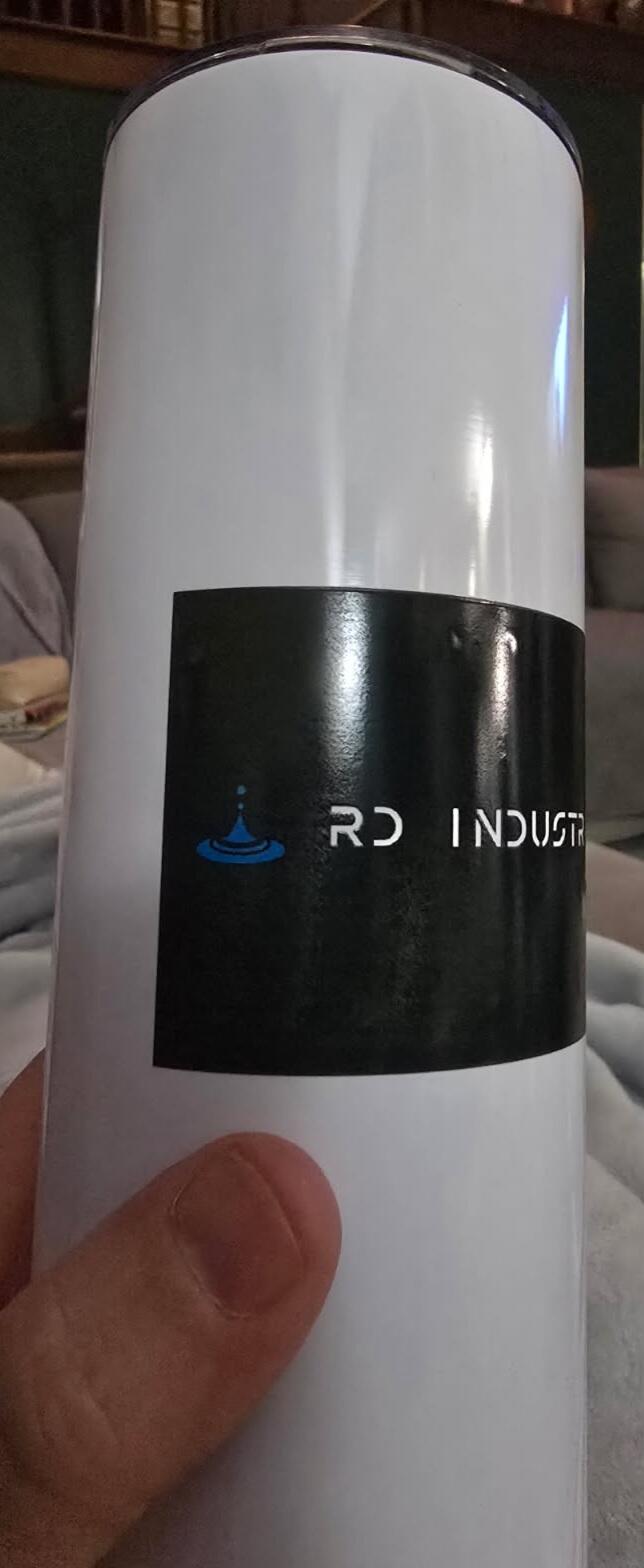
UV DTF Transfers By Size
UV DTF Transfers By Size let you order custom hard-surface decals according to the dimensions required for your artwork and product. Choose a transfer size, upload your design, confirm the quantity, and prepare custom logos, labels, names, or graphics for compatible glass, metal, acrylic, hard plastic, and other suitable surfaces.
Order by Size Choose transfer dimensions around the artwork and available application area.
Upload Your Artwork Order individual custom graphics without building a complete gang sheet.
Hard-Surface Application Prepare custom decals for compatible rigid products and promotional items.
What Are UV DTF Transfers By Size?
UV DTF Transfers By Size are individually ordered custom decals produced according to selected artwork dimensions. Instead of arranging several designs yourself on a gang sheet, you can focus on the finished size and quantity required for each graphic.
This ordering method is useful when you already know:
- Which artwork you need
- The required finished dimensions
- The intended application surface
- The quantity required
How to Order UV DTF Transfers By Size
Start with the object you plan to customize rather than choosing a transfer size based only on the artwork file.
-
Measure the application area: Determine the usable width and height on the actual product.
-
Choose the transfer size: Select dimensions that fit within that area.
-
Upload your artwork: Use a clean, high-quality source file.
-
Check proportions: Make sure resizing does not distort the design.
-
Select quantity: Order the number of transfers required for the project.
-
Review the order: Confirm artwork, size, orientation, and quantity before submitting.
Choose UV DTF Transfer Size From the Product
The correct transfer size depends on the usable decoration area of the object receiving the graphic.
For example, a logo intended for a small container may need very different dimensions from the same logo used on a laptop cover.
Measure Before Ordering
- Usable surface width
- Usable surface height
- Curved edges
- Handles or openings
- Raised product details
- Existing logos
- Textured areas
- Desired visual margins
Do Not Choose Size From the Product Name Alone
Products in the same general category can have different decoration areas. Two tumblers, bottles, laptops, or phone cases may require different transfer dimensions.
Measure the actual blank whenever possible. This is more reliable than assuming one universal decal size will work across every product.
Preserve Artwork Proportions
A transfer's width and height are connected by the artwork's original proportions. Changing one dimension without accounting for the other can stretch or compress the design.
For logos and branded artwork, preserving proportions is especially important because distortion can change the intended brand appearance.
Sizing tip: If an artwork file is naturally wide, do not force it into a square transfer area. Select dimensions that preserve the original aspect ratio while fitting the available product surface.
Prepare Artwork for UV DTF Transfers
Artwork quality affects the final transfer. Review the source file at approximately the intended finished size before submitting it.
Artwork Checklist
- Use high-resolution artwork.
- Use a transparent background when required.
- Check spelling and numbers.
- Preserve the artwork proportions.
- Confirm the correct logo version.
- Review fine lines and small details.
- Confirm final width and height.
- Check artwork orientation.
Small UV DTF Transfers
Smaller UV DTF transfers can work well for compact branding and product identification when the artwork remains readable at the selected dimensions.
Common uses include:
- Small logos
- Names
- Product labels
- Icons
- Monograms
- Short text
Pay close attention to tiny lettering and thin graphic details when reducing artwork.
Larger UV DTF Transfers
Larger transfers provide more visual presence but require enough smooth, usable surface area.
Before selecting a larger size, check whether the graphic would cross:
- Strong curves
- Raised edges
- Deep textures
- Handles
- Openings
- Existing product features
A slightly smaller decal positioned completely within a suitable application area can be more practical than forcing a larger design across complex geometry.
Explore UV DTF Transfers
Find additional ordering options for custom hard-surface transfer projects.
Browse UV DTF Transfers
Where Can UV DTF Transfers Be Used?
UV DTF transfers are intended for compatible hard-surface applications. Potential products can include:
- Tumblers
- Cups
- Glass containers
- Bottles
- Hard plastic products
- Acrylic items
- Metal surfaces
- Laptop covers
- Rigid phone cases
- Selected promotional products
Compatibility depends on the actual surface material, coating, texture, shape, and transfer system.
Surface compatibility: Hard does not automatically mean compatible. Test unfamiliar materials or coatings before committing to a larger production order.
UV DTF Transfers for Tumblers and Drinkware
When sizing artwork for tumblers, bottles, and other drinkware, consider both the width of the graphic and the curvature of the product.
A flat artwork measurement does not automatically describe how the graphic will sit on a curved object.
Measure the intended placement zone and avoid forcing large artwork across areas where the product shape makes application difficult.
UV DTF Transfers for Laptops
Laptop lids can provide larger decoration areas for logos, company branding, illustrations, and personalized graphics.
Measure the actual lid rather than using screen size as the transfer-size reference. Leave appropriate space around edges, manufacturer logos, and functional components.
UV DTF Transfers for Phone Cases
Phone cases have smaller usable areas and often include camera openings, raised edges, and curved corners.
Measure the flat application zone before selecting the transfer dimensions. Smooth, rigid case surfaces are generally better candidates for testing than highly flexible or deeply textured materials.
UV DTF Transfers for Business Logos
Ordering transfers by size can be useful when a business wants one approved logo reproduced at consistent dimensions across multiple compatible products.
For repeat branding, save:
- Approved logo file
- Finished transfer width
- Finished transfer height
- Product reference
- Placement measurements
- Quantity
Order Different Sizes for Different Products
The same artwork does not need to use the same physical dimensions on every product.
For example, one logo file might be ordered in several sizes for:
- Small product labels
- Tumblers
- Laptop covers
- Promotional products
Keep the artwork proportions consistent while adapting the overall dimensions to the available application area.
UV DTF Transfers By Size vs. Gang Sheet Builder
The main difference is who organizes the sheet layout.
Choose Transfers By Size When:
- You want individual transfers.
- You already know the required dimensions.
- You do not want to arrange a gang sheet yourself.
- You prefer to order by artwork size and quantity.
Choose the Gang Sheet Builder When:
- You want to arrange multiple graphics yourself.
- You need several designs on one sheet.
- You want to duplicate and position artwork online.
- You want direct control over the complete sheet layout.
If you want to build the complete layout yourself, use the UV DTF Gang Sheet Builder.
UV DTF Transfers By Size vs. Upload Gang Sheet
Transfers By Size are designed around individual artwork dimensions. An upload gang sheet is intended for customers who already have a complete sheet layout prepared.
Use a gang sheet upload when the graphics, dimensions, quantities, and positions have already been combined into one print-ready file.
How to Apply UV DTF Transfers
UV DTF transfers use a pressure-based hard-surface application workflow rather than the heat-press process used for standard apparel DTF transfers.
-
Check the surface: Confirm that the material is suitable for the transfer.
-
Clean the application area: Remove appropriate dust, oil, and residue.
-
Dry the surface: Do not apply over moisture.
-
Position the graphic: Align the transfer before full adhesive contact.
-
Apply pressure: Work across the graphic according to the transfer instructions.
-
Remove the carrier: Follow the specified removal method.
-
Inspect the result: Check edges and small graphic elements.
Do UV DTF Transfers Need a Heat Press?
UV DTF transfers for hard surfaces do not use the garment heat-press workflow associated with standard textile DTF transfers.
Follow the application instructions provided for the specific UV DTF transfer system.
Test New Surfaces Before Larger Orders
If you plan to customize an unfamiliar product, test the exact material and finish first.
Check:
- Surface compatibility
- Transfer dimensions
- Placement
- Edge contact
- Fine details
- Finished appearance
This is particularly useful when the product has coatings, texture, strong curvature, or an unusual finish.
Plan Quantity by Finished Product
Determine how many finished products need each transfer before ordering.
For a mixed merchandise project, create a simple production list:
Example Order Record
- Artwork A — size — quantity — product
- Artwork B — size — quantity — product
- Artwork C — size — quantity — product
This can reduce confusion when the same artwork is being ordered in multiple dimensions.
Save UV DTF Transfer Sizes for Reorders
Once a transfer has been tested and approved for a specific product, save the final dimensions and placement information.
Reorder Record
- Approved artwork version
- Finished width
- Finished height
- Product name or model
- Surface type
- Placement measurement
- Artwork orientation
- Previous quantity
- Application notes
A saved production reference makes it easier to reproduce the same customization later without estimating dimensions again.
Frequently Asked Questions About UV DTF Transfers By Size
What are UV DTF Transfers By Size?
They are custom UV DTF decals ordered according to selected artwork dimensions and quantities for compatible hard-surface applications.
How do I choose a UV DTF transfer size?
Measure the usable application area on the actual product, then select dimensions that fit the surface while preserving the artwork's proportions.
Can I order the same artwork in different sizes?
Yes. The same artwork can be prepared at different dimensions for different products, provided the original proportions and artwork quality are maintained.
Do I need to build a gang sheet?
No. Ordering UV DTF transfers by size is useful when you want individual graphics without arranging a complete gang sheet yourself.
Can UV DTF transfers be used on tumblers?
They can be considered for compatible tumbler surfaces. Measure the application area and test the exact coating and material before larger production.
Can UV DTF transfers be used on laptops?
Compatible smooth, rigid laptop surfaces can be candidates for testing. Avoid vents, ports, hinges, sensors, and other functional areas.
Do UV DTF transfers require a heat press?
No garment heat press is normally used for hard-surface UV DTF transfer application. Follow the instructions for the specific transfer system.
Should I test the surface before ordering a large quantity?
Yes. Testing helps confirm surface compatibility, transfer dimensions, placement, and finished appearance before scaling the project.
Order Custom UV DTF Transfers By Size
UV DTF Transfers By Size provide a straightforward way to order individual custom decals without building a gang sheet. Measure the actual application area, choose dimensions that preserve your artwork proportions, confirm the quantity, and test unfamiliar surfaces before larger production.
Browse UV DTF Transfers, build a custom layout with the UV DTF Gang Sheet Builder, or visit DTF Print Depot for additional transfer options.