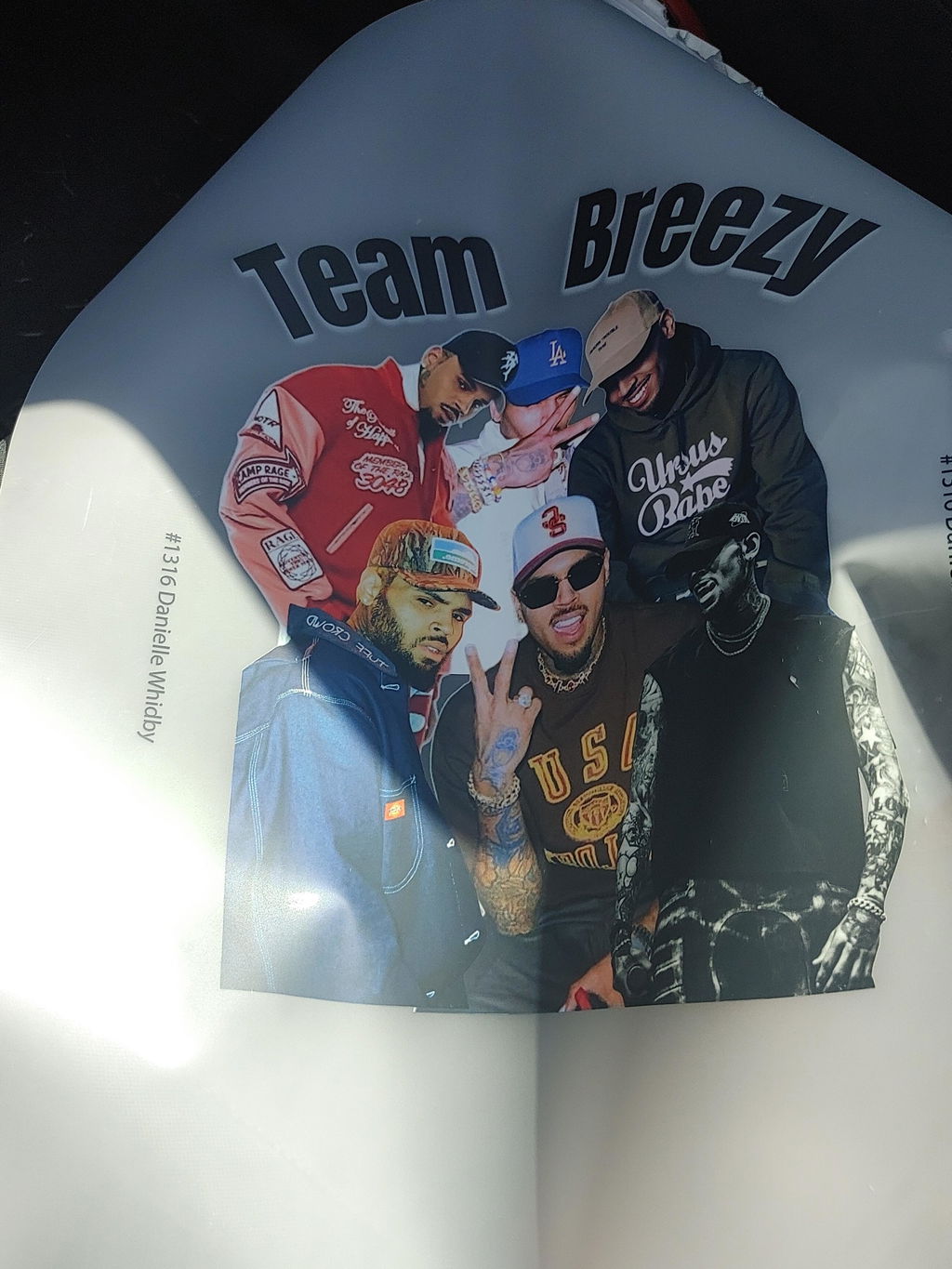
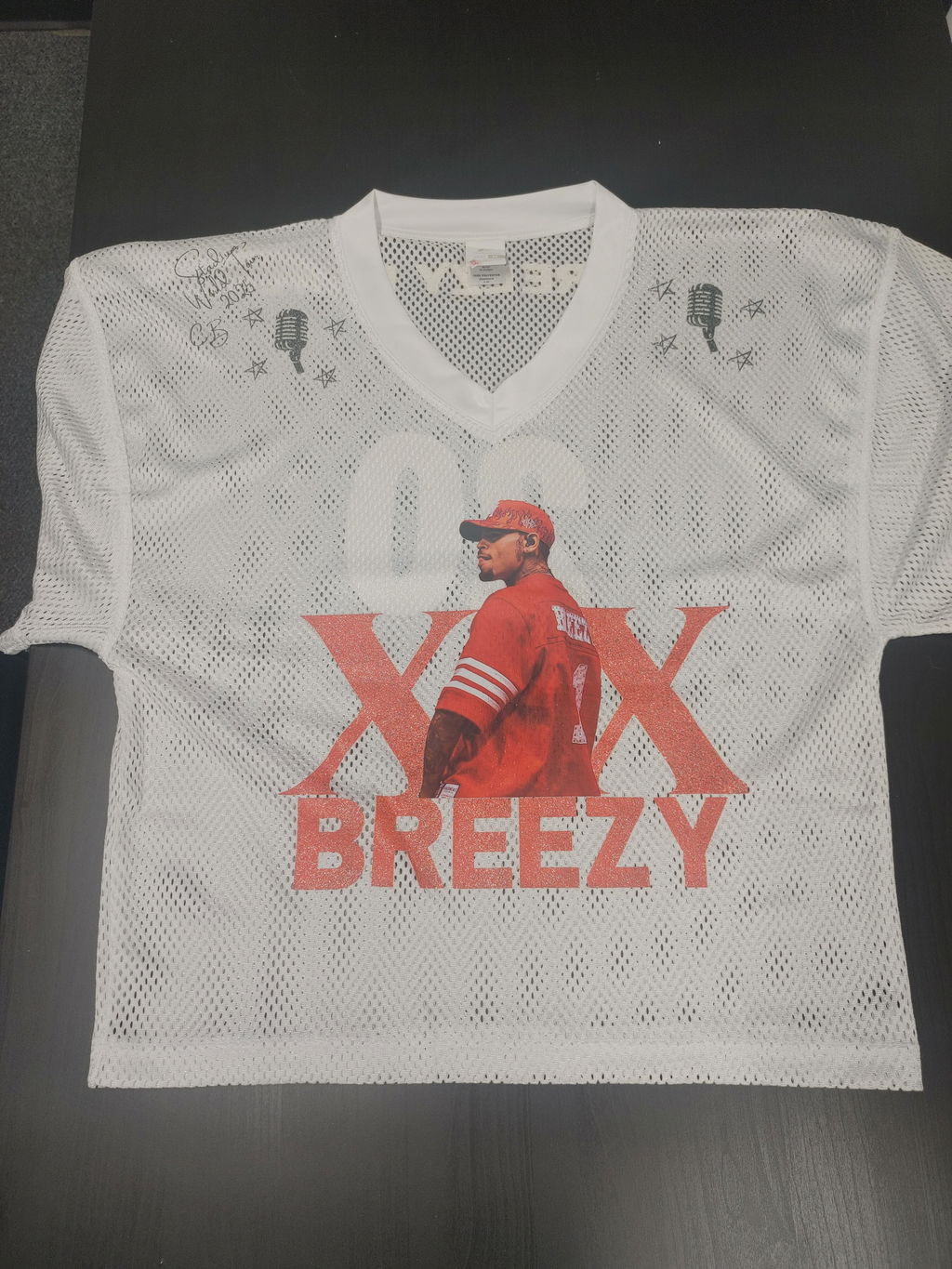
Custom DTF transfers by size let you order printed transfers around the finished dimensions required for a specific garment placement. Instead of treating every design as the same size, you can match the transfer to a left-chest logo, full-front graphic, back print, sleeve design, neck label, or another apparel position.
Choosing the right transfer size before ordering also makes production easier to repeat. When the artwork version and finished dimensions are recorded together, print shops and apparel businesses can reproduce the same placement more consistently on future orders.
Why DTF Transfer Size Matters
The same artwork can look very different depending on its finished dimensions. A logo designed for a small chest placement should not automatically be scaled to fill a large back area, and a full-front graphic may need different proportions depending on the garment.
Ordering a custom DTF transfer by size allows you to choose dimensions based on the actual application rather than adapting the garment to a fixed print format.
Common DTF Transfer Placement Types
-
Left chest: Compact logos, names, or business branding.
-
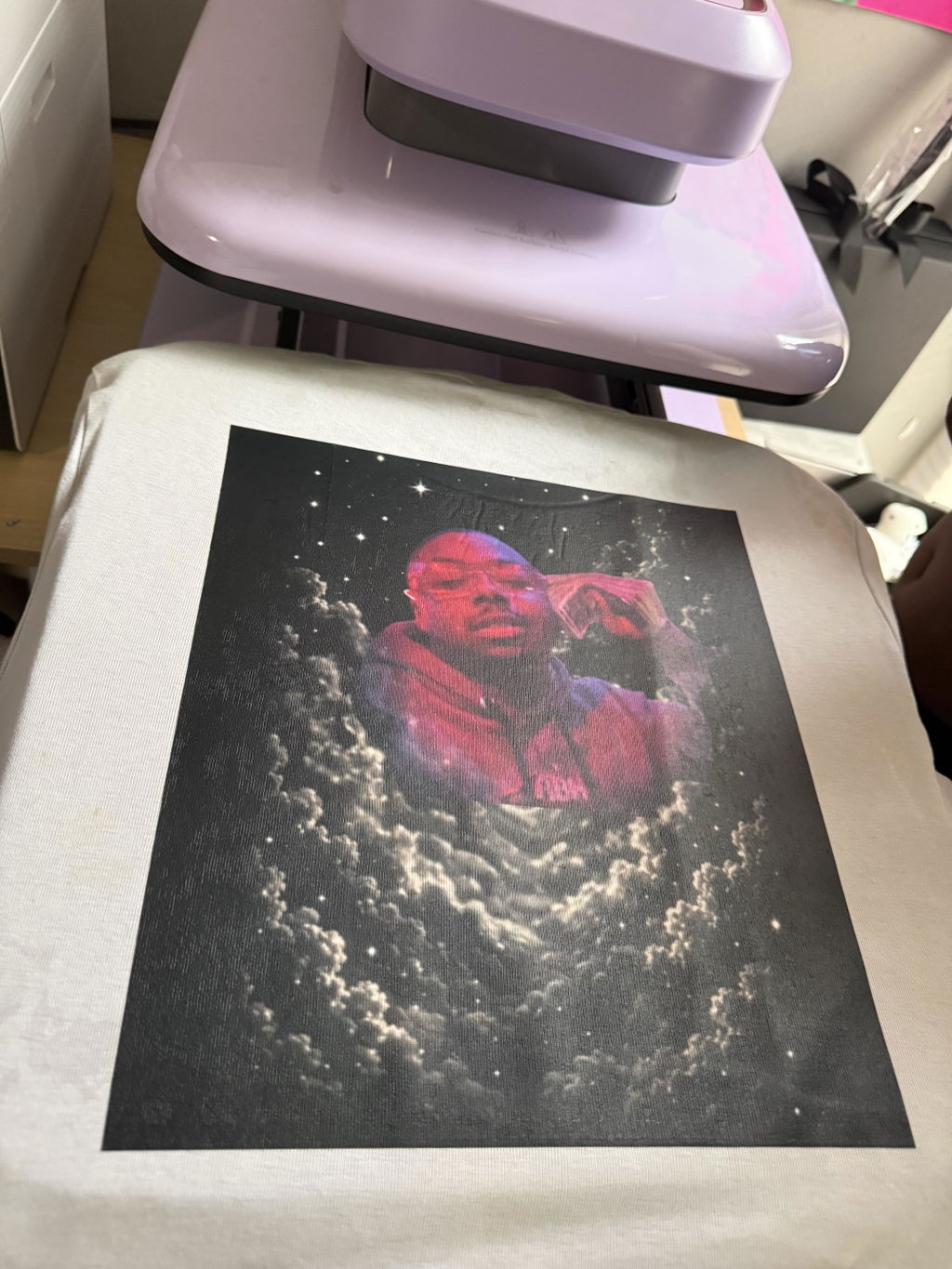
Full front: Larger graphics intended to become the main visual element of the garment.
-
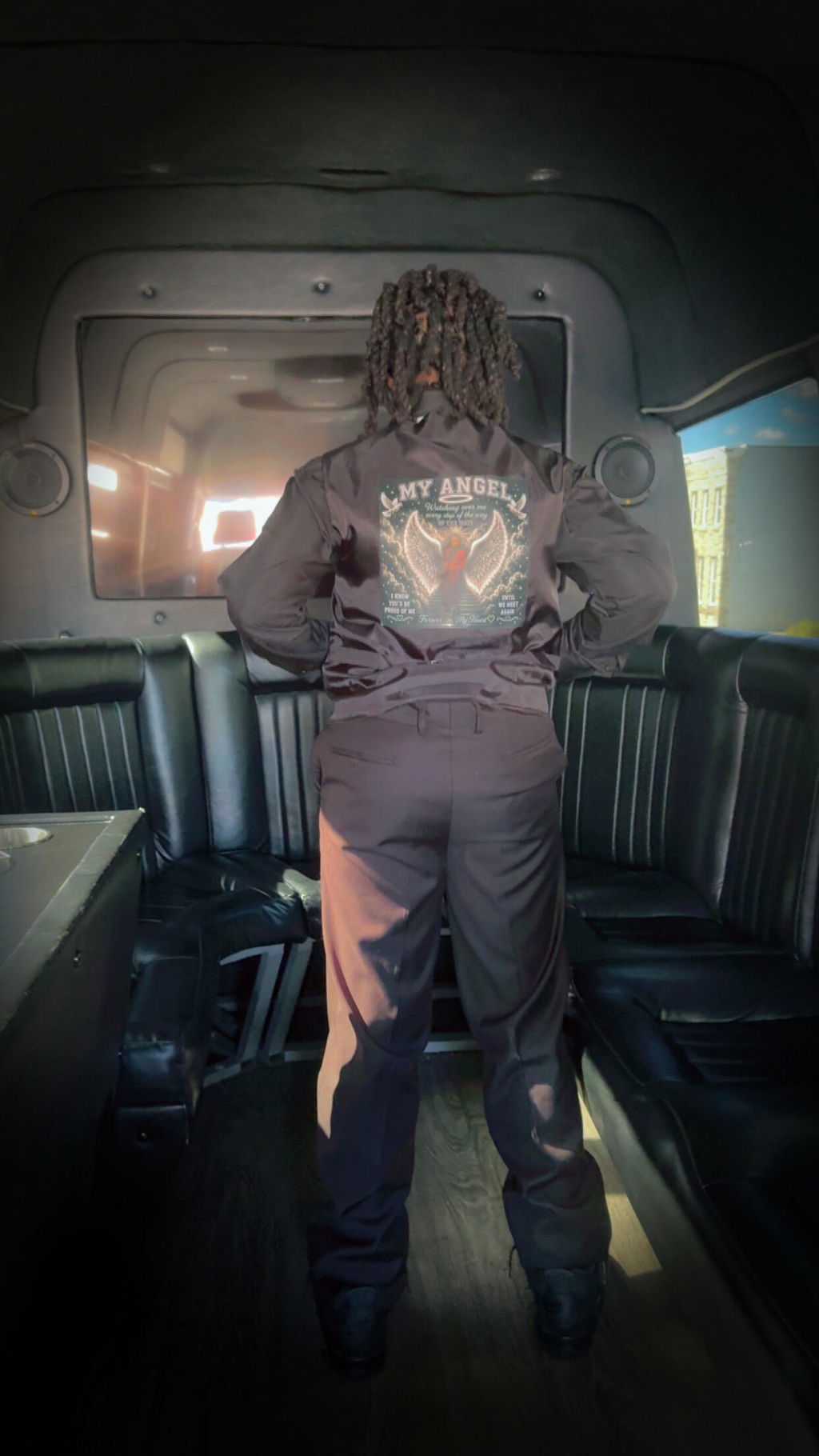
Full back: Larger designs, event graphics, team artwork, or promotional messaging.
-
Sleeves: Narrow logos, names, numbers, or secondary branding.
-
Neck labels: Small branding elements designed for compact placement areas.
Measure the Garment Before Choosing a Transfer Size
Transfer dimensions should be selected around the usable print area of the garment. Garment size, seams, pockets, zippers, collars, and other construction details can all affect the amount of space available for a design.
Before ordering, measure the intended placement area and decide how much surrounding space should remain around the artwork. This helps prevent a design from looking oversized, undersized, or crowded once it is pressed.
What to Record Before Ordering
-
Artwork version: Confirm the exact design file being used.
-
Finished width: Record the intended printed width.
-
Finished height: Confirm the proportional height of the artwork.
-
Placement: Note whether the transfer is for chest, back, sleeve, neck, or another area.
-
Quantity: Determine how many transfers are needed at each size.
Different Garment Sizes May Need Different Transfer Sizes
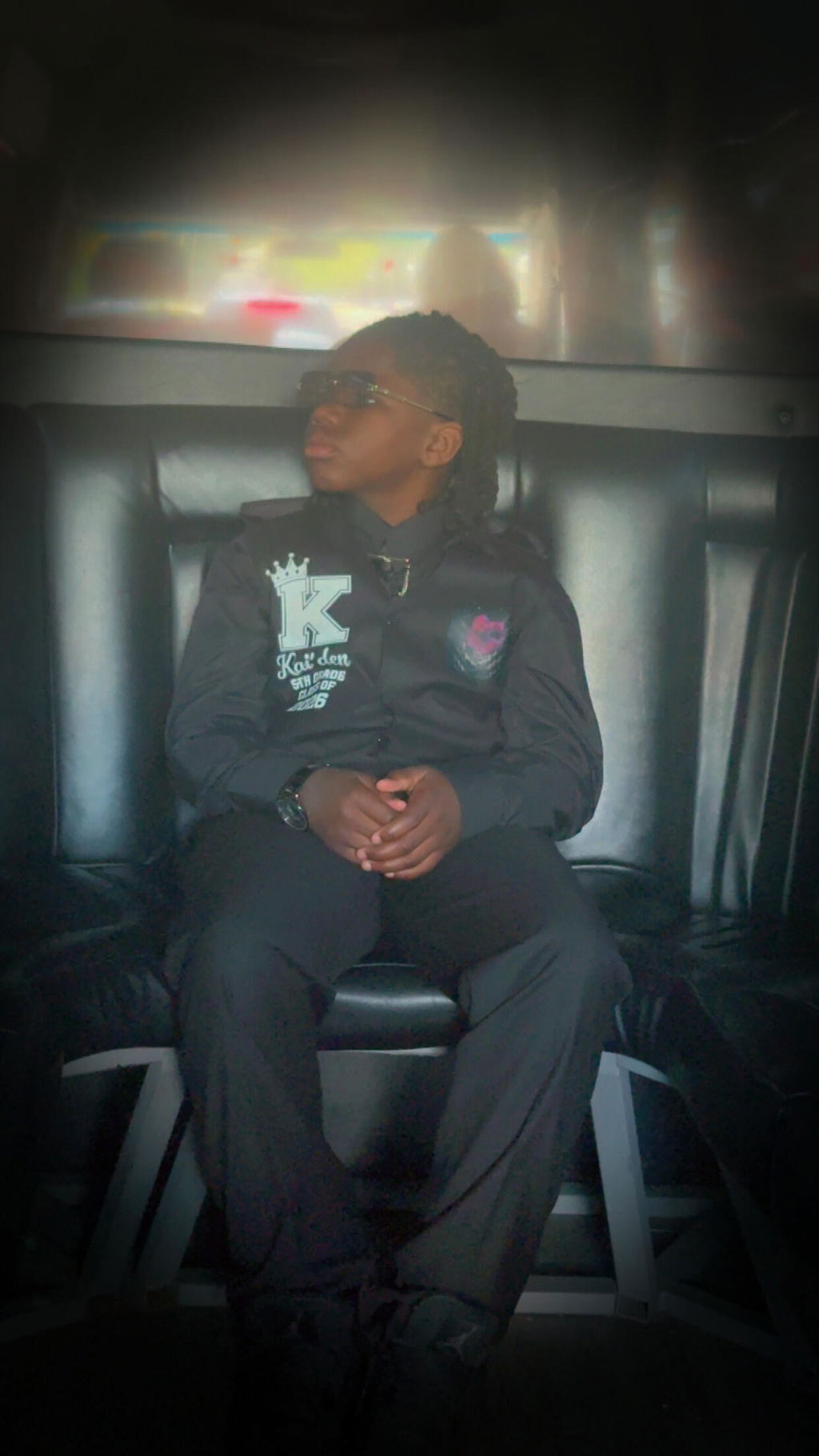
A transfer that works visually on one garment size may not create the same appearance on another. Youth garments, adult shirts, oversized apparel, jackets, and other products can have significantly different usable print areas.
For jobs involving multiple garment sizes, decide whether one transfer size can reasonably work across the full run or whether separate transfer dimensions are needed for different garment groups.
Better Placement Control
Selecting the finished dimensions in advance helps align the graphic with the intended garment area.
Easier Repeat Orders
Save the approved artwork and dimensions so the same transfer setup can be ordered again later.
Prepare Artwork at the Intended Finished Size
Artwork quality should be evaluated at the dimensions you actually plan to print. Enlarging a small raster image can reduce visible detail, while changing proportions can distort logos, typography, and other design elements.
Before submitting artwork, review the file at its intended finished size and make sure important text, lines, and graphic details remain clear.
Avoid Distorting the Artwork
If a design needs to become wider or taller, resize it proportionally unless the artwork has been specifically redesigned for a different shape. Stretching a logo to fit a predetermined box can change its appearance and create inconsistent branding.
Custom DTF Transfers for Repeat Apparel Orders
Businesses that regularly reorder uniforms, merchandise, event apparel, or branded garments can benefit from keeping a simple production reference for each transfer.
Instead of remembering the dimensions months later, save the approved artwork together with the transfer width, height, placement, and quantity. This makes it easier to reproduce a previous apparel setup when another order is needed.
Create a Transfer Size Reference
-
Design name: Identify the artwork clearly.
-
Approved file: Save the exact artwork version used for production.
-
Finished dimensions: Record width and height.
-
Garment placement: Note where the transfer should be applied.
-
Garment group: Record whether different apparel sizes use different transfer dimensions.
Custom DTF Transfers by Size vs. Gang Sheets
Ordering transfers by individual size and building a gang sheet solve different production needs. Individual custom transfers can be convenient when you already know the exact graphic dimensions and quantities required for a job.
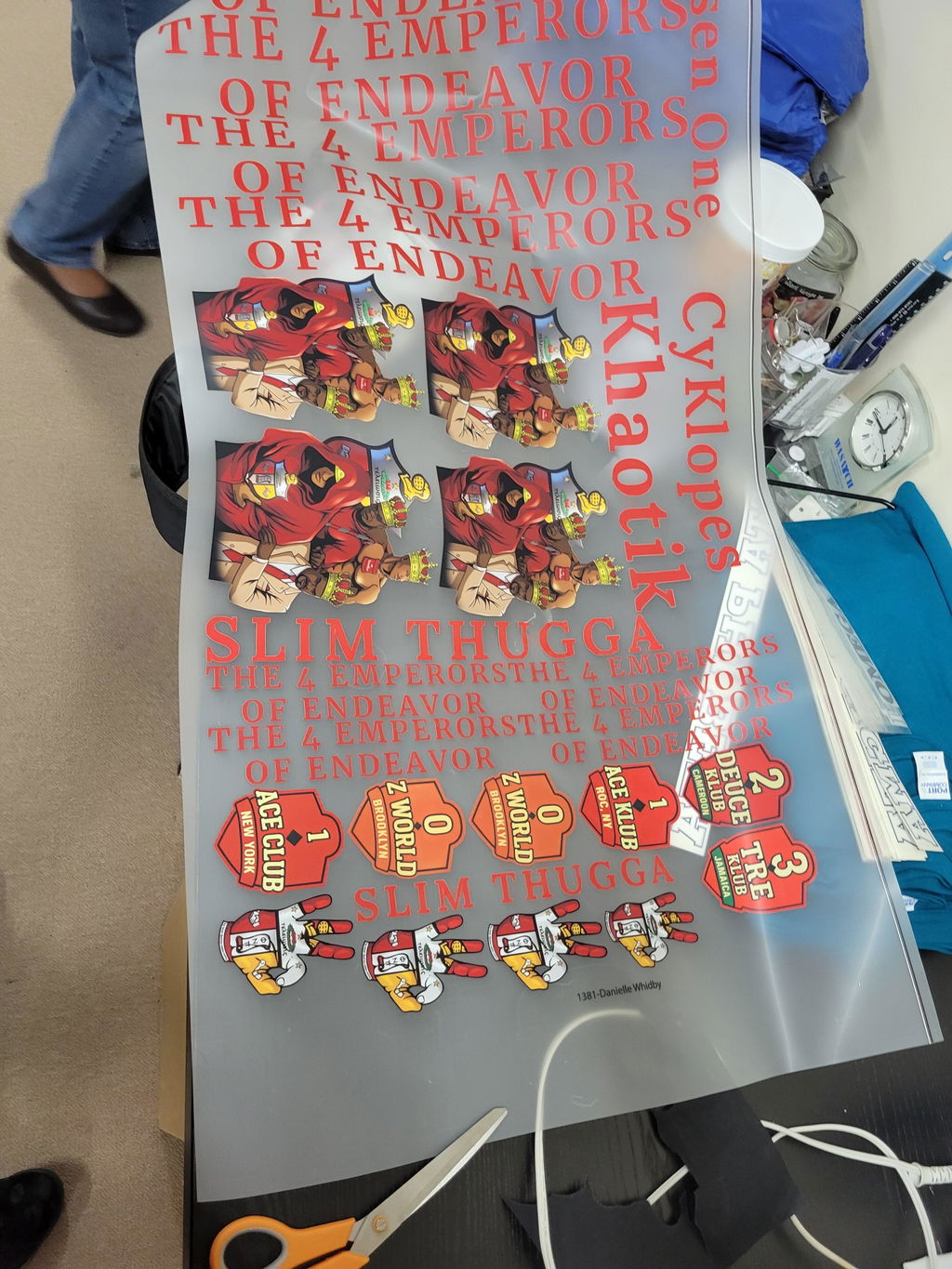
Gang sheets can be useful when several different graphics or multiple copies need to be arranged together within a larger print layout. The better option depends on how your artwork, quantities, and production workflow are organized.
How to Choose a Custom DTF Transfer Size
-
Choose the garment: Identify the product and garment sizes being decorated.
-
Choose the placement: Decide where the graphic will appear.
-
Measure the usable area: Check the actual width and height available for printing.
-
Size the artwork: Prepare the design at an appropriate finished dimension.
-
Confirm quantities: Determine how many transfers are needed at each size.
-
Save the specification: Record the final dimensions for future repeat orders.
Frequently Asked Questions About Custom DTF Transfers By Size
What are custom DTF transfers by size?
They are DTF transfers ordered according to the finished dimensions needed for a specific artwork and garment placement.
How do I choose the right DTF transfer size?
Measure the usable garment area, decide where the graphic will be placed, and select dimensions that create the intended visual proportion without interfering with seams, pockets, zippers, or other garment details.
Should every shirt size use the same transfer size?
Not necessarily. One transfer size may work across several garments, but significantly different garment sizes can require separate transfer dimensions to maintain a similar visual proportion.
Can I order small and large versions of the same design?
Yes. The same artwork can be prepared at different finished dimensions when separate garment placements or apparel sizes require different transfer sizes.
Should I save the transfer dimensions after ordering?
Yes. Recording the approved artwork, finished dimensions, and placement makes repeat orders easier to reproduce consistently.
Choose the Right Size Before Your Next DTF Transfer Order
A well-planned custom DTF transfer size starts with the garment and placement rather than an arbitrary dimension. Measure the usable print area, prepare the artwork at the intended finished size, and record the final specification for future production.
When the dimensions are ready, visit Custom DTF Transfers By Size to continue with your transfer order.