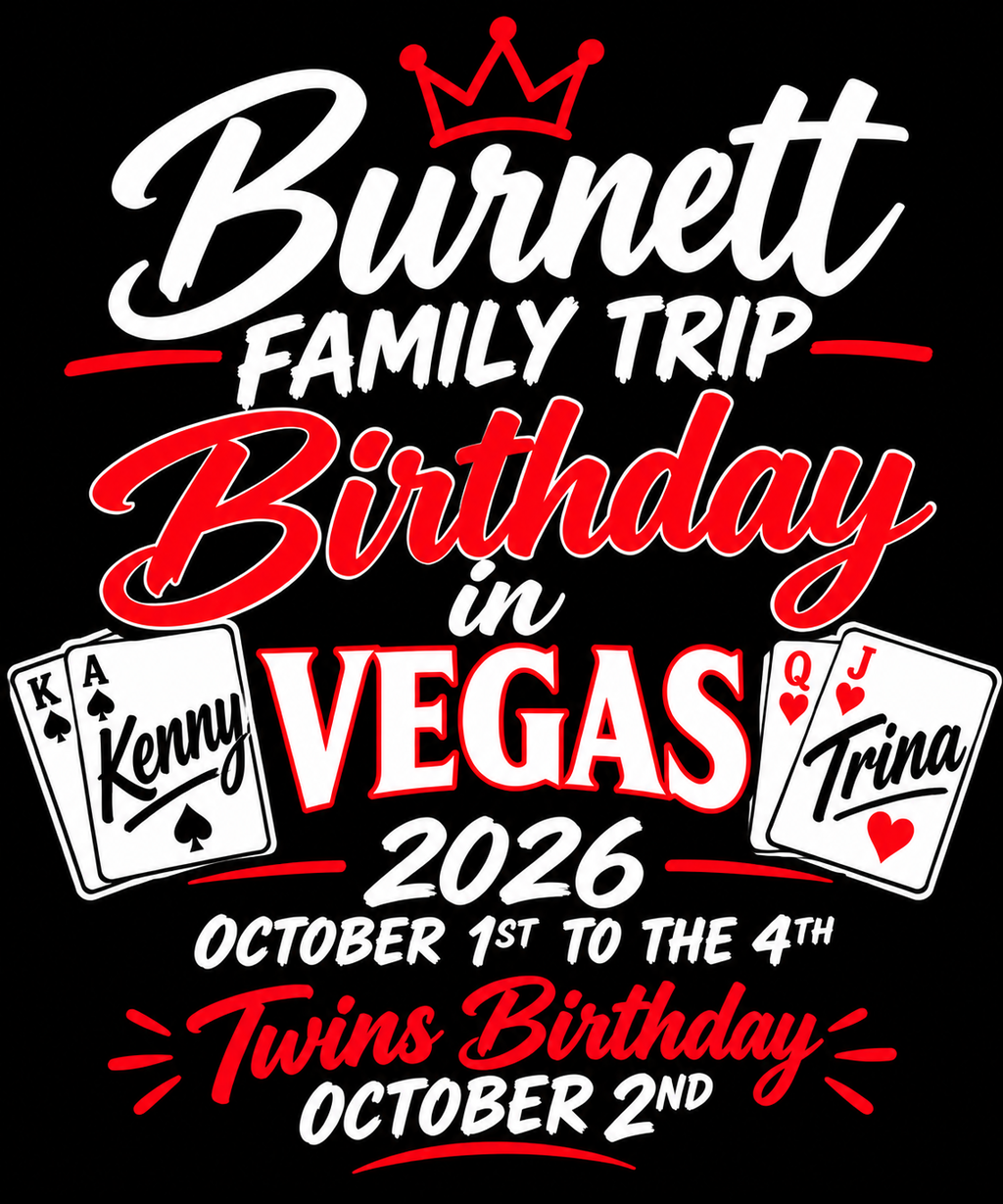
A gang sheet often begins with artwork that did not come from one perfectly controlled source. One customer sends a clean logo. Another sends an image exported from a design app. A third forwards an old file from a previous order. Someone else submits a screenshot, a cropped graphic, or a version that may not be the original production file.
When mixed-quality artwork is handled as one batch, the natural temptation is to upload everything first and solve the problems while building the sheet.
That reverses the safest order of operations.
Before layout, each artwork file should receive its own production decision. The purpose of this workflow is not to teach every technical rule of DTF file preparation. It is to answer a narrower operational question: when ten, twenty, or fifty files arrive with different levels of readiness, which files can move forward, which need work, and which should be stopped before they enter the gang sheet?
Treat the Gang Sheet as a Collection of Production Items
A visually full sheet can hide individual file problems.
Once dozens of graphics are arranged together, your attention naturally shifts toward spacing, sheet use, rotation, and quantity. A questionable file can become just another thumbnail inside the layout.
Prevent that by reviewing artwork as individual production items first.
Every file should have an answer to three basic questions:
- Is this the correct artwork?
- Is this artwork suitable for its intended finished size?
- Is it ready to enter production without another file decision?
If any answer is uncertain, hold the artwork outside the final layout until the uncertainty is resolved.
Use Four Triage Categories
A simple triage system can keep a mixed folder from becoming a mixed production problem.
1. Ready
The file is the correct version, its intended size is known, the artwork has been reviewed, and no obvious file or content issue remains open.
2. Repair
The correct artwork has been identified, but a specific problem needs to be corrected before production. The problem might involve an unwanted background, an export issue, a rough edge, an incorrect canvas, or another fix that your artwork workflow can address without changing the customer's intended design.
3. Re-Source
The artwork may be correct conceptually, but the available source is not suitable for the intended production use. A better original, vector file, higher-quality export, or other source may need to be requested rather than repeatedly modifying a poor starting file.
4. Hold
The production decision itself is unresolved. You may not know which version is approved, what size is required, whether wording is correct, or whether the file even belongs to the current order.
A held file is not necessarily bad artwork. It simply is not ready for production yet.
Identify Where Each File Came From
Source history provides useful context.
A logo exported from the organization's original design file deserves a different first review from a graphic copied from a website thumbnail. A file recovered from an old text message should not automatically be treated as equivalent to an original production asset.
You do not need to build a forensic record for every customer. But when the source is questionable, knowing where the file came from can help you decide whether repair makes sense or whether requesting a better source is the cleaner option.
Do not invest significant production time repairing the wrong file simply because it was the first version available.
Evaluate Artwork at the Intended Finished Size
File quality is contextual.
An image that appears acceptable when used as a small mark may show obvious limitations when enlarged substantially. Likewise, artwork that looks questionable at extreme screen zoom may still perform differently at a much smaller intended size.
That is why the triage record should include the intended finished dimensions.
Review the file in relation to the actual use case rather than labeling it “good” or “bad” in isolation.
If the intended dimensions are still unknown, the artwork is not ready for a final quality decision.
Separate Technical File Problems From Content Problems
Not every artwork issue should be sent to the same person.
A technical problem may involve source quality, background cleanup, file export, or another production-preparation issue. A content problem may involve incorrect spelling, the wrong logo version, outdated dates, an unapproved colorway, or a missing customer decision.
Technical cleanup should not silently become permission to redesign customer content.
For broader technical preparation considerations, use the DTF artwork file preparation guide. In a mixed-file triage workflow, the important next step is deciding what action each file requires before it joins the production batch.
Do Not Let One Bad File Dictate the Entire Layout
Suppose nineteen files are ready and one file needs a better source. Building the complete gang sheet around all twenty files can create unnecessary rework when the unresolved artwork changes later.
Keep questionable artwork outside the final layout while the ready items continue through the planning process when your production workflow allows it.
The key is to avoid presenting an unfinished sheet as production-ready while unresolved artwork is still embedded inside it.
A layout is not final merely because every open space has been filled.
Know When Repair Is the Wrong Answer
Artwork cleanup is useful when the underlying source contains enough information and the required correction is clear. It becomes less useful when the production team is trying to reconstruct detail that does not exist in the source.
Repeatedly sharpening, enlarging, or editing a weak source does not necessarily recreate the original design.
When a better original is likely to exist, requesting it may be the more controlled decision.
Examples might include asking for:
- the original logo asset,
- the file used by a previous designer,
- a clean export from the design platform,
- a vector version when the customer has one,
- the production artwork from an earlier approved order.
The objective is not to demand a particular file type from every customer. It is to avoid manufacturing missing detail when a stronger source can be obtained.
Keep Repair Decisions Traceable
If artwork is modified before production, save enough information to distinguish the repaired production file from the original submission.
Do not overwrite the only copy of the customer's source and then rely on memory to explain what changed.
A simple workflow can preserve:
- original submitted file,
- production-prepared file,
- reason for the change,
- approved dimensions,
- approval status if the modification affects visible design content.
This keeps cleanup from creating a new version-control problem.
Recheck the File After Repair
A repaired file should not move automatically from “repair” to “ready.”
Review it again at the intended dimensions. Confirm that the correction solved the original problem and did not introduce a new one.
If the artwork was re-sourced, make sure the replacement is actually the correct design version. A technically stronger logo can still be wrong if it represents an outdated brand mark or alternate artwork that was never approved for the current job.
Production readiness requires both technical suitability and content correctness.
Reconcile Artwork Status Before Building the Final Gang Sheet
Before moving into the DTF gang sheet ordering workflow, review the artwork list one more time.
Every item intended for production should now be in the ready category.
Repair items should have completed their second review. Re-source items should have been replaced or intentionally removed from the order. Hold items should have a resolved decision before they enter the final production layout.
If an item is still unresolved, keep it visibly unresolved. Do not hide uncertainty inside a nearly finished sheet.
Use the Layout Stage for Layout Decisions
Once the artwork has passed triage, the gang sheet stage can focus on what it is meant to do: organize the required production items.
You can now review quantity, dimensions, orientation, practical separation, and overall layout without constantly stopping to determine whether one graphic is blurry, outdated, or sourced from the wrong file.
This separation also makes review easier. Artwork quality has already been decided. The final gang sheet review can concentrate on whether the correct ready files appear at the correct size and quantity.
Final Mixed-Artwork Triage Checklist
- Has every file been reviewed individually?
- Is the correct artwork version identified?
- Is the intended finished size known?
- Is the file categorized as ready, repair, re-source, or hold?
- Have content problems been separated from technical file problems?
- Were repaired files reviewed a second time?
- Were better source files requested when repair would require guessing?
- Are unresolved files still outside the final production layout?
- Does every file on the final gang sheet have a clear reason to be there?
Frequently Asked Questions
Should I fix every low-quality file myself?
No. First determine whether the correct source already exists elsewhere. If the available artwork lacks important information, requesting a better original may be more reliable than attempting to reconstruct the missing detail.
Can I start the gang sheet while waiting for one replacement file?
You can continue organizing confirmed production items when your workflow supports it, but keep unresolved artwork outside the final production-ready layout. When the replacement arrives, review it independently before adding it.
Is a higher-quality file automatically the correct file?
No. Technical quality and version correctness are separate questions. A clean source may still contain an outdated logo, wrong wording, alternate colorway, or design that does not belong to the current order.
Resolve File Quality Before It Becomes a Sheet-Level Problem
Mixed-quality artwork is easier to control when each file earns its place in the gang sheet.
Review files individually. Decide whether each one is ready, repairable, in need of a better source, or still waiting for a production decision. Recheck repaired artwork, preserve version history, and keep unresolved items outside the final layout.
By the time the gang sheet is being built, the question should no longer be, “Can we make this file work?” It should be, “Where does this approved production item belong on the sheet?”