How to Optimize a Gang Sheet DTF Layout for Multi-Design Transfers
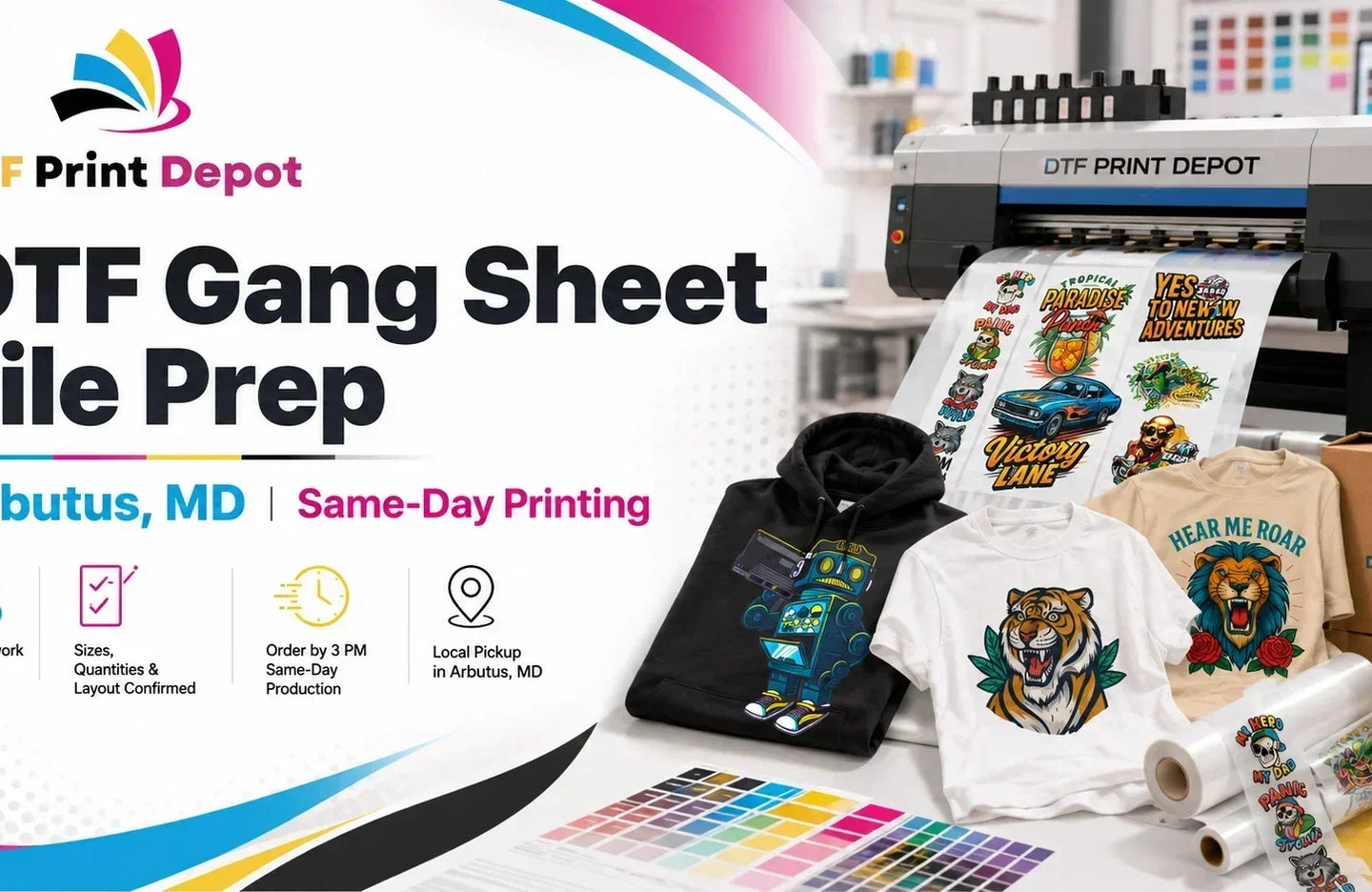
Custom apparel printing requires a perfect balance between material efficiency and high-quality production. Utilizing a modern gang sheet DTF layout configuration is the most effective way to combine several graphics onto a single print run. This systematic method allows print shops to group various artworks close together, minimizing transparent film waste and driving down baseline production costs.
Arranging a high-volume Multi Design DTF Transfer roll requires careful alignment, precise pixel resolution, and strategic safety margins. This professional guide highlights the technical layout requirements needed to maximize your daily transfer output while securing absolute artwork clarity on every print.
1. Understanding the Core Mechanics of a Gang Sheet DTF
A gang layout works by merging separate transparent image files into one collective graphic canvas before sending the job to the print engine. This digital preparation follows the standard principles of industrial layout optimization, which is heavily utilized in commercial graphic manufacturing to reduce excess materials. You can review the foundational development of these layout concepts on the Wikipedia Gang Run Printing page.
By arranging multiple client files or sizing variations onto one continuous roll, your workshop bypasses the time-consuming process of starting individual sheet runs. This centralized file processing stabilizes ink usage and maintains color consistency across your entire inventory run.
Pro-Tip: Choosing the Right Base Media
A flawless transfer process starts with premium film rolls engineered for heavy ink coverage. You can access commercial-grade media options and order ready rolls directly through our foundational DTF Print Depot homepage to ensure stable tracking inside your printer.
2. Technical Rules for Arranging Multi Design DTF Transfer
To avoid overlapping graphics or edge-bleeding errors during the automated hot powder application phase, always follow these specific digital layout rules inside your design canvas:
- Enforce Safety Margins: Always maintain a strict safety clearance gap of at least 0.5 inches between the borders of adjacent graphics. This provides enough physical space to cut the film rolls into individual patches later.
- Standardize File Resolution: Every image embedded within the master template must be saved at a minimum resolution of 300 DPI. Using web-compressed or low-resolution images leads to fuzzy edge artifacts and pixelated garments.
- Embed Transparent Backgrounds: Ensure all design files are uploaded as flat PNG files with transparent backgrounds. Unwanted solid background boxes will capture ink and adhesive powder, entirely destroying the transfer.
3. Maximizing Film Roll Utilization
The main objective of using a professional gang sheet dtf workflow is eliminating open space on your film carrier. Place your largest back-print graphics along the main center sections of the canvas first. Next, place medium sleeve logos and chest graphics into the open gaps along the sides.
Finally, use small neck labels, custom brand tags, or mini sleeve accents as practical filler items inside any remaining blank spaces. This technical approach guarantees that every square inch of your clear film receives proper ink coverage, allowing you to maximize your overall shop profit margins per meter.
4. Executing Smooth Fulfillments and Applications
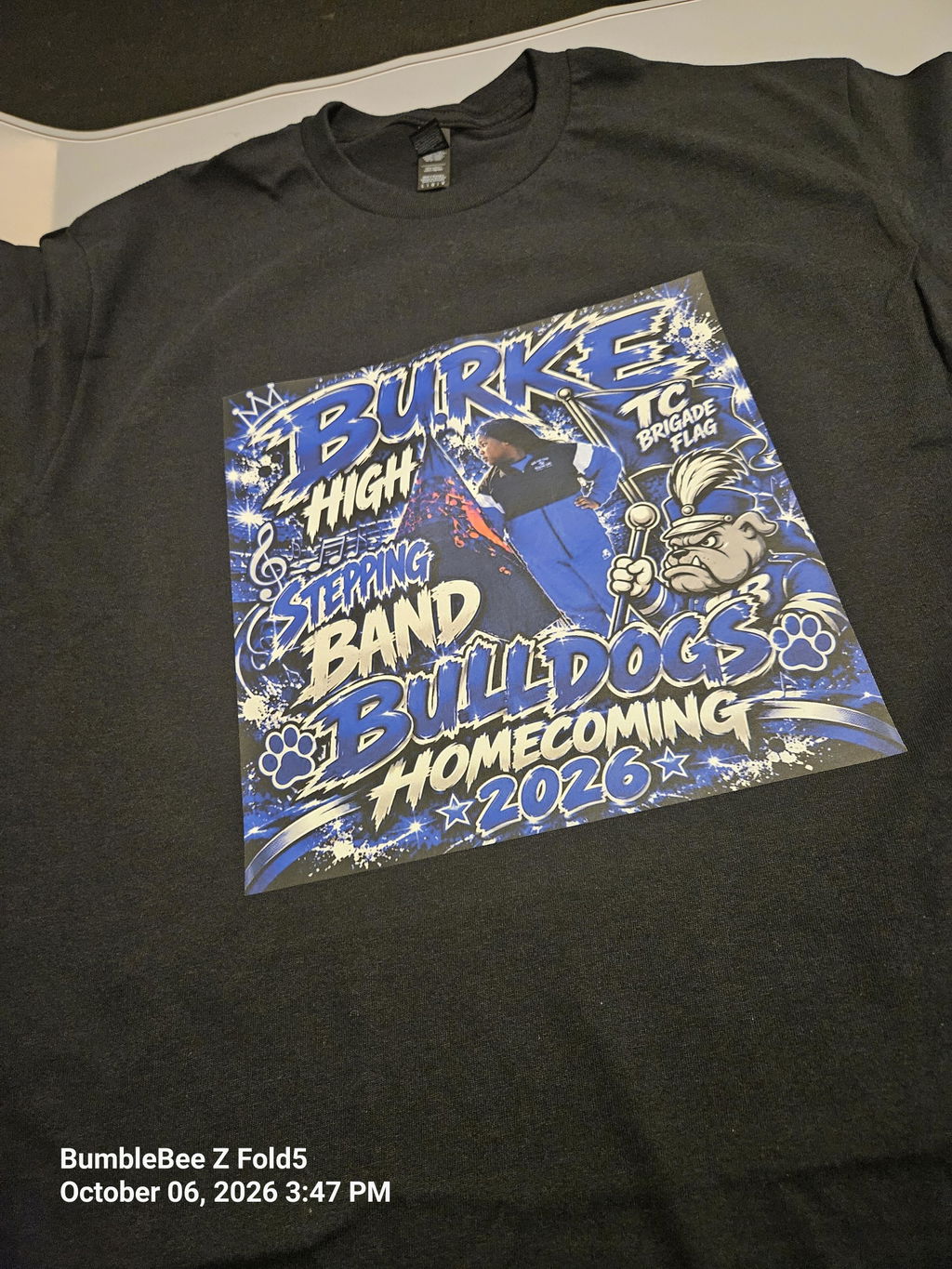
Once your continuous roll layout emerges from the automated curing system, handling individual orders becomes highly organized. Technicians can quickly slice the roll into individual custom patches using a rotary blade tool without disrupting the remaining prints. This workflow optimization allows shops to build a physical inventory of high-demand graphics that are completely prepared for heat press application on demand.
When an order arrives, you skip print cycles entirely and simply position the pre-cured transfer onto the apparel. This direct pipeline accelerates your custom delivery speeds and keeps your customers happy.
Frequently Asked Questions (SSS) Multi Design DTF Transfer
What is the ideal resolution for a gang sheet dtf template?
Your master template canvas must be configured at a minimum of 300 DPI in CMYK color mode. This ensures all text elements, sharp gradients, and tiny logo lines print with professional clarity.
How much space should I leave between different graphics?
It is recommended to leave a safety gap of 0.5 inches between designs. This space prevents overlap issues during the hot-melt powder shaking cycle and provides an easy path for cutting tools.
Can I combine different sizes and colors on a multi design dtf transfer?
Yes. A gang layout allows you to combine completely different artworks, branding colors, and sizing variations into one continuous file. This flexibility makes it the ideal tool for processing diverse custom apparel orders simultaneously.
Ready to optimize your production and reduce material waste? Explore our premium collection and upload your custom layouts to order elite bulk dtf transfers from DTF Print Depot today!