If you are planning a same-day DTF gang sheet order in Arbutus, MD, the most important preparation happens before you open the gang sheet builder. If artwork versions, transfer sizes, quantities, and repeat designs are still undecided, a faster production option will not replace those decisions.
DTF Print Depot offers a same-day option for orders placed by 3 PM in Arbutus. For a time-sensitive job, the strongest advantage comes from having artwork and layout decisions finalized before the order is submitted. This guide focuses on that pre-order stage: getting your final artwork, quantities, sizes, and gang sheet structure ready for production.
For a broader look at local transfer ordering, pickup, and production options, see the DTF Transfers in Arbutus main guide.
Start a Same-Day Gang Sheet Before You Start the Layout
When building a DTF gang sheet, it is easy to focus first on fitting as much artwork as possible onto the sheet. For a same-day order, however, several decisions should be made before layout begins.
- Which artwork versions are actually final?
- How many transfers are needed for each design?
- What is the finished size of each transfer?
- Will the same design be used at more than one size?
- Which graphics need to repeat?
- Is any customer approval still pending?
If these decisions are still open, building the gang sheet too early can create more rework instead of saving time.

1. Lock the Final Artwork Version First
In a same-day workflow, one of the easiest ways to lose time is to build the sheet with the wrong artwork version. If multiple revisions exist, confirm which file is approved for production before you start organizing the gang sheet.
For customer-supplied artwork, make sure the file being submitted is the version the customer actually approved. File names such as “final,” “final2,” or “new-final” can become confusing during repeat orders or last-minute jobs.
If you also need to review broader file-preparation considerations, use the DTF artwork file preparation guide. This article stays focused on how approved artwork is organized into a same-day gang sheet workflow.
2. Create an Artwork List
For a gang sheet with multiple designs, it can be more reliable to create a simple artwork list before uploading everything into the builder.
For each design, match the following information in your production notes:
- Artwork name or identifying file name
- Finished transfer size
- Required quantity
- Whether the same artwork has multiple size versions
- Which garment or placement it is intended for
This list does not replace the gang sheet builder. Its job is to confirm what actually needs to be produced before layout begins.
3. Decide Transfer Dimensions Before You Build the Layout
A design should not be sized only by how large it appears on the sheet. The more important question is how large the finished transfer needs to be on the garment.
The same logo, for example, may be used as a left-chest print and a full-front print. Even if both use the same artwork file, they are separate production items because the finished sizes are different.
Instead of repeatedly changing dimensions inside the builder, confirm sizes based on the intended garment placement first. If you need more help reviewing sizing decisions, see the DTF transfer sizes guide.
4. Confirm Quantity Before Building the Gang Sheet
Quantity changes are one of the simplest reasons a completed gang sheet layout may need to be rebuilt.
Start with the number of finished garments. Then determine how many transfers each garment actually needs. If a shirt has both a front and back design, the number of garments and the number of transfers will not be the same.
For projects with multiple designs, keep a separate quantity for each artwork. Three graphics may be placed on the same DTF gang sheet, but each one may need a different number of repeats.
Before layout begins, compare your quantity list against the garment list one final time. This helps reduce the chance of repeating a design too few or too many times.
5. Treat Repeated Graphics and Different Sizes as Separate Decisions
One of the practical advantages of DTF gang sheets is the ability to organize repeated graphics and multiple designs within the same layout. But repeated quantity and different size variations should not be treated as the same thing.
If the same logo is needed ten times at the same finished size, it can be tracked as one artwork with a quantity of ten. If that logo is needed at two different sizes, treat each size as a separate production item.
This is especially useful for school, team, event, and repeat apparel orders. During your final review, you can check not only whether a design appears on the sheet, but whether the correct size version appears in the correct quantity.
6. Organize the Gang Sheet Around the Production Workflow
A gang sheet layout is not only about filling open space. Think about what happens after the transfers are produced, separated, sorted, and moved into garment pressing.
You can group similar designs, repeated graphics, or size variations in a way that makes sense for your own team. The goal is not to create the most complex layout possible. It is to make the production handoff easier to manage after printing.
Once artwork, finished sizes, and quantities are confirmed, you can move into the DTF Gang Sheet Builder with the main production decisions already made.
7. Filling the Sheet and Preparing the Order Are Not the Same Thing
How many transfers fit on a gang sheet can matter, but same-day order readiness should not become a contest to fill every available space.
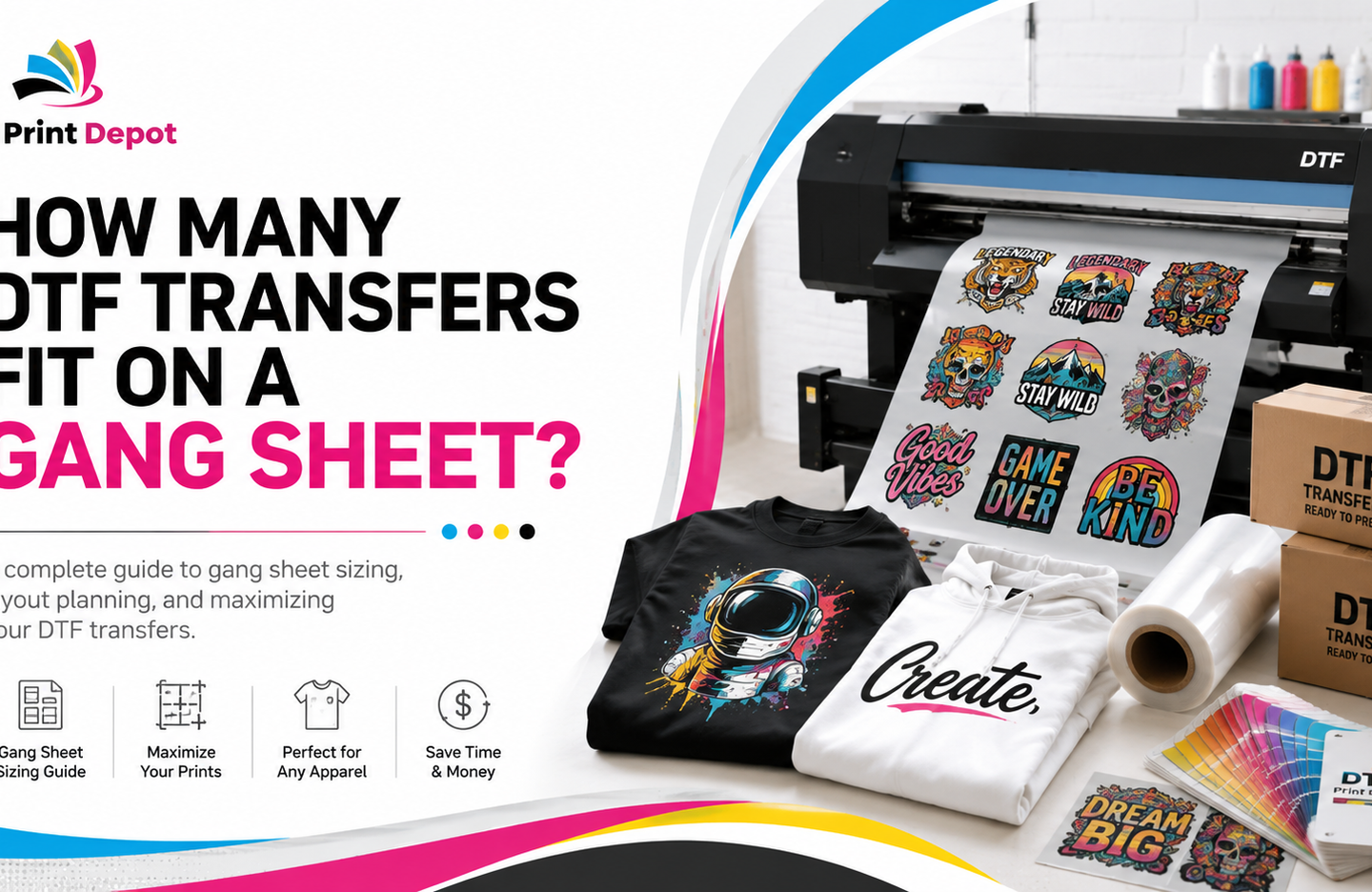
If you need to evaluate sheet capacity separately, see the guide on how many DTF transfers fit on a gang sheet.
For this workflow, the priority is different: confirm that every transfer required for the job is represented with the correct artwork, size, and quantity. Adding another design simply because there is open space does not improve the order if that design is not part of the actual production plan.
8. Set a Cutoff for Last-Minute Artwork Changes
Last-minute artwork changes can directly affect gang sheet readiness. If a customer is still revising a logo or changing transfer dimensions, the layout may not be ready to treat as final.
Set an internal “artwork locked” point in your workflow. After that point, reopen the layout only for changes that are truly necessary.
This is not about restricting the customer. It is about clearly defining when the job moves from design decisions into production preparation.
9. Turn File Naming Into a Repeat-Order Production Record
Repeat jobs become easier when the decisions from the first order can be reused.
Use file names that clearly identify the artwork, and keep a simple production record of the version that was printed, the finished size, and the typical quantity.
When the next order arrives, you do not have to start with “Which file did we use last time?” Instead, you can compare the new order against the previous production record and review only what has changed.
For print shops that handle recurring apparel programs, this can make future same-day gang sheet preparation more predictable.
10. Work Backward From the Production Deadline
Same-day transfer production is only one part of the finished-garment timeline. To know when gang sheet preparation needs to be complete, work backward from the final deadline.
- When do the finished garments need to be ready?
- How much time is needed for sorting and quality control?
- When does pressing need to begin?
- When do the transfers need to be in your hands?
- When does the gang sheet order need to be production-ready?
- When must artwork approval, sizes, and quantities be locked?
This keeps same-day production in the correct place within the workflow instead of treating it as a substitute for preparation.
11. Do Not Separate Pickup and Pressing From File Preparation
The job does not end when the gang sheet is ready for production. The transfers still need to be received, separated, organized, and pressed onto garments.
As you build the layout, think beyond the digital file. When the transfers arrive, will your team know which design belongs to which garment? Is the pressing sequence clear? Are the garments ready?
If you are using local pickup, connect pickup timing to the pressing plan. But do not use pickup flexibility as a substitute for artwork decisions. File preparation is an upstream step; pickup and pressing become useful only after the correct gang sheet enters production.
Final Same-Day Gang Sheet Check Before Ordering
Before submitting the order, complete one final review:
- Are the correct final artwork versions being used?
- Has the finished size of every design been confirmed?
- Is the quantity correct for each artwork?
- Are repeated graphics included in the correct number?
- Are different size variations clearly separated?
- Is any customer approval still pending?
- Is there any old artwork in the layout that does not belong to the current job?
- For a repeat order, has the artwork version been documented?
- Does the pickup and pressing plan fit the finished-job deadline?
Once these checks are complete, you can move to the DTF gang sheet ordering option. The goal is not to keep making production decisions at checkout. It is to arrive at the ordering stage with most of those decisions already complete.
Frequently Asked Questions
What is the most important check before a same-day DTF gang sheet order?
Final artwork, finished transfer sizes, and quantities should be clear. Before opening the gang sheet builder, know which graphics need to be produced, at what size, and in what quantity.
Should I decide quantities before opening the gang sheet builder?
Yes. Confirming the quantity for each artwork before layout helps you organize repeated graphics and different size variations more accurately.
How should I plan the same artwork in two different sizes?
Treat different finished sizes of the same design as separate production items. This allows you to track the required quantity for each size independently.
Should I put as many designs as possible on a gang sheet?
The goal is not to fill the sheet randomly. Focus on organizing the artwork the actual production job requires, with the correct sizes and quantities. Sheet capacity is a separate planning question.
Can a last-minute artwork change affect a same-day order?
Yes. If final artwork or transfer dimensions change, the gang sheet layout may need to be reviewed again. Confirm artwork approval as early as possible before moving into production preparation.
How can I make repeat gang sheet orders easier to prepare?
Save the final artwork version, finished size, and quantity as part of a production record. On the next order, use those previous decisions as a reference and review only what has changed.
Make the Same-Day Gang Sheet Ready, Not Just Fast
The real advantage in a same-day DTF gang sheet workflow is not building the layout as quickly as possible. It is having the artwork, sizes, quantities, and repeated graphics organized before you begin.
For a time-sensitive job in Arbutus, work backward from the finished production deadline. Define the job, confirm the artwork list and quantities, build the gang sheet layout, and then move into the order handoff.
When artwork, size, and quantity decisions are ready, move into the DTF Gang Sheet Builder. For broader transfer-ordering options, see the DTF Transfers collection.
```