Using multiple designs on a DTF gang sheet does not have to be complicated. In many organizations, the real challenge starts before layout begins, when artwork arrives from different teams, projects, and departments.
Marketing may provide one company logo file. HR may need a separate employee graphic. A project team may send artwork for an upcoming event, while another department wants its own design included in the same production order.
Every file may look correct on its own. The filenames may even appear clear. But when the gang sheet is ready to be built, a more important question comes up: Who should be contacted if there is a question about each piece of artwork before production?
If that answer is unclear, the risk is not limited to printing the wrong file. It may also become difficult to know whether a design is still current, who confirmed the quantity, whether another revision is expected, or which file should be reused in a future order.
Columbia provides a reasonable setting for this type of workflow. Howard County's Gateway Master Plan materials describe Columbia Gateway as an innovation district focused on research, entrepreneurship, technology, and collaboration among industry, academia, and government. That does not describe the internal workflow of any specific company. It does, however, make multi-team and project-based work a relevant example for organizations operating in the area.
Do Not Assume the Person Who Sends the File Owns the Final Decision
The person who emails, uploads, or shares an artwork file may not be the person who can confirm whether that file should be used in production.
A project coordinator may collect artwork for an order while marketing manages the current company logo. HR may provide employee counts while a department lead confirms whether a team-specific graphic is still active. The person building the gang sheet may simply be assembling production files rather than making brand or quantity decisions.
For that reason, it helps to keep at least two pieces of information separate:
- Artwork source: the team, department, or workflow the file came from.
- Responsible contact: the person or team that can confirm the current status of that artwork before production.
This does not require a new corporate approval system. It simply prevents two different questions from being treated as the same thing: “Who sent this file?” and “Who can confirm that this is still the correct file to use?”
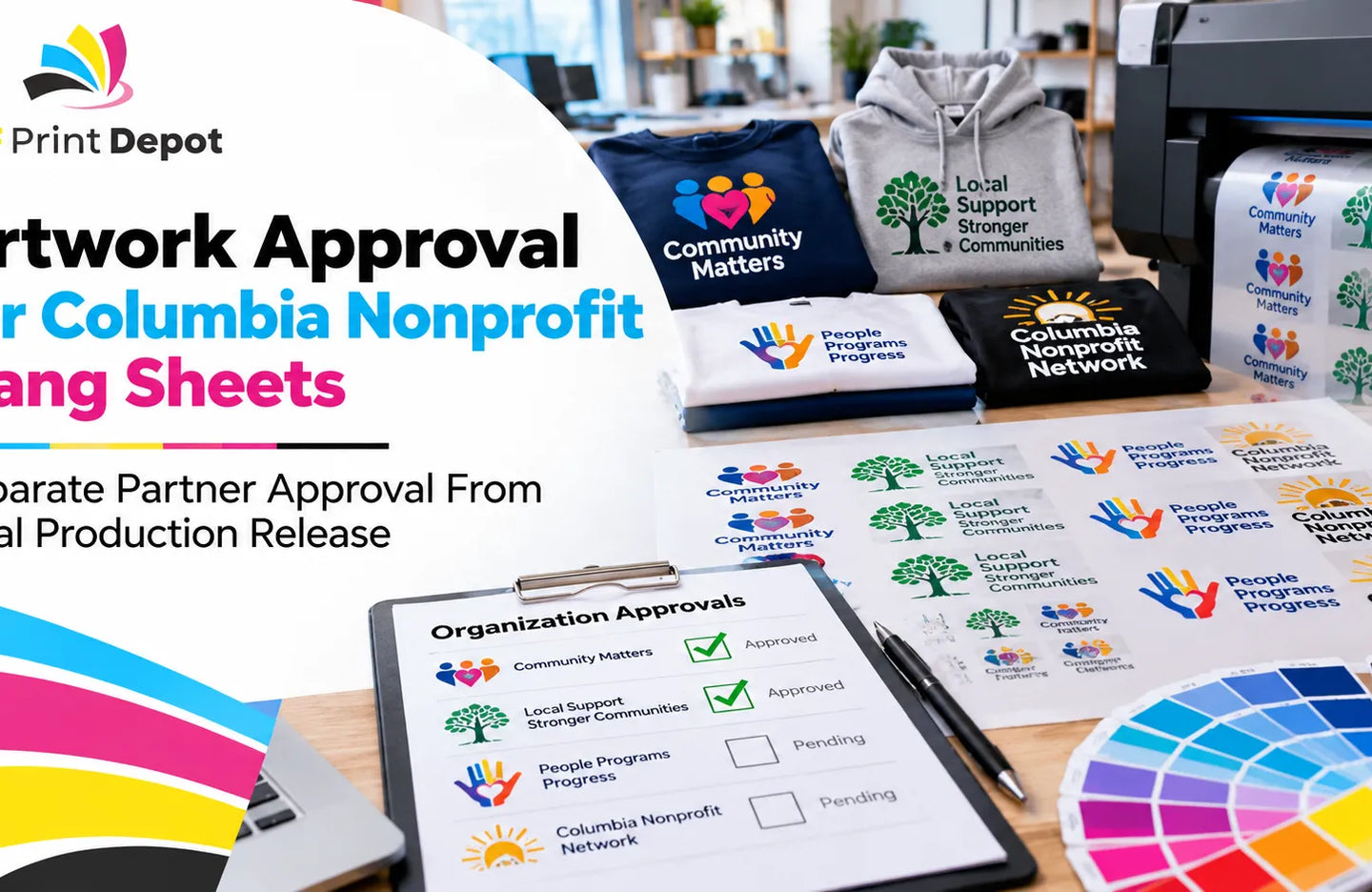
Create a Simple Artwork Tracking List Before Starting the Layout
When files arrive from different folders, teams, or conversations, it can help to create a short artwork reference list before opening the gang sheet layout.
This does not need to be a specialized system. A spreadsheet, order note, project document, or existing internal record can be enough.
For each artwork item, consider recording:
- artwork or filename,
- source team or department,
- responsible contact,
- the file currently considered correct,
- the quantity needed for this production batch,
- and the person or team that confirmed the quantity.
The goal is not to create unnecessary paperwork. The goal is to avoid making production decisions from filenames alone.
A file called “company-logo-blue-final.png” may appear obvious. But if copies of the same logo exist in several department folders, or another version was created after that file was named, the word “final” may not tell you which artwork should be used today.
Give Each Artwork a Clear Point of Contact
One person does not need to create the design, approve the brand, set the quantity, manage the budget, and upload the gang sheet. Those responsibilities can stay separate.
What is useful is having a clear person or team to contact if a specific artwork item needs to be checked before production.
That contact should be able to answer practical questions such as:
- Is this artwork still active?
- Is this the current file?
- Is it needed in this production batch?
- Is another artwork change still expected?
- If someone else controls quantity, who should confirm the count?
This role should not be confused with a formal creative approval process. The design may already have passed brand review. At the gang sheet stage, the issue is simply making sure the production team knows who can confirm the file that is being used.
Do Not Automatically Add Old Artwork Just Because It Already Exists
Shared folders tend to accumulate artwork over time. Old event graphics, department designs, campaign files, and previous logo variations may remain available long after their original use.
A file can be technically printable and still be the wrong choice for the current order.
Even if the artwork has been printed before, that does not automatically mean it should be printed again. The project may have ended. The department may no longer use the design. Another version may now be current.
If no one can confirm whether an older graphic is still active, avoid adding it simply because there is unused space on the gang sheet.
This is especially useful for organizations with a large archive of branded artwork. Existing in the folder and being active for production are not the same thing.
Separate Artwork Accuracy From Quantity Responsibility
The team that knows which artwork file is correct may not be the team that knows how many transfers are required.
For example, marketing may control the current company logo while HR knows how many employee shirts are needed. A department lead may confirm a department graphic while operations maintains the actual garment count.
Instead of asking one broad question such as “Is this approved?” it is often more useful to answer two separate questions:
- Which artwork file is correct?
- How many copies are needed in this production batch?
Both answers matter before layout begins.
If the artwork is correct but quantity is still uncertain, the layout may be premature. If the quantity is known but the current artwork file is not, production still carries unnecessary risk.
Separating those responsibilities can make the final gang sheet easier to review because each design has both a current file and a quantity that came from an identifiable source.
You Do Not Need One Person to Control Every Design
It may seem simpler to assign one person to manage every artwork item on a multi-design gang sheet. That can work in some organizations, but it is not always necessary.
If one person does not understand the context of every department, project, or campaign, centralizing every decision with that person may not improve accuracy.
A more practical approach is to keep responsibility close to the artwork itself.
A company-wide logo may be confirmed by marketing or whoever manages brand assets. A project-specific graphic may be confirmed by someone on the project team. A department design may have a different point of contact.
The person preparing the gang sheet can then bring those confirmed details together in one production list.
This keeps the workflow simple: one person does not need to know everything, but each artwork item has someone who can answer questions about it.
Update the Artwork Record When Responsibilities Change
Teams change. Employees leave. Projects move from one department to another. Campaigns end. A reference list becomes less useful if the contact information never changes with the organization.
A new responsible contact does not automatically make the artwork invalid. The artwork itself may still be correct. But before relying on an old record for a new production order, it is worth checking whether the current responsibility is still clear.
A simple review can ask:
- Is the artwork still in use?
- Who can confirm it today?
- Is the current file still the same?
- Does the quantity need to be confirmed again?
- Is the artwork expected to be used in future orders?
This is different from an artwork revision process. Nothing in the graphic itself needs to change for the responsible person or production context to change.
Do Not Treat the Filename as Your Only Source of Truth
A good naming convention is useful. Adding a project name, department, date, or version reference can make files easier to locate.
But a filename cannot tell the entire story.
A file named “HR-event-final-v3.png” does not prove that HR still manages the artwork today. The word “FINAL” does not guarantee that another version was never created later.
Filename conventions help you find files. A responsible contact helps you confirm whether the file you found is still the right one.
Before production, the more useful question is not simply “Does this file say final?” It is: Who can confirm that this is the file we should use now?
Run a Short Readiness Check Before Adding Artwork to the Layout
When the goal is to use gang sheet space efficiently, it can be tempting to start placing graphics as soon as the files arrive. But artwork that still has unanswered questions may need to be removed or replaced later.
Before adding a design to the layout, check:
- Is the current artwork file known?
- Is there a responsible contact for the artwork?
- Is the artwork actually needed in this batch?
- Is the quantity confirmed, or is there someone who can confirm it?
- Is another artwork update still expected?
This is not a technical artwork-preparation checklist. Resolution, transparency, image quality, and other print-prep issues are separate concerns.
This check is about organizational readiness: whether the correct file and the correct quantity are known before that artwork becomes part of the production layout.
Move From the Tracking List to the Gang Sheet
Once the artwork files, responsible contacts, and quantities are clear, the actual gang sheet planning becomes much simpler.
If multiple logos, graphics, or repeated designs need to share one production layout, DTF Print Depot's DTF Gang Sheet option provides the commercial route for submitting a prepared multi-design sheet.
At that point, layout decisions are no longer based only on what can physically fit on the sheet. Each graphic represents a real, current production need with a known file and quantity.
If a question comes up before the order is submitted, the production list also makes it easier to trace the artwork back to the team or person who can confirm it.
Keep the Reference List After the Order Is Complete
Once the gang sheet has been ordered, the artwork list can still be useful.
If the same company logo, department graphic, or project artwork will be used again, the previous record provides a starting point for the next order.
That does not mean automatically repeating the old quantity or using the old contact forever. Before the next production run, check which parts of the previous record are still valid.
- The artwork may be unchanged, but the responsible contact may have changed.
- The file may still be correct, but the required quantity may be different.
- The project may have ended, making the artwork inactive.
- The same department may still use the design, but a newer variant may now exist.
This makes future production more efficient without turning the process into “find the old file and print it again.” Instead, the team keeps the useful production history while rechecking the information that can change.
A Simple Multi-Team Gang Sheet Artwork Workflow
- Collect all artwork being considered for the gang sheet into one working list.
- Record which team, department, or project each file came from.
- Identify who can confirm each artwork item before production.
- Confirm which file is currently considered correct.
- Verify artwork accuracy and quantity separately when different people manage those decisions.
- Do not add artwork with an unclear status or contact directly to the layout.
- Match each production-ready design to the actual quantity required.
- Add only current and needed artwork to the final gang sheet.
- Keep the artwork and contact reference after the order is complete.
- Before the next production run, recheck the file, contact, and quantity instead of automatically repeating the previous order.
Reduce Gang Sheet Confusion by Improving the Information Before Layout
A gang sheet with many designs is not automatically difficult to manage. The bigger problem is losing track of which files are current, which graphics are actually required, and who can answer questions before production.
In a multi-team Columbia business or project environment, several departments and project groups may create artwork under the same overall brand. The answer does not have to be one person controlling every graphic or every design being placed on a separate order.
A simpler approach is to maintain a short, current reference for each artwork item: the correct file, the responsible contact, and the quantity needed for the production batch.
When those details are clear before layout begins, the gang sheet becomes the final assembly step rather than the place where unresolved artwork questions are discovered.