A Printable Design Is Not Always a Design You Should Print Again
A business can have perfectly usable artwork that no longer belongs in production.
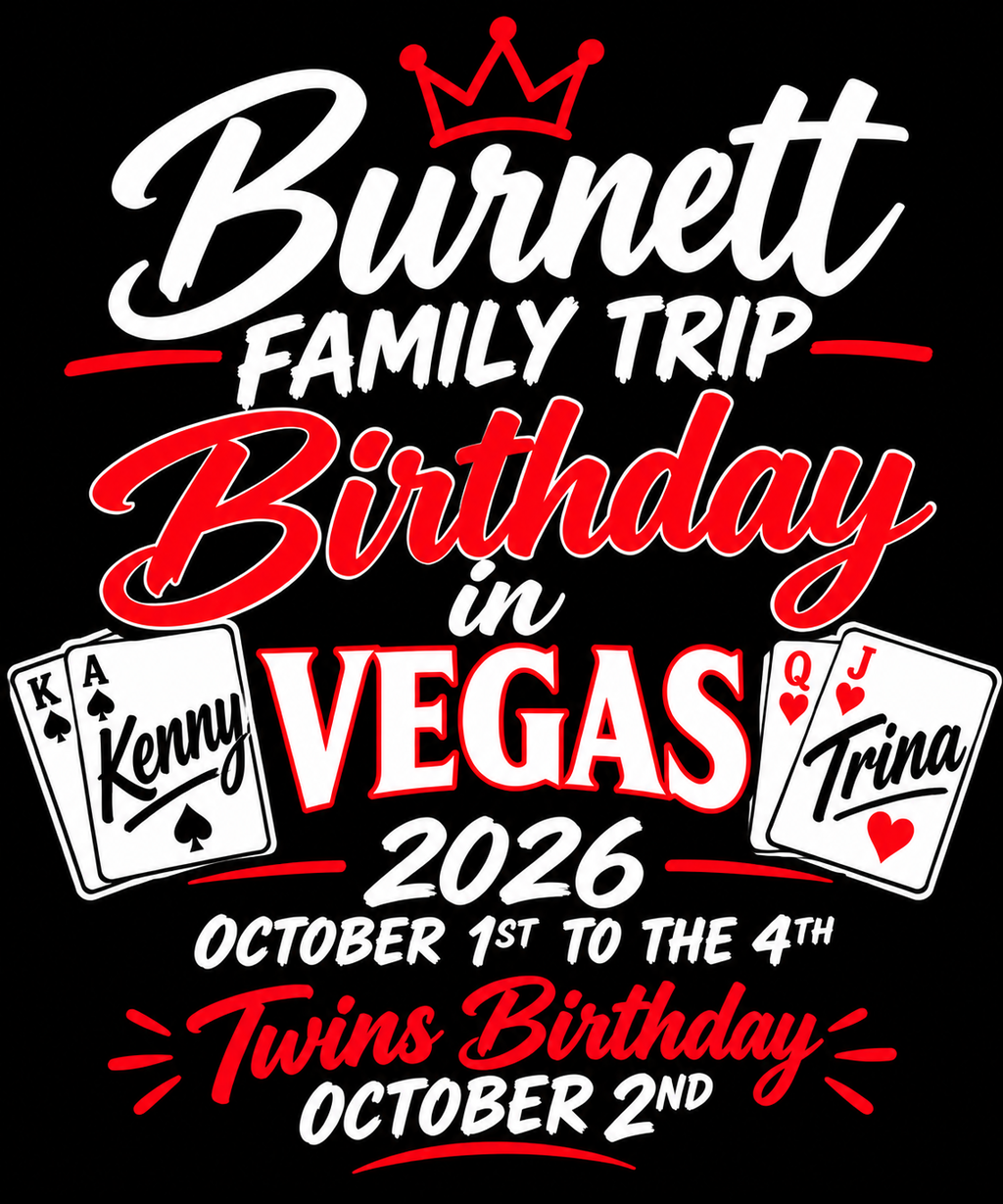
A seasonal promotion may be over. An event date may have passed. A limited-time offer may no longer exist. A campaign graphic may still look polished, have the correct transparent background, and have printed successfully on a previous order. None of that means it should automatically appear on the next DTF gang sheet.
This creates an easy-to-miss problem during a gang sheet reorder. Teams often reopen the last production file because it already contains familiar artwork. But a previous gang sheet records what was printed then. It does not automatically confirm what should be printed now.
The safer question is not “What did we print last time?” It is “Which artwork is still active today?”
For businesses that run seasonal promotions, events, special offers, or short-lived campaigns, answering that question before rebuilding a gang sheet can prevent expired graphics from quietly returning to production.
Separate Evergreen Artwork From Campaign-Specific Artwork
The first useful distinction is between artwork intended to remain usable and artwork created for a specific moment.
Evergreen artwork may include a core business logo, a standard brand mark, or another graphic that is not tied to a particular date, promotion, season, or event.
Campaign-specific artwork has a shorter commercial life. It may include a sale message, festival date, anniversary offer, seasonal graphic, launch announcement, event slogan, or other creative developed for a limited purpose.
That distinction is especially relevant in Baltimore's neighborhood commercial districts. Baltimore City's FY24 report counted 1,247 active businesses across nine Baltimore Main Street districts as of June 2024. The city's Main Streets program also identifies Promotion as one of its four transformation strategy areas.
Those figures do not mean every Baltimore Main Street business uses custom apparel or DTF transfers. They do establish a real local environment in which promotions, commercial events, customer-facing campaigns, and neighborhood business activity occur. For a business that does turn campaign creative into apparel, keeping temporary artwork separate from long-lived brand artwork can make future reorders safer.
“Final” Does Not Mean “Active Forever”
One of the most misleading words in an artwork folder can be final.
A file named “spring-sale-final.png” may genuinely have been the approved final version when the spring sale was running. That label tells you something about its approval history. It does not tell you whether the promotion is still valid six months later.
The same issue appears with files such as:
- grand-opening-final.png
- festival-2025-final.png
- holiday-offer-final.png
- anniversary-shirt-final.png
Each file may once have been completely correct. A later gang sheet reorder still requires a separate decision about whether that artwork remains commercially current.
This is why version control and artwork lifecycle are different questions. Version control asks which file was approved. Lifecycle control asks whether that approved file should still be eligible for production.
Use a Simple Artwork Status System
You do not need a complex digital asset management platform to make that distinction visible. A small business can use a simple internal status system if it fits its workflow.
For example:
- ACTIVE: artwork that can currently be considered for production,
- REVIEW: artwork that needs confirmation before it is reused,
- RETIRED: artwork that should no longer be included in new production without a deliberate decision to reactivate it.
These labels are not a DTF industry standard. They are simply one practical way to prevent every previously approved graphic from being treated as equally current.
A retired design is not necessarily a bad design. It may have performed exactly as intended. Retirement only means that its original production purpose has ended and it should no longer travel automatically into future orders.
Record the Campaign End Date When the Artwork Itself Does Not Show It
Some expired graphics are obvious. A design that says “October 18, 2025” gives you a strong clue that it deserves review before another production run.
Other graphics are harder to identify. “Summer Special,” “Anniversary Offer,” or “Customer Appreciation Week” may look current even after the campaign has ended. The image itself may not contain enough information to tell a production team whether it is still valid.
For campaign-specific artwork, a lightweight record can help. It might include:
- artwork name or internal ID,
- campaign or intended use,
- campaign end date,
- current status,
- and the person or team responsible for approving reuse when needed.
The goal is not to create paperwork for its own sake. The goal is to avoid relying on someone's memory months after the original promotion ended.
Keep Current Production Artwork Separate From the Archive
Retiring artwork does not mean deleting it.
An old promotion may still be useful as a historical reference, a starting point for next year's campaign, or a record of what was previously produced. The problem begins when historical artwork and currently approved artwork look equally available to the person preparing a new order.
A straightforward folder structure can reduce that ambiguity. For example, a business might maintain one folder for currently usable production artwork, another for designs that require review, and an archive for retired campaigns.
The exact folder names do not matter. The important distinction is operational: finding an old design should not make that design an automatic production candidate.
If the business later decides to reuse or update a retired campaign concept, the artwork can be reviewed and deliberately returned to the active set.
Do Not Treat the Previous Gang Sheet as the New Order Template
Reopening the previous gang sheet can be useful. It can show what was printed, which artwork appeared together, and how an earlier job was organized.
That makes the old sheet a valuable reference. It does not make it the safest starting template.
Suppose an earlier gang sheet included a permanent logo, a holiday promotion, an event graphic, and a limited-time discount design. Copying that entire sheet into a new order would preserve both the artwork that should continue and the artwork that should have stopped.
A safer reorder workflow is:
- Open the previous gang sheet as a production reference.
- Identify each piece of artwork on the sheet.
- Compare those designs with the current active artwork set.
- Confirm anything marked for review.
- Leave retired promotional artwork out of the new production set.
- Build the new gang sheet only from artwork that is still approved for use.
Once that active artwork set is confirmed, the business can prepare a new DTF Gang Sheet for upload and printing rather than assuming the previous production file is still commercially current.
Let File Names Provide a Lifecycle Clue
A file name should not carry the entire artwork management system, but it can help someone spot the wrong design before production.
Names such as “sale-final-v4-new.png” say a lot about editing history and almost nothing about whether the design should still be used.
A business could instead choose a naming convention that includes a campaign identifier, year, or status when useful. Examples might look like:
- BRAND-CoreLogo-ACTIVE.png
- SPRING26-Promo-REVIEW.png
- EVENT25-Anniversary-RETIRED.png
Again, those exact labels are only examples. The useful principle is that someone preparing a reorder should not need to open six nearly identical “final” files to discover which one belongs in current production.
Retire Campaign Artwork When the Campaign Ends
The easiest time to decide that promotional artwork has expired is usually when the promotion actually ends.
Waiting until the next reorder creates a memory problem. Weeks or months later, someone may need to reconstruct what happened: Was the campaign extended? Was the graphic approved for another season? Did the offer change? Is the old date still hidden somewhere in the design?
A short campaign closeout can prevent that uncertainty.
- Identify artwork created specifically for the finished campaign.
- Move designs that should not return to production into the retired group.
- Mark uncertain or potentially reusable artwork for review.
- Leave true evergreen brand artwork in the active set.
- Move expired campaign files out of the current production folder.
- Keep the previous gang sheet as history rather than treating it as the next order template.
This is a much simpler habit than discovering an obsolete promotion after transfers have already been produced.
Run a Retired-Artwork Check Before Every Reorder
Before building the next gang sheet, review the artwork rather than only the sheet dimensions or quantities.
- Is this a permanent brand graphic or a campaign-specific design?
- Does it contain an expired date, year, event name, or seasonal message?
- Does it include an offer, discount, price, or promotional statement that may no longer be valid?
- Was a campaign end date recorded?
- Is the artwork still considered active?
- Did the file come from the current production folder or from an archive?
- Are you using the old gang sheet as a reference rather than automatically duplicating it?
- If the artwork is uncertain, has someone responsible for the campaign approved its reuse?
If any answer is unclear, holding that artwork for review is safer than assuming that previous production equals current approval.
Build Reorders Around What Is Active Now
A useful gang sheet reorder system should help a business repeat the right artwork, not simply repeat the last artwork.
That means separating evergreen brand assets from campaign-specific creative, recording expiration information when needed, moving old promotions out of the active production set, and checking artwork status before building the next sheet.
For Baltimore businesses considering DTF in a broader commercial context, the Baltimore DTF transfer business opportunities guide covers the larger local market and production picture. This workflow solves a narrower problem: preventing an expired promotion from surviving simply because its artwork still exists.
The old gang sheet can tell you what happened last time. Your current artwork set should decide what happens next.
Frequently Asked Questions
Should I delete expired promotional artwork?
Not necessarily. Retired artwork can remain useful for historical reference or future campaign development. The important step is separating it from artwork that is currently eligible for production.
Can I reuse last year's seasonal artwork?
Possibly, but it should be reviewed first. Check dates, years, offers, event references, campaign wording, and any other element that may no longer be current. Previous approval does not automatically mean current approval.
Is it wrong to reuse an old DTF gang sheet?
Not automatically. If every design on the sheet is still current and appropriate for the new job, reuse may be reasonable. The risk comes from assuming that all artwork remains valid simply because the sheet was successfully printed before.
Can evergreen artwork eventually become retired?
Yes. A logo, standard brand graphic, or other long-term asset may become outdated after a rebrand or another business decision. Evergreen means the artwork is not tied to a short campaign window; it does not mean the artwork can never become obsolete.
When should promotional artwork be retired?
Ideally, review it when the campaign ends and again before a gang sheet reorder. Closing out expired artwork while the campaign is still fresh makes future production decisions much easier.