Master Your Layout: The Ultimate UV DTF Gang Sheet Builder Guide
Efficiency is the secret to profitability in the custom branding industry. The UV DTF Gang Sheet Builder is a revolutionary digital tool for 2026. It allows users to organize multiple designs onto a single print area. By grouping various logos and graphics, you maximize material usage and minimize waste. This process is essential for creating high-quality, 3D textured transfers for hard surfaces. Whether you are a professional printer or a DIY enthusiast, mastering the builder is key. This guide explores how to use this tool to streamline your production and save money.
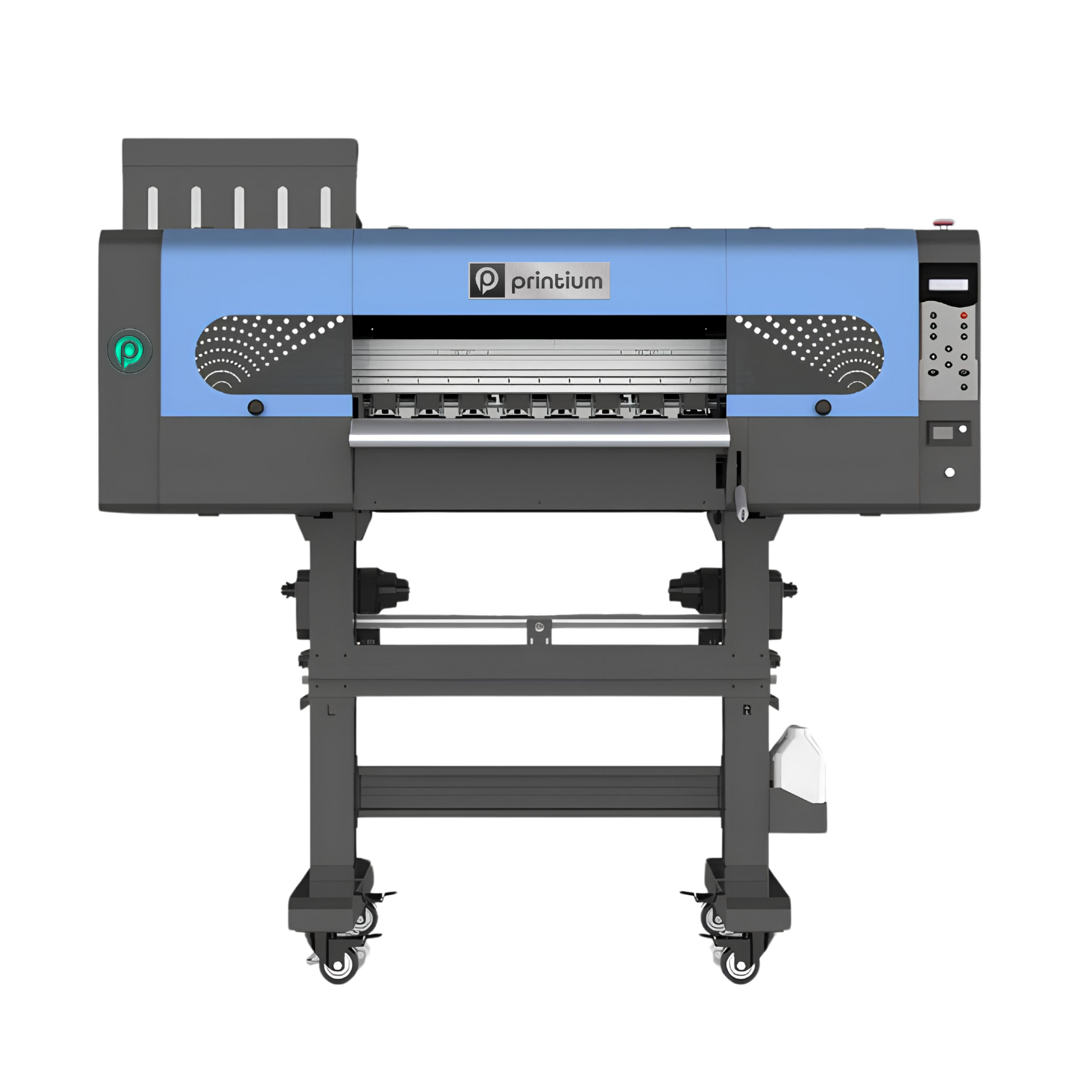
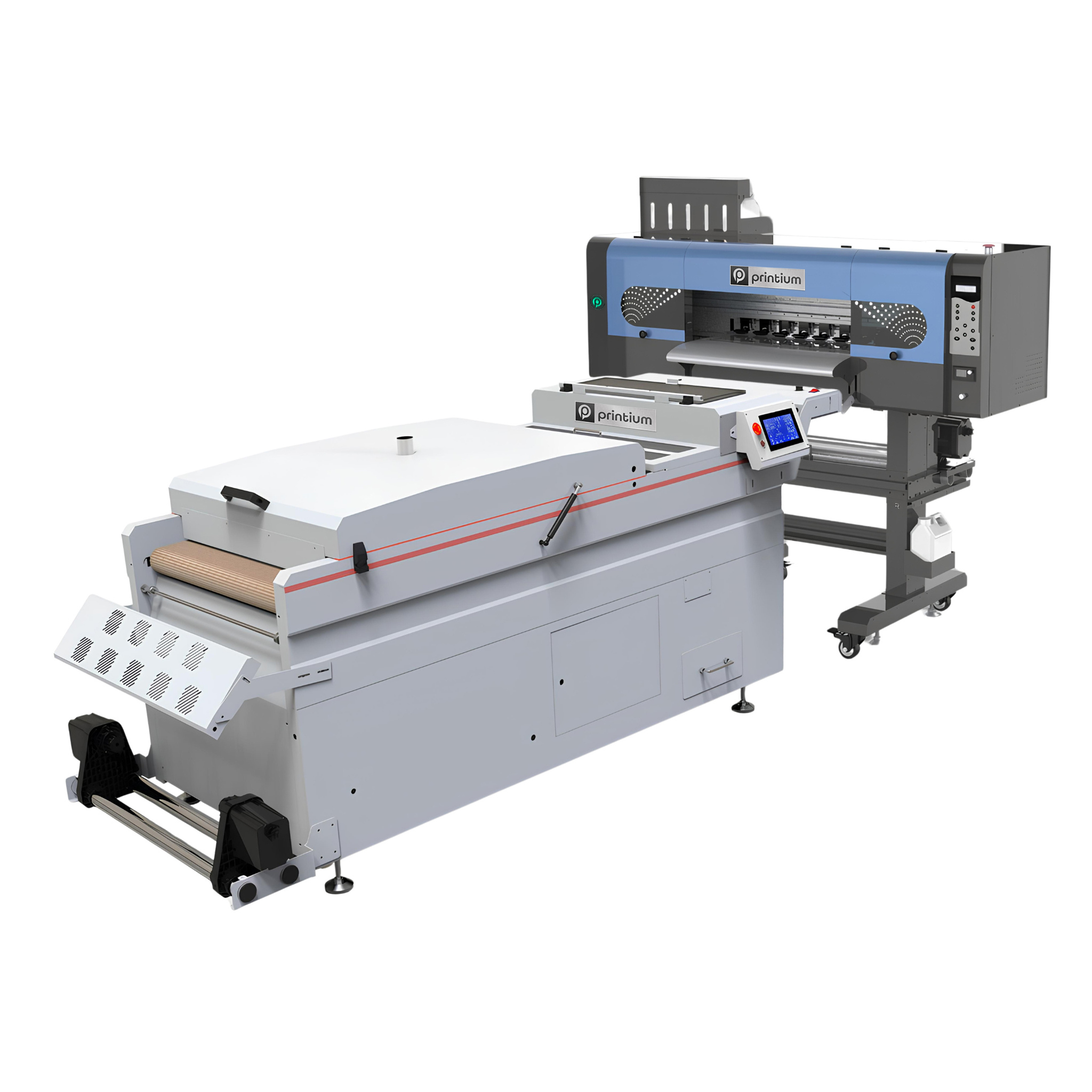
You can access the P604U UV DTF Printer, which provides professional-grade printing solutions for high-quality transfers on hard surfaces, via this link. This advanced printer is designed to produce vibrant, 3D-textured stickers with exceptional durability and precision, making it an ideal choice for customizing items like glass, metal, and plastic. With its user-friendly interface and reliable performance, the P604U allows businesses to streamline their workflow and deliver premium, high-resolution results for promotional products and personalized gifts.
What is a UV DTF Gang Sheet?
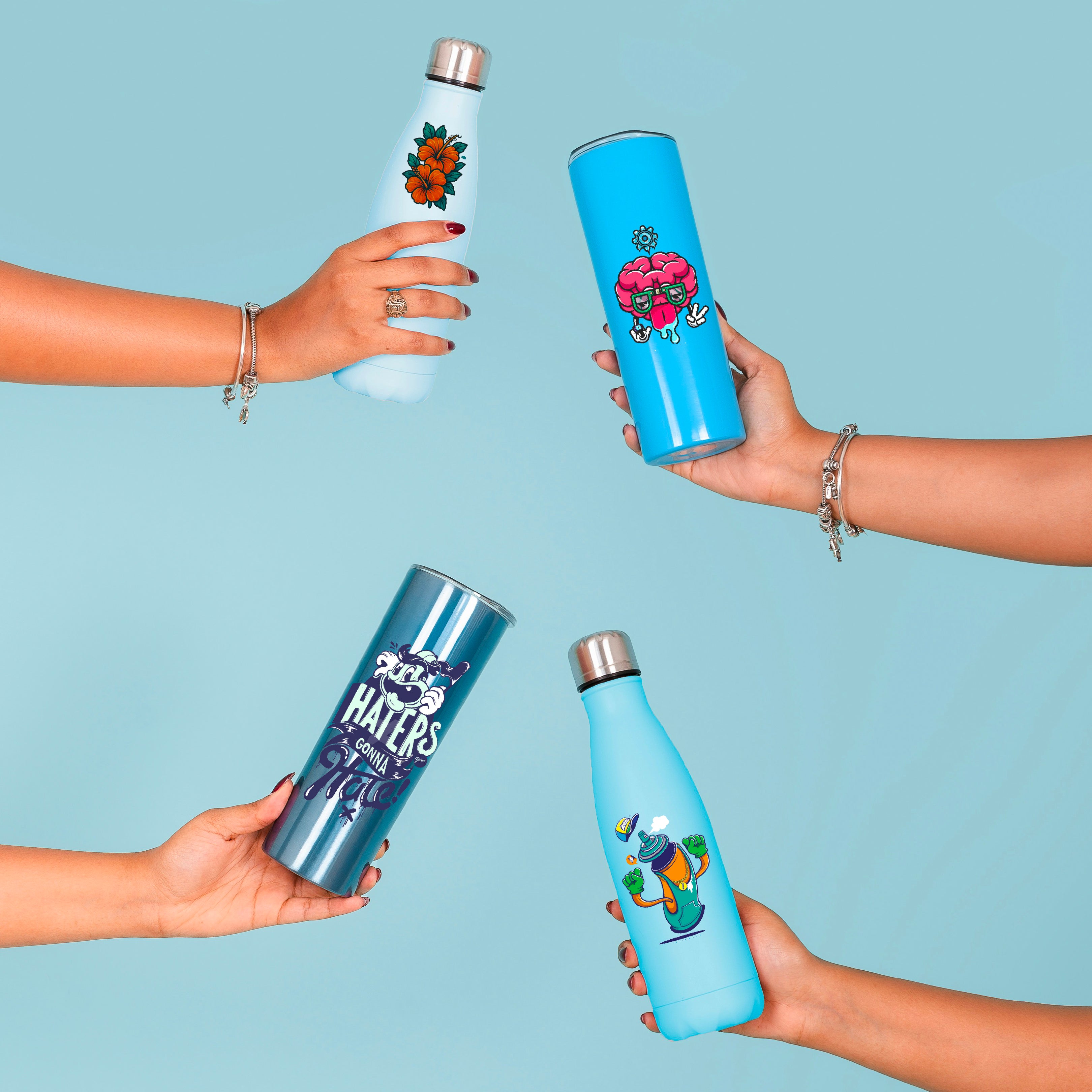
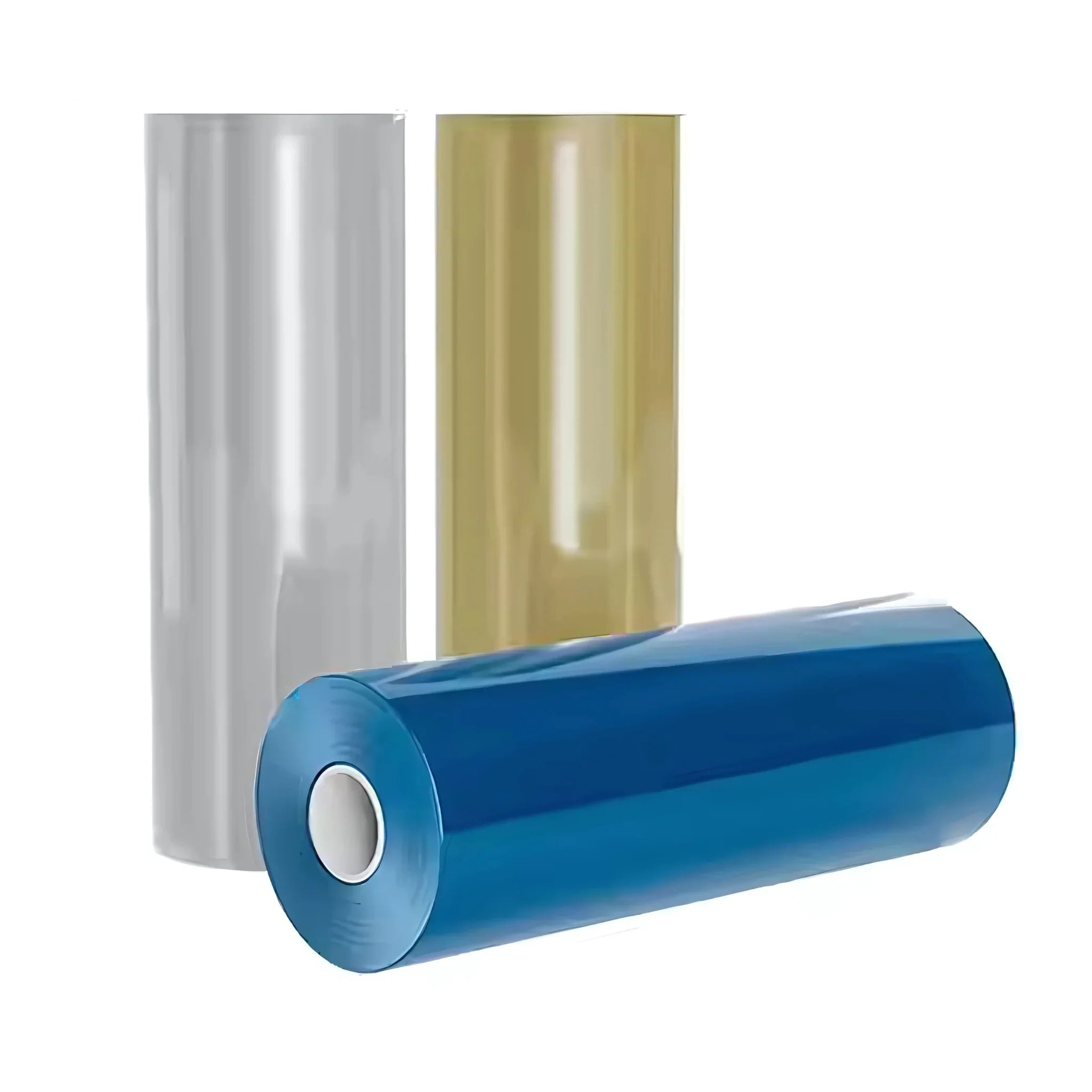
A "gang sheet" refers to a single film containing many different designs. Instead of printing one logo at a time, you fill the entire width of the media. UV DTF technology uses ultraviolet light to cure ink instantly on a special carrier film. These transfers are then applied to hard substrates like glass, metal, or plastic. Using a builder tool simplifies the task of arranging these graphics perfectly. It ensures that every square inch of your expensive film is utilized effectively. In 2026, smart layout planning is the mark of a professional business.
The Benefits of Using an Online Builder Tool
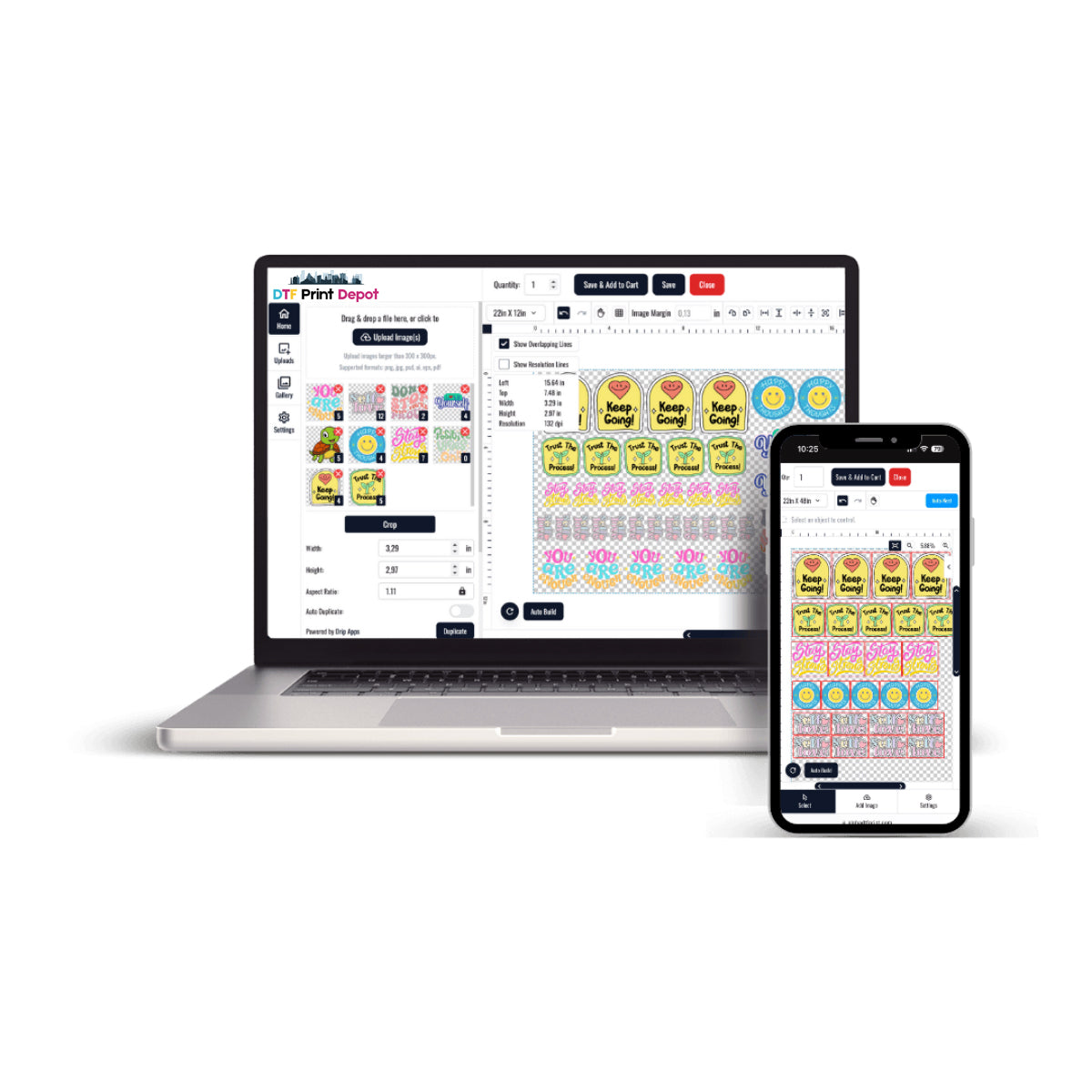
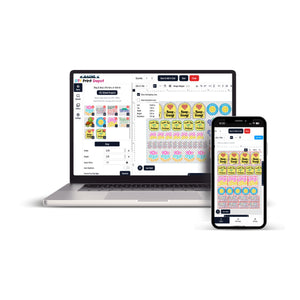
Manually arranging files in complex design software can be very time-consuming. A dedicated UV DTF Gang Sheet Builder automates much of this difficult work. Most builders feature a "drag-and-drop" interface for easy file uploading. You can see a real-time preview of how your designs fit on the sheet. The tool often includes automatic alignment and "auto-nesting" features. These functions help you fit the maximum number of items without overlapping. Using a builder reduces human error and speeds up the ordering process significantly.
Optimizing Space and Reducing Material Waste
Material costs for UV DTF films are higher than standard vinyl or paper. Therefore, reducing "white space" is vital for keeping your prices competitive. The Gang Sheet Builder allows you to rotate and scale designs to fill gaps. You can place small "filler" logos between larger main graphics to use every corner. This efficiency lowers your "cost per print," which increases your overall profit margins. A well-packed sheet is the most sustainable way to run a print shop. Maximizing your yield is a smart strategy for long-term growth.
Ensuring High-Resolution Print Quality
The quality of your final transfer depends heavily on the files you upload. Most UV DTF builders require high-resolution PNG or vector files for the best results. A resolution of 300 DPI (dots per inch) is the industry standard for 2026. The builder tool often alerts you if an image is too small or blurry. This prevents the disappointment of receiving pixelated or low-quality stickers. High-definition files ensure that fine lines and small text remain perfectly legible. Quality control begins at the digital layout stage of production.
Handling Transparent Backgrounds and Cut Lines
UV DTF transfers provide a clean, "no-background" look on your products. For this to work, your files must have a transparent background (alpha channel). The Gang Sheet Builder helps you verify that your designs are "cut-ready." It ensures that only the ink areas are printed, leaving the clear film empty. Proper file preparation prevents unwanted "boxes" of white ink from appearing around your logo. The builder makes it easy to spot transparency issues before you hit print. Precision in your digital files leads to a flawless application on the final object.
Managing Large Orders with Multi-Sheet Layouts
For high-volume projects, you may need to create several different gang sheets. The UV DTF Builder allows you to save and manage multiple layouts simultaneously. You can duplicate successful sheets for repeat orders from loyal clients. This organization is crucial for managing seasonal spikes or large corporate contracts. It allows you to keep your production queue moving without starting from scratch. Scalability is much easier when you have a structured digital workflow. Efficient data management is the backbone of a modern manufacturing business.
Technical Requirements for Modern UV DTF Printing
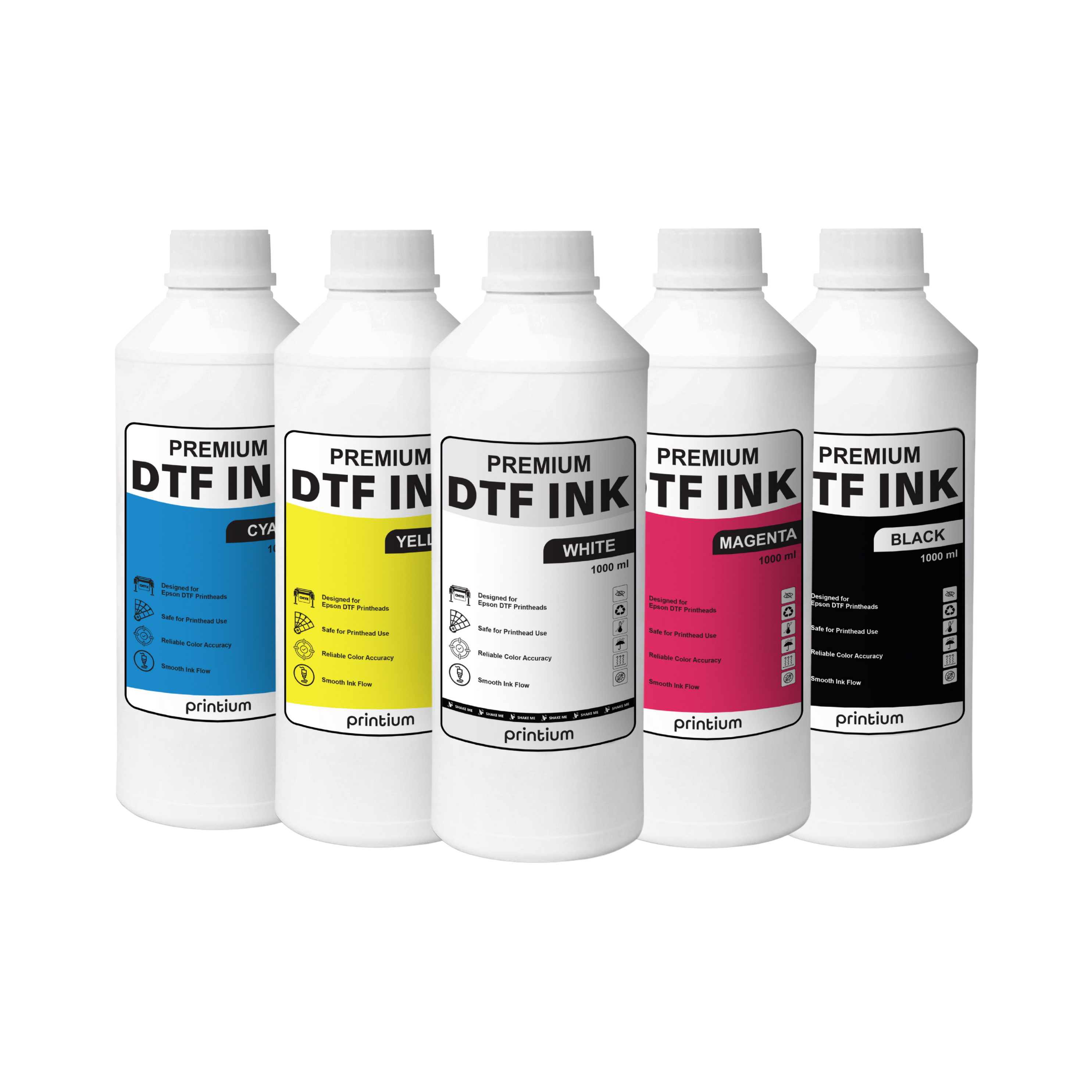
UV DTF involves complex layers, including a primer, white ink, CMYK colors, and varnish. The builder tool communicates these specific layer requirements to the printer. It ensures that the "varnish" layer—which provides the 3D texture—is applied correctly. In 2026, most builders are optimized for the latest industrial print head technologies. They help maintain color accuracy by matching your files to specific ICC color profiles. Understanding these technical settings ensures your finished products look exactly like your screen. Professional tools bridge the gap between digital art and physical reality.
Tips for Perfect Spacing and Safe Zones
Designs on a gang sheet must not be placed too close to each other. You need enough space between graphics to cut them out with scissors safely. Most UV DTF Gang Sheet Builders allow you to set a "buffer" or "safety margin." A gap of at least 0.25 inches is recommended for easy handling after printing. You should also keep designs away from the very edges of the film. This prevents "clipping" if the film shifts slightly during the mechanical printing process. Small margins of error are essential for a stress-free production day.
The Profitability of Offering Gang Sheets to Customers
If you own a print shop, providing a builder tool to your clients is a huge advantage. It empowers your customers to design their own sheets, reducing your design time. Customers enjoy the lower prices associated with bulk gang sheet printing. You can charge a premium for the convenience of the UV DTF technology and its durability. This business model attracts independent artists, Etsy sellers, and local small businesses. Offering a user-friendly builder makes you the preferred partner for custom branding. Convenience is a powerful driver of customer loyalty.
Conclusion: Build Your Success One Sheet at a Time
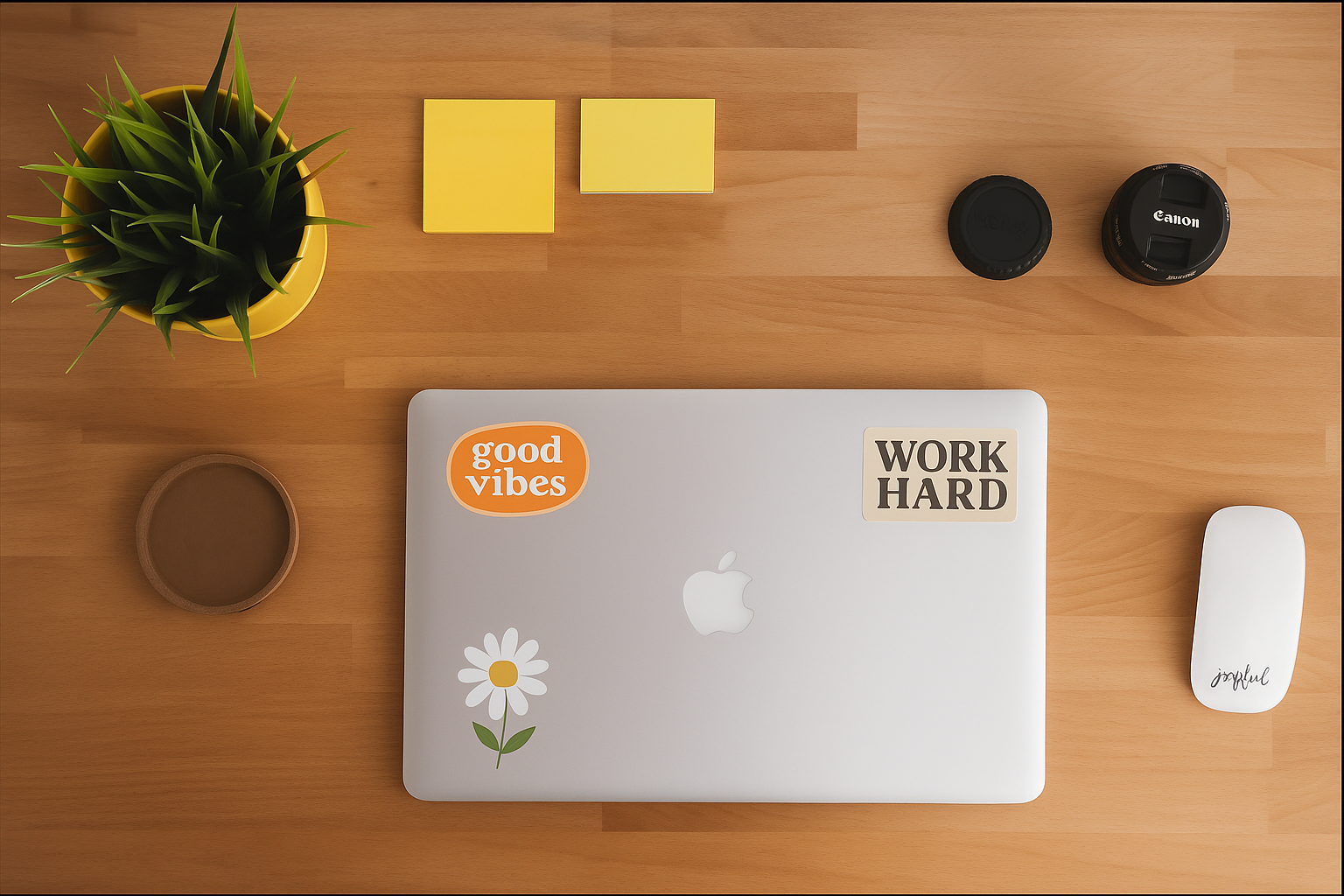
In conclusion, the UV DTF Gang Sheet Builder is an indispensable tool for 2026. it combines creative freedom with industrial efficiency and cost savings. By mastering the layout process, you ensure that every print run is a success. High-resolution files and smart spacing are the keys to a professional-grade finish. Whether you are branding cups, laptops, or tools, gang sheets are the answer. Start building your custom layout today and take control of your production. The future of high-end branding is right at your fingertips.
You can stay up to date with the latest digital printing projects and professional services by following DTF Print Depot across our social media channels. Explore our high-quality transfers and vibrant designs on Facebook, discover our creative visual content on Instagram, or watch our engaging behind-the-scenes process videos on TikTok. For immediate assistance and quick order inquiries, you can also reach us directly via WhatsApp