
Glow In The Dark DTF Gang Sheet Builder – Design Online
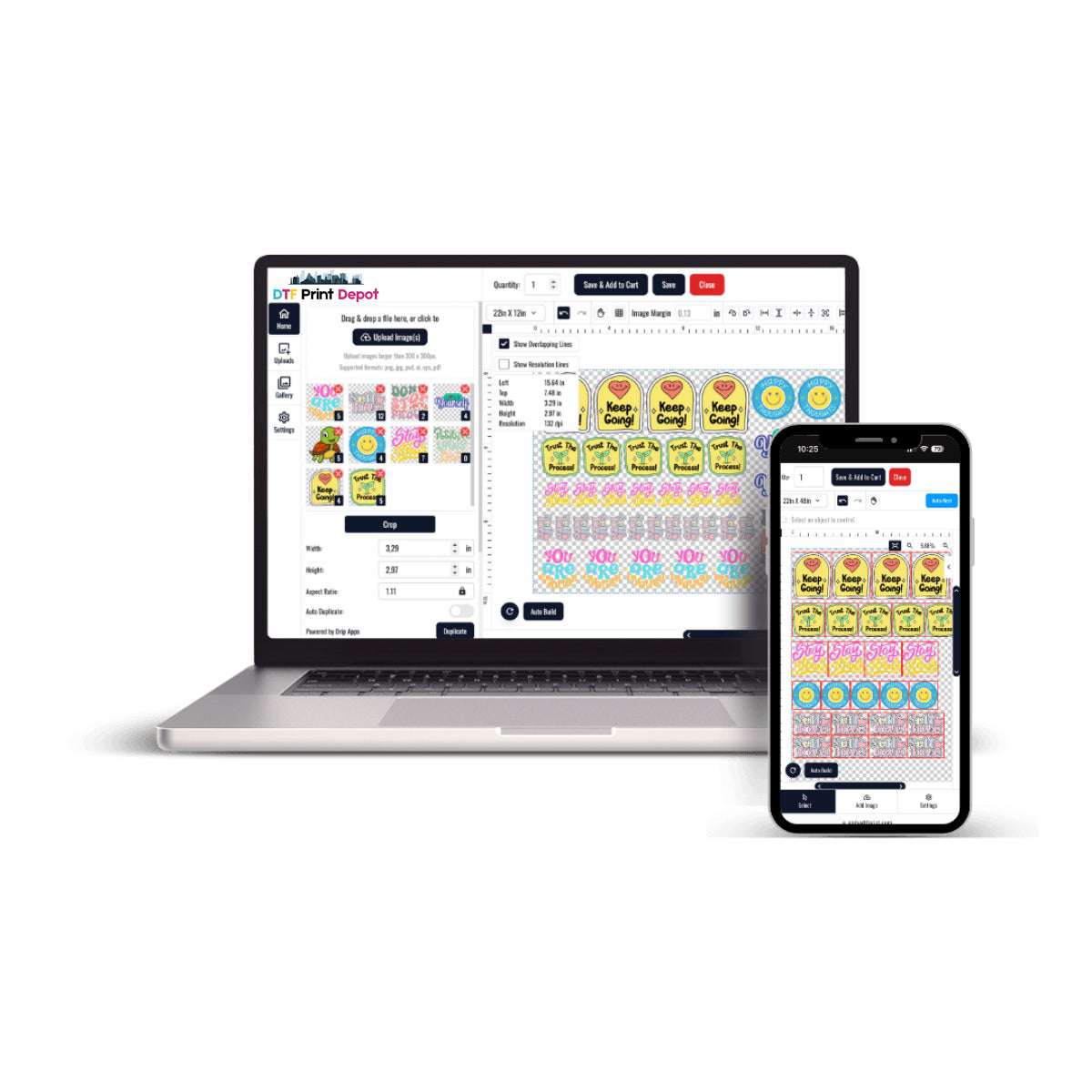
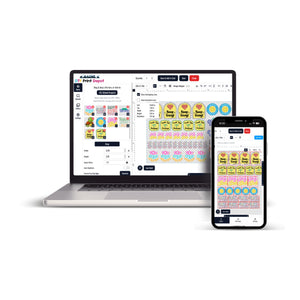
Designing custom luminescent clothing lines shouldn't require complex graphic software installations. Our interactive glow in the dark DTF gang sheet builder lets you upload, position, and duplicate your artwork online easily. This automated system eliminates material waste while maximizing your custom apparel profits.
Interactive Space Control and Luminous Optimization
Manually preparing multiple night-glow vector files can easily lead to overlapping errors and expensive printing mistakes. Our web-based builder tool provides clear visual margins to help you arrange custom text and logos safely. This smart setup delivers professional-grade layout precision for custom streetwear designers and print shops.
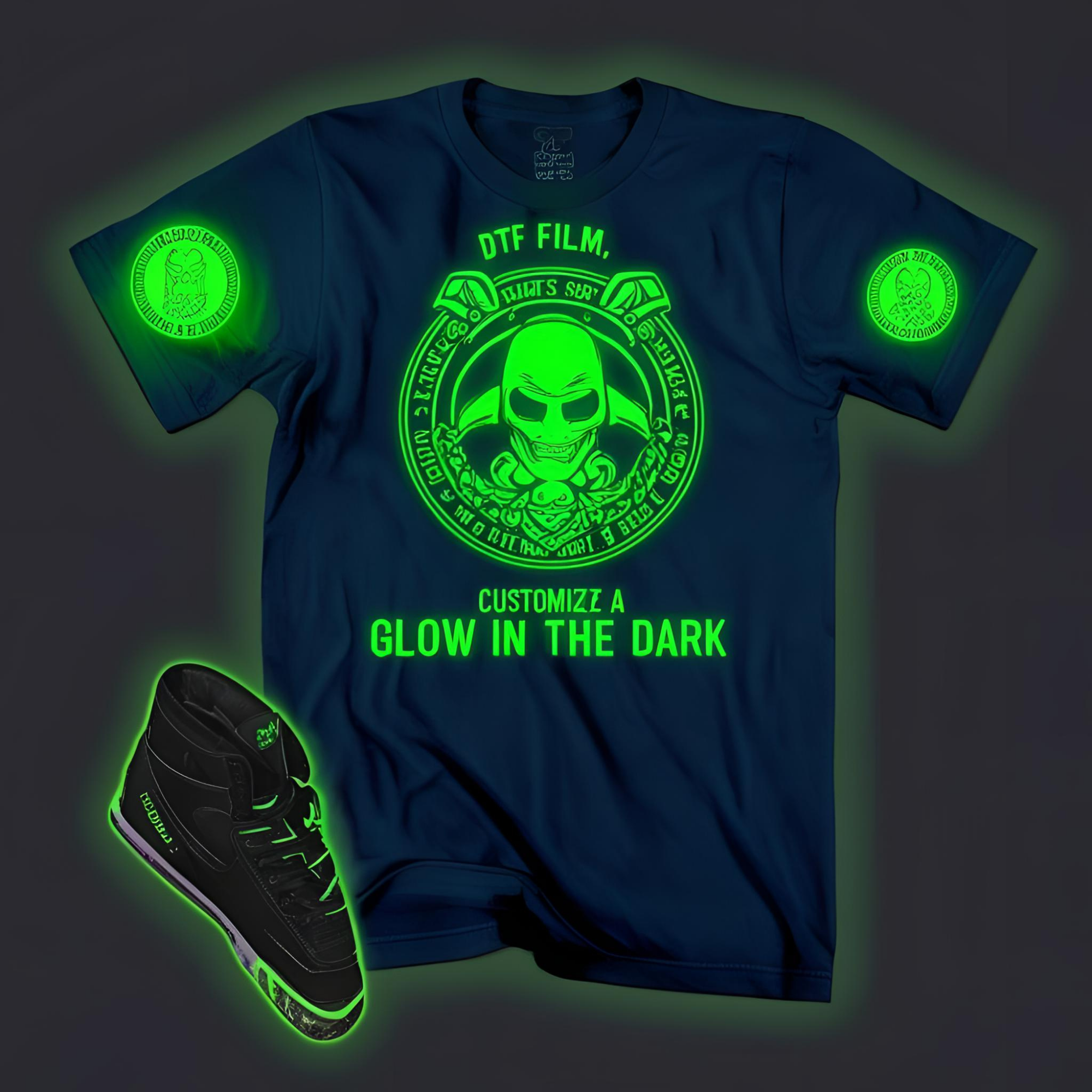
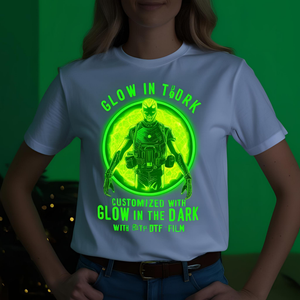
Our premium photoluminescent transfer media features an advanced phosphor base coating embedded securely into the film face. This specialized layer allows your colorful CMYK ink pigments to stay sharp while producing a powerful green glow in low-light environments. To secure high-durability baseline printing components for your shop, visit our primary DTF Print Depot storefront.
The Software Standards of Online Builders
Modern interactive layout software utilizes advanced web rendering engines to process complex vector scaling and image rotation without delay. To understand the software background, design principles, and engineering behind these visual platforms, visit the Wikipedia Web Design Page. Online tools streamline modern workshop production.
Total Control Over Dimensions with Real-Time Validation
Low-grade file uploading tools often distort complex graphics, causing blurry or pixelated details on retail garments. Our premium builder checks your submitted designs instantly, warning your team about low-resolution artwork before printing. This ensures your glowing graphics, sleeve designs, and safety text elements print with absolute clarity.
The streamlined dashboard allows you to duplicate shapes effortlessly and utilize empty film spaces efficiently. This reduces your production cost per shirt and secures excellent wholesale margins for event merchandise. To view our full collection of versatile digital graphic sheets, browse our comprehensive DTF transfers selection.
Build Your Luminous Gang Sheet Online Instantly
Drag, drop, and arrange your custom illustrations and text designs on our advanced night-glow creator today.
Launch Special DTF Transfers Builder →Engineered to Eliminate Workshop Pre-Press Bottlenecks
Fulfillment speed remains a critical success factor when meeting tight delivery deadlines for festival merchandise or clubwear lines. By creating ready-to-print layouts online, your file bypasses traditional manual formatting checks completely. This automated process accelerates your daily workflow and sends your custom projects into production quickly.
Furthermore, our durable luminous film base integrates flawlessly with 100% cotton blanks, performance polyester garments, and canvas hoodies. The high stretch recovery ensures your finished graphics survive heavy laundry machine cycles without fading or cracking. It delivers a highly stable, dependable product option that print experts rely on to scale business revenue.
Arrange diverse graphic sizes effortlessly on one continuous sheet roll without needing expensive editing software.
The advanced photoluminescent matrix recharges continuously through ambient or solar light paths safely.
Step-by-Step Online Sheet Creation Guide
Following a disciplined online layout routine guarantees perfect physical printing results for your custom inventory:
- Select Dimensions: Choose your desired luminous gang sheet roll length within our online creator interface.
- Upload Artwork: Import your custom design files in high-resolution, transparent 300 DPI PNG format.
- Arrange and Scale: Position your images on the canvas, scaling them to size while staying safely inside the outer borders.
- Submit to Print: Check the entire layout roll for overlapping lines, click save, and send your file directly to our production line.
Frequently Asked Questions (SSS) Glow In The Dark DTF Gang Sheet Builder
No, please upload your transparent design files facing normally. Our internal printer management software handles the mirroring process automatically right before the mechanical printing step begins.
We recommend leaving a clear margin of at least 0.5 inches between your logos. This provides sufficient physical clearance to cut out your printed transfers safely using workshop scissors or paper trimmers.
This premium special-effect media requires a strict cold peel application sequence. Allowing the heat-pressed film to cool down completely to room temperature before removal guarantees clean, sharp graphic edge transitions.
Conclusion: Simplified Digital Design Maximizes Revenue
Standardizing your workshop production around our online gang sheet builder eliminates material preparation waste completely. Offering striking glowing elements on custom clothing lines helps your brand secure top retail pricing margins effortlessly. Investing in elite web-to-print direct-to-film supplies keeps your everyday production fast and highly profitable.