













Great experience and communication. Will definitely do more business with them.
Custom UV DTF Gang Sheets - Upload UV Transfer
Note: Please include your phone number at checkout so we can reach you faster if any order-related issues arise.
Loading configuration...
Added to cart!
👕 T-Shirt Designer
1
Upload
2
Design
3
Details
4
Review
Upload New Design
Drag and drop or click to browse your files.
Drag & Drop your design here
PNG, JPG, WEBP, TIFF, PSD, PDF, AI, EPS • Max 1GB
Loading 3D Preview...
🖼️
White T-Shirt, Large
1
Order Preview
Front
👕
- Color White
- Size Large
- Quantity 1
- Print Locations Front
Base T-Shirt
$19.99
Front Print
$0.00
TOTAL
$19.99
Pickup available at DTF PRINT DEPOT ARBUTUS Usually ready in 4 hours
Pickup available
-
DTF PRINT DEPOT ARBUTUS
Pickup available, usually ready in 4 hours
1550 Caton Center Drive
Check in google map
SUITE H
Arbutus MD 21227
United States
Checkout with PAYPAL
Ask a question
Complete Your Order
- UV DTF Gang Sheet Builder
Sale price From $0.01 - UV DTF Transfers By Size
Sale price From $1.59 - Stickers for Cups
Sale price From $1.30 - Stickers for Water Bottles
Sale price From $1.30
Estimate delivery times: Same Day Print, Next Day Delivery
Fast and Easy Pick-Up Service: Place your order for DTF and UV DTF prints, and pick them up at your convenience.
Guarantee Safe Checkout
Custom UV DTF Gang Sheets - Upload UV Transfer
Description
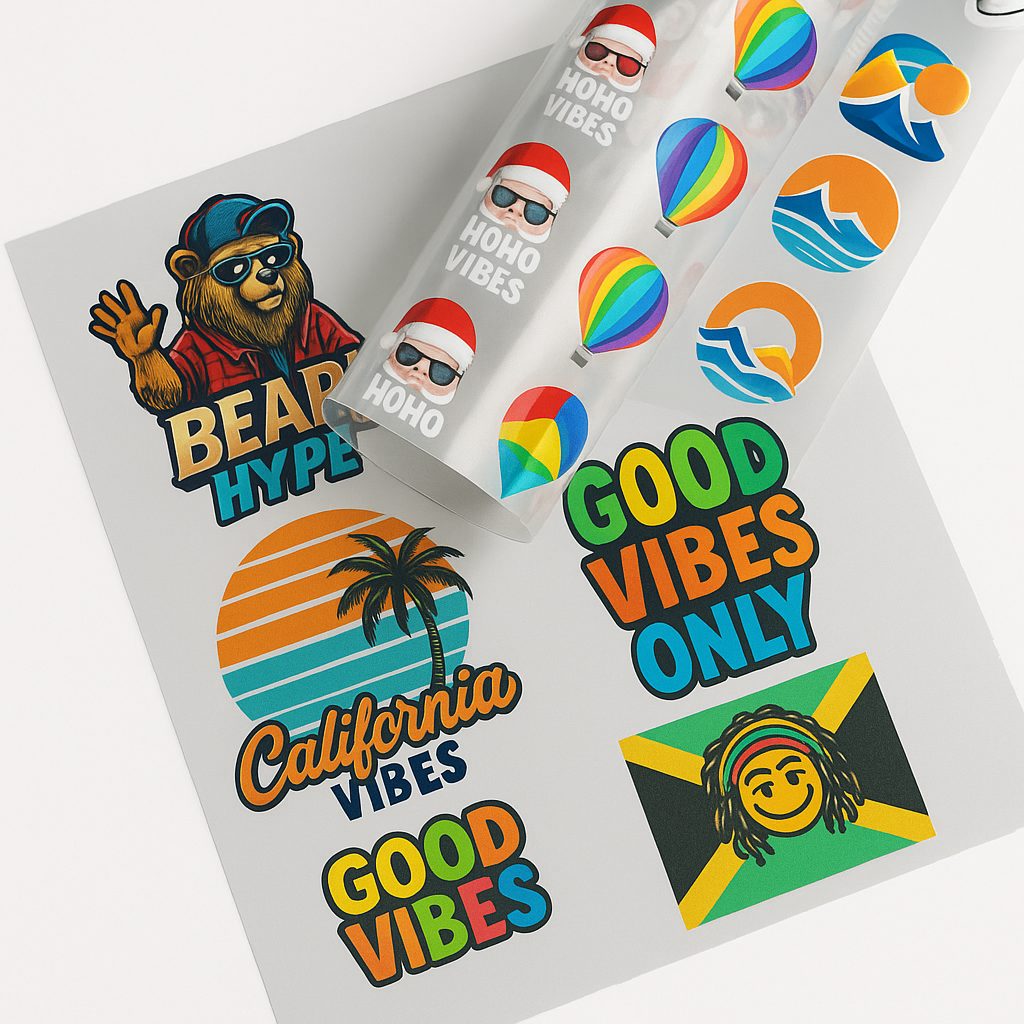
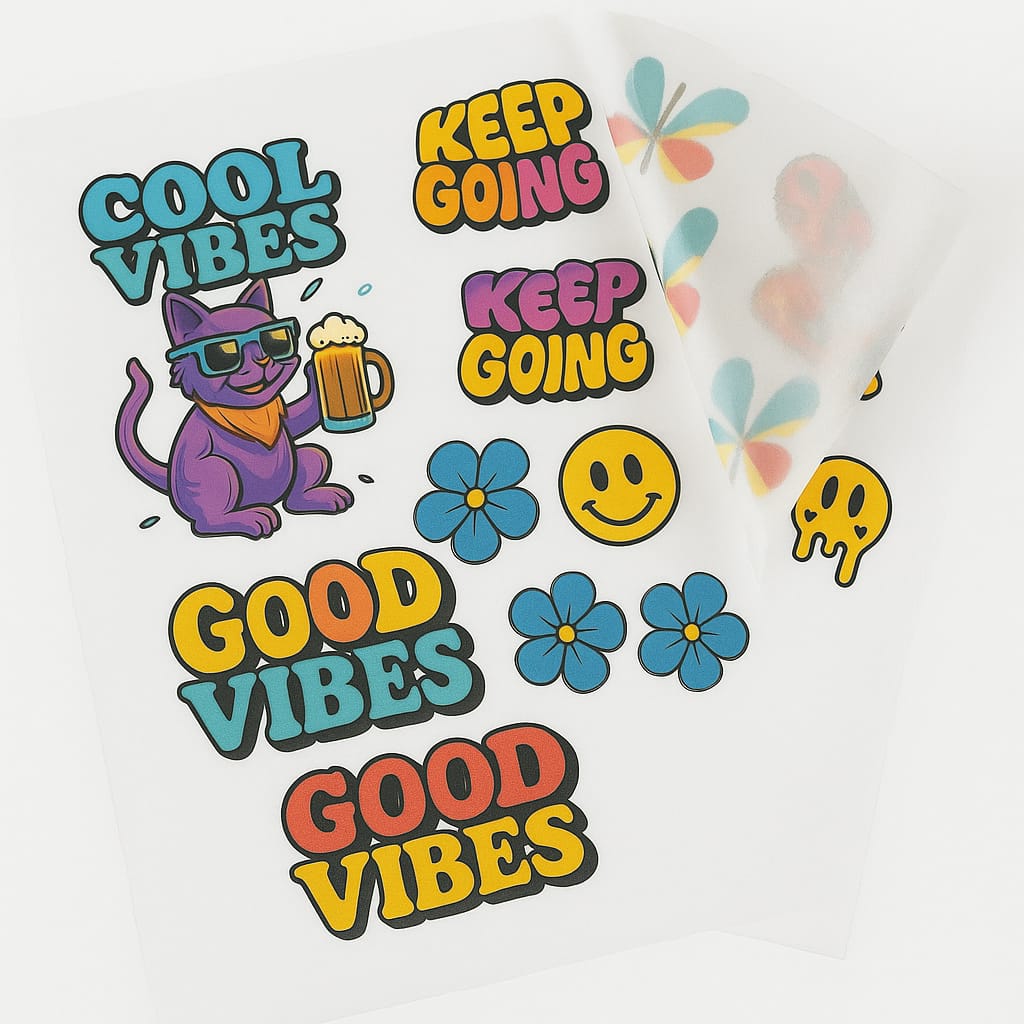
Custom UV DTF Gang Sheets: The Ultimate Branding Solution
In 2026, the world of product customization is no longer limited to t-shirts. Custom UV DTF gang sheets have become the gold standard for branding hard surfaces. This technology allows you to create high-quality, 3D-textured transfers for almost any solid object.
Whether you are a small business owner or a professional print shop, "apparel brilliance" now extends to hard goods. By choosing to upload UV transfer files in a gang sheet format, you maximize efficiency. This guide explores how to master UV DTF transfers for your brand. Also, we will cover the technical steps to ensure your designs look professional every time.
1. What is a UV DTF Gang Sheet?
A gang sheet is a single roll or sheet of film that contains multiple designs. Instead of printing one sticker at a time, you "gang" them together.
-
Space Optimization: You fill every inch of the film with logos, icons, or text.
-
UV Technology: These transfers use ultraviolet-curable ink and a special varnish.
-
The "A+B" System: Designs are printed on an A-film and laminated with a B-film for easy application.
-
No Heat Required: Unlike textile transfers, these are "peel and stick" for hard surfaces.
However, the key to a successful sheet is a high-resolution file. Always ensure your graphics are clear before you upload UV transfer designs.
2. Why Choose Custom UV DTF Over Vinyl?
Vinyl has been a staple for years, but Custom UV DTF is the future of 2026 branding.
-
Vivid 3D Texture: The varnish layer adds a tactile, raised feel that looks expensive.
-
No Weeding: You don't have to pick away tiny pieces of excess vinyl. The transfer only leaves the ink behind.
-
Incredible Durability: UV ink is waterproof, scratch-resistant, and sun-resistant.
-
Complex Details: It can handle gradients and tiny lines that vinyl cutters simply cannot reach.
-
Versatility: Use them on glass, metal, plastic, wood, and ceramic.
3. How to Prepare Your File to Upload UV Transfer
To achieve "apparel brilliance" on your products, your file must be technically perfect.
-
Use a Transparent Background: Your files must be in PNG, AI, or SVG format. Ensure there is no white box around your logo.
-
Resolution is Key: Set your canvas to 300 DPI. Low-resolution files will result in blurry or "pixelated" stickers.
-
Color Mode: Use CMYK for the most accurate color reproduction.
-
Avoid Thin Lines: Lines thinner than 0.5mm may not have enough adhesive to stick permanently.
-
Nesting Designs: Place your designs close together but leave about 5mm of space for easy cutting.
4. Steps to Create Your Custom UV DTF Gang Sheets
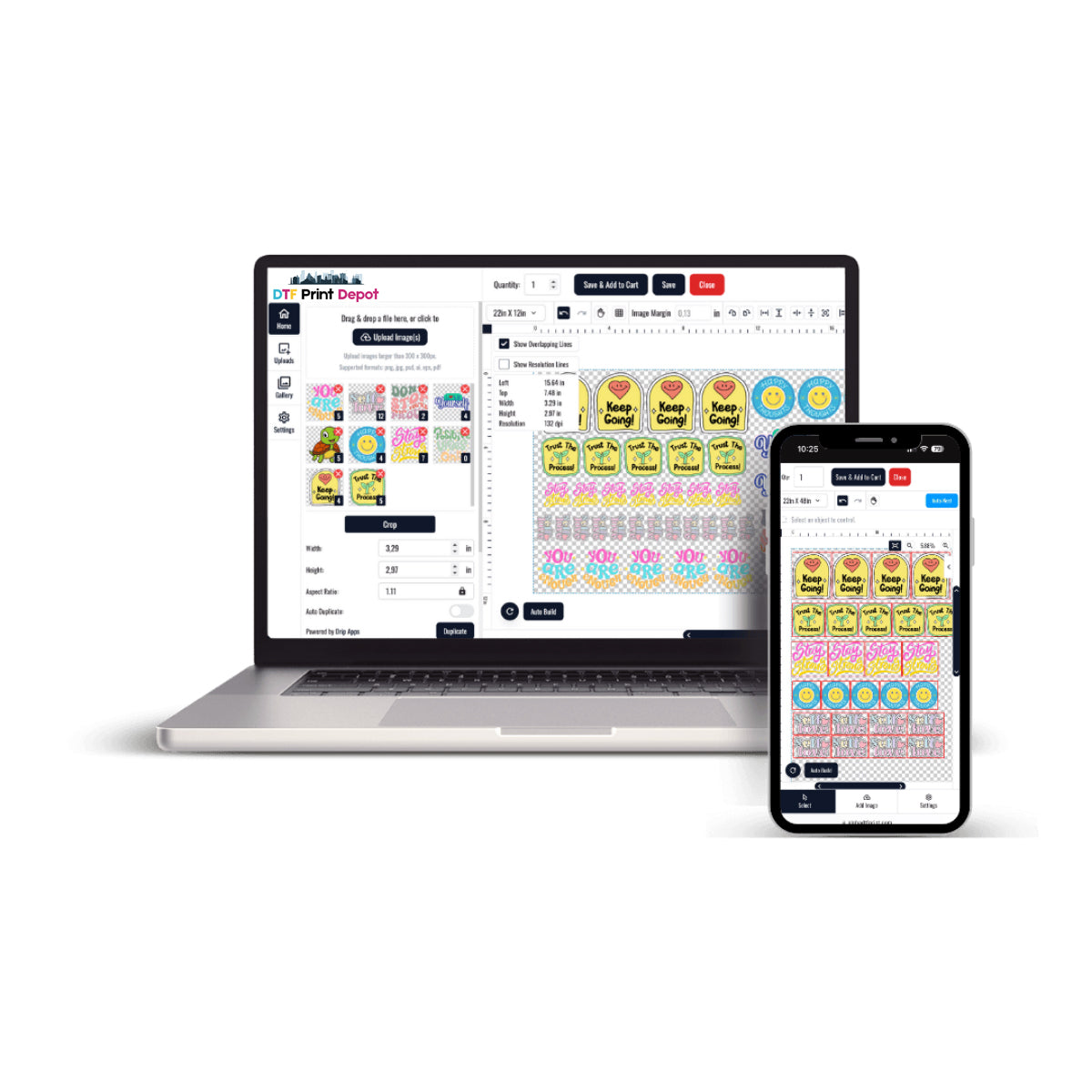
The process of ordering has been simplified with the Free DTF Gang Sheet Builder.
-
Step 1: Select your sheet size (e.g., 22" x 60").
-
Step 2: Upload UV transfer graphics directly into the builder tool.
-
Step 3: Resize and rotate your designs to fit as many as possible.
-
Step 4: Check for overlapping edges. The tool will often alert you if images are too close.
-
Step 5: Finalize and submit. Also, double-check your quantities to ensure you have enough for your project.
5. Top Applications for UV DTF Transfers
Once you receive your custom UV DTF gang sheets, the possibilities are endless.
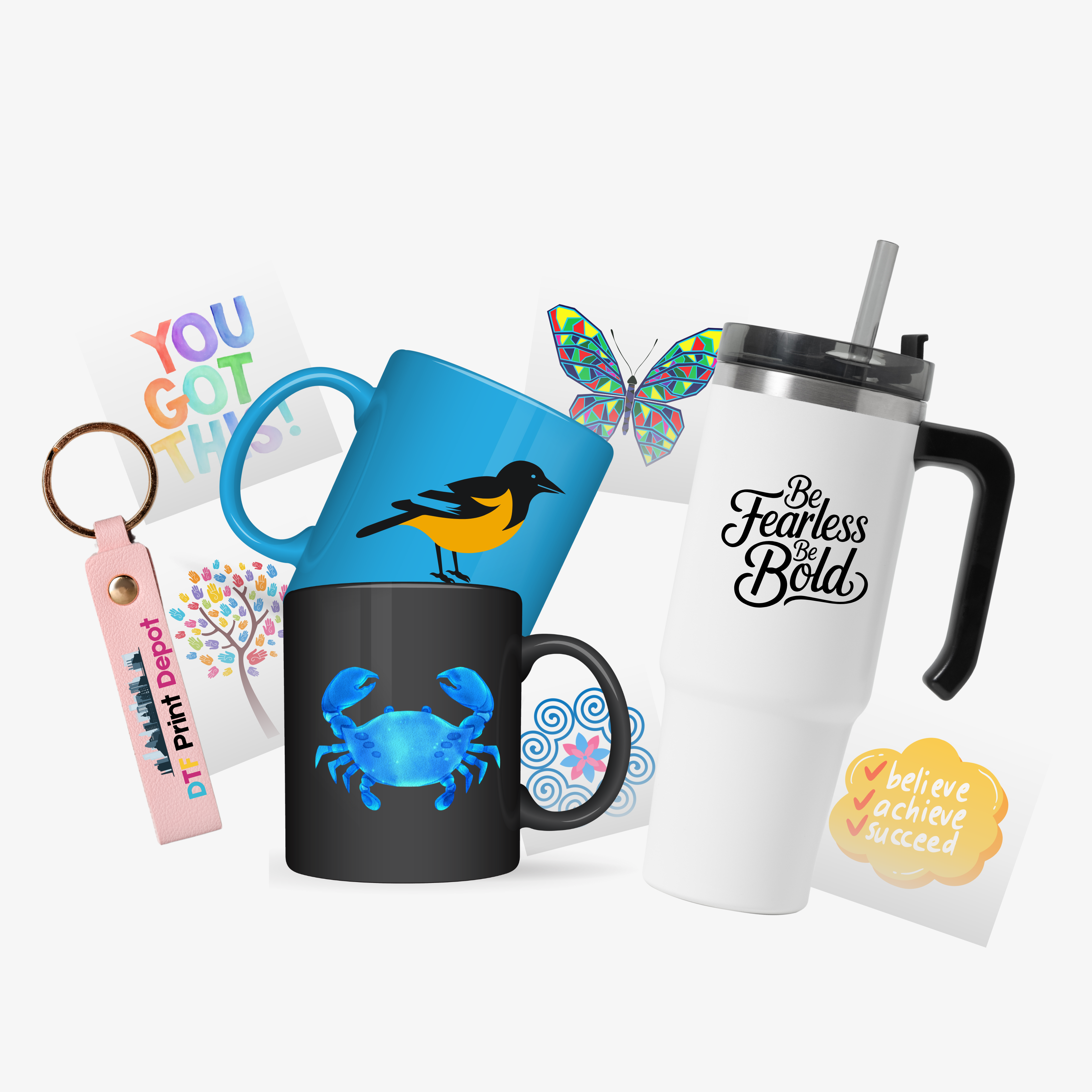
Personalized Drinkware
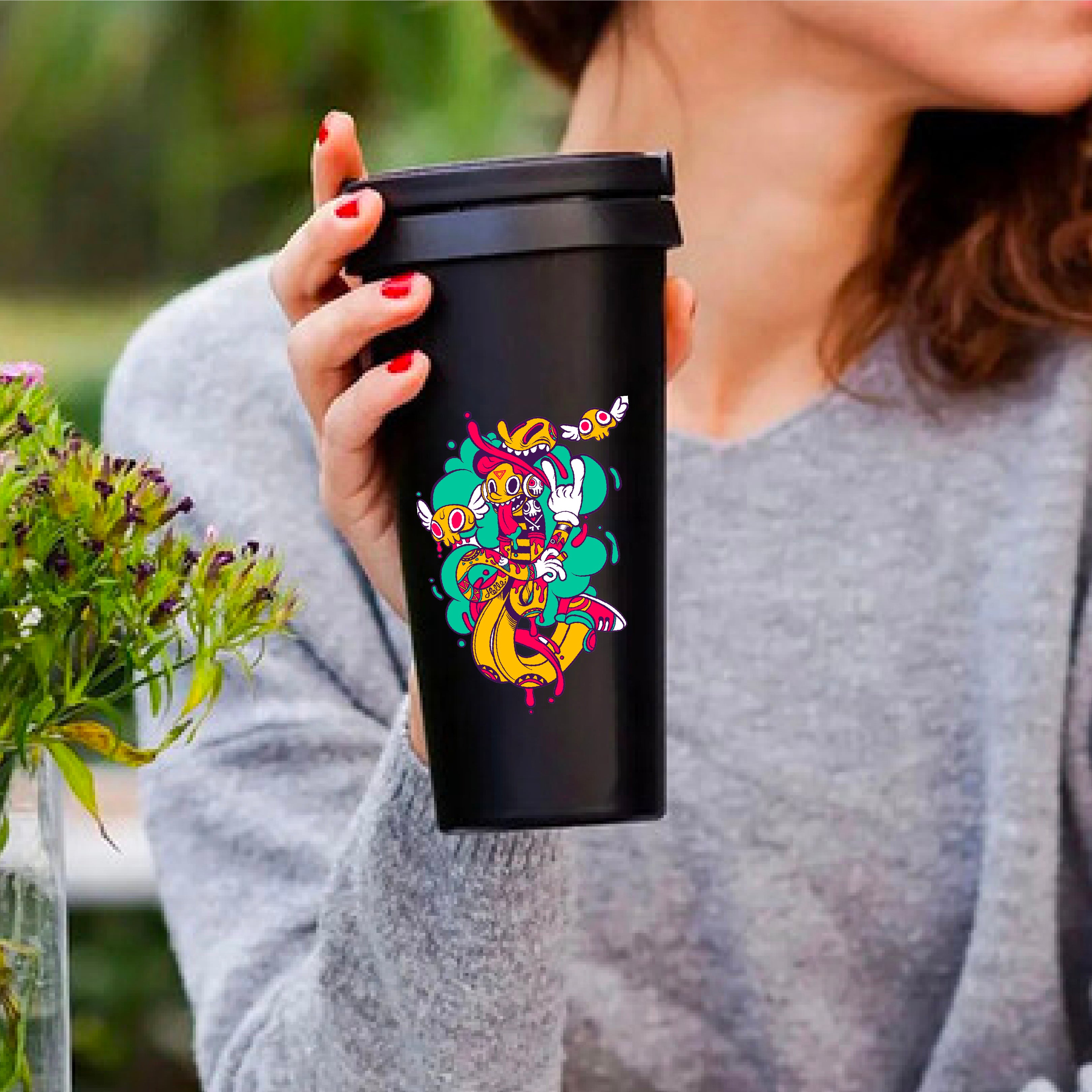
Create custom logos for coffee mugs, wine glasses, and stainless steel tumblers. The varnish makes them look like they were printed at the factory.
Tech Accessories
Brand your laptops, phone cases, and power banks. These stickers can wrap around slightly curved surfaces without peeling.
Professional Signage
Apply transfers to acrylic blocks, wooden plaques, or metal doors. They are perfect for office branding and event decor.
Gifts and Favors
Use them for wedding favors, candle jars, and personalized notebooks. Also, they are excellent for "Punk Halloween" themed party decor or luxury gift boxes.
6. Application Best Practices
Applying a UV DTF transfer is easy, but it requires precision for the best bond.
-
Clean the Surface: Use a lint-free cloth and 70% isopropyl alcohol. This removes oils that prevent adhesion.
-
Position Carefully: Once the adhesive touches the surface, it is very hard to move.
-
Firm Pressure: Use your fingers or a squeegee to rub the design firmly from the center outward.
-
Slow Peel: Peel the clear B-film slowly at a 45-degree angle.
-
Let it Cure: While the bond is instant, wait 24 hours before exposing the item to water or heavy use.
7. Caring for Your UV DTF Branded Items
To maintain the "brilliance" of your hard-surface transfers, follow these care tips:
-
Hand Wash Recommended: While very durable, high-heat dishwashers can eventually weaken the adhesive.
-
Avoid Harsh Chemicals: Do not use abrasive scrubbers or strong bleach on the design.
-
UV Protection: The ink is sun-resistant. However, extreme heat (like leaving a bottle in a hot car) should be avoided.
-
Cleaning: Use a damp microfiber cloth for daily cleaning. Use UV DTF cleaning supplies for your printer to ensure future sheets remain high-quality.
8. Maximizing Profit with Custom UV DTF Gang Sheets
For business owners, gang sheets are the fastest way to grow your margins.
-
Lower Unit Cost: Buying a 60-inch sheet is much cheaper than buying individual stickers.
-
Inventory Management: Print your most popular logos in advance. Keep them in a dark, cool place until an order arrives.
-
Upsell Opportunities: Offer "sticker packs" to your customers. Also, use small leftover spaces on your sheet to print "thank you" decals for your packaging.
-
Test New Designs: Use a small section of a gang sheet to test a new product idea without committing to a large run.
Conclusion: Elevate Your Brand Strategy
Custom UV DTF gang sheets are more than just stickers; they are a professional branding tool. In the competitive 2026 market, quality and versatility are essential. When you upload UV transfer files to a well-organized sheet, you save time, money, and material.
Invest in high-resolution art. Use a reliable Gang Sheet Builder. Also, focus on the details of application to ensure your products look "Red Carpet Ready." By bringing "apparel brilliance" to hard goods, you create a premium experience for your customers. However, always remember that the best results come from a clean surface and a careful peel.
If you are looking to elevate your custom apparel game, the
You can stay up to date with the latest digital printing projects and professional services by following DTF Print Depot across our social media channels. Explore our high-quality transfers and vibrant designs on Facebook, discover our creative visual content on Instagram, or watch our engaging behind-the-scenes process videos on TikTok. For immediate assistance and quick order inquiries, you can also reach us directly via WhatsApp 12409044481
Additional Information
DTF Gang Sheet
Width X Height:
22" X 6", 22" X 12", 22" X 18", 22" X 24", 22" X 30", 22" X 36", 22" X 42", 22" X 48", 22" X 54", 22" X 60", 22" X 66", 22" X 72", 22" X 78", 22" X 84", 22" X 90", 22" X 96", 22" X 102", 22" X 108", 22" X 114", 22" X 120", 22" X 126", 22" X 132", 22" X 138", 22" X 144", 22" X 150", 22" X 156", 22" X 162", 22" X 168", 22" X 174", 22" X 180", 22" X 186", 22" X 192", 22" X 198", 22" X 204", 22" X 210", 22" X 216", 22" X 222", 22" X 228", 22" X 234", 22" X 240", 22" X 280"
Transfer by Size
Width X Height:
1" X 1", 2" X 2", 3" X 3", 4" X 4", 4" X 2", 5" X 3", 5" X 5", 6" X 4", 6" X 6", 7" X 7",
8" X 8", 9" X 9", 9" X 11", 10" X 10", 11" X 5", 11" X 11", 11" X 14", 12" X 17"
UV DTF Gang Sheet
Width X Height:
22" X 6", 22" X 12", 22" X 24", 22" X 36", 22" X 48", 22" X 60", 22" X 72", 22" X 84",
22" X 96", 22" X 120"
UV DTF Transfers By Size
Width X Height:
1" × 1", 2" × 2", 3" × 3", 4" × 4", 5" × 5", 6" × 6", 7" × 7", 8" × 8", 9" × 9", 10" × 10", 11" × 11"
Product Features
Optimize Your Workflow
Print smarter with gang sheets the perfect solution for combining multiple designs into one large-format print. Ideal for custom apparel, branding, labels, and more.
Large Format, Fully Customizable
Choose 22” wide sheets with flexible lengths from 24” up to 120” or more. Perfect for bulk orders, production runs, or testing multiple designs in a single sheet.
Print-Ready Files Only
We print exactly what you upload. Your gang sheet must be fully arranged, sized, and ready for production. No edits or resizing will be made unless requested in advance.
Premium DTF Transfer Quality
Enjoy vivid colors, sharp detail, and a soft feel with excellent stretch. Our prints are made to last durable through 60+ washes without cracking or fading.
No Minimums Order What You Need
From one sheet to one hundred, we support any order size. Whether you're a hobbyist or a production facility, we’ve got you covered.
Fast Turnaround Available
Submit your order with a print-ready file by 3:00 PM for same-day production. Choose local pickup or fast shipping during checkout.
Upload Recommendations
Accepted File Types
We accept PNG (preferred) and PDF formats only. If your design requires it, make sure the background is transparent.
👉 Important: Do not upload multiple individual files. All artwork must be combined into one single gang sheet file.
Resolution Guidelines
For crisp, professional results, files must be at least 300 DPI. Low-resolution artwork may appear blurry, pixelated, or grainy when printed.
Print-Ready Files Only
What you upload is exactly what gets printed. We do not resize, rearrange, or edit your artwork.
Please double-check your file for correct spelling, colors, sizing, and alignment before uploading.
Bleed & Design Spacing
Leave a minimum of 0.25” spacing between each design to ensure clean cuts.
We do not auto-separate or trim designs unless you select the "Pre-Cut" option at checkout.
Match Your Selected Sheet Size
Your uploaded file must match the sheet size you chose (e.g., 22” x 60”).
Files that are too large may be rejected or scaled down, which can cause unwanted distortion.
Size & Arrangement Tips
Fixed Sheet Width
All gang sheets are printed at a standard width of 22 inches.
You select the length based on your needs — common options include 24", 48", 60", or more.
You Control the Layout
You are fully responsible for arranging your artwork within the gang sheet.
We do not reposition, align, or organize your designs.
Use tools like Photoshop, Illustrator, Canva, or any gang sheet builder to finalize your layout before uploading.
Scale Designs to Final Print Size
Each element in your file must be already scaled to the size you want it printed.
For example, if your logo should be 3" x 3", make sure it's exactly that size in the file.
Pro Tip: Optimize Your Space
Group similar-sized designs together to maximize sheet space and minimize waste especially useful for repeating elements like logos, labels, or tags.
Pressing Instructions
Step 1: Cut Your Designs
Carefully cut around each design using scissors or a cutting mat.
Prefer a ready-to-press option? Select Pre-Cut during checkout (if available).
Step 2: Heat Press Settings
310–320°F (155–160°C)
10–15 seconds
Medium to Firm pressure
Use parchment paper or a Teflon sheet to protect the design during pressing.
Step 3: Cool & Peel
Let the transfer cool for 15–30 seconds after pressing.
Then, slowly peel from one corner for a clean release.
Step 4: Optional Repress
For a smoother, matte finish and longer-lasting results, cover with parchment paper and repress for 5–15 seconds.
Important Tip
Always test on a sample fabric or garment before full production.
Material types, humidity, and press variations can affect results.