

The team at DTF Depot are amazing. The quality of service and product are the highest quality and they are quick. The customer service is quick and very helpful. As I grow my buisness, they are my only chose for DTF. They are #1 in my book.
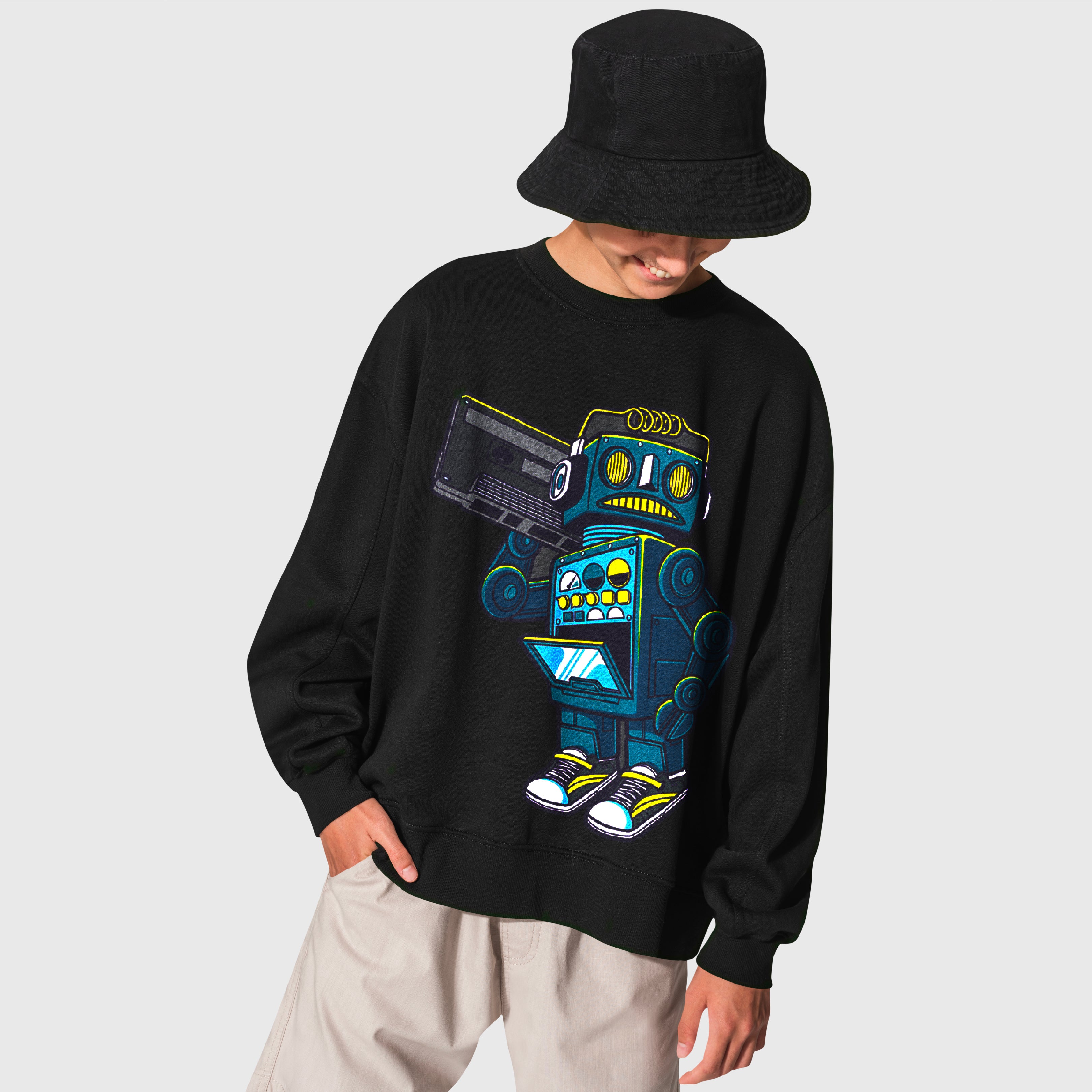
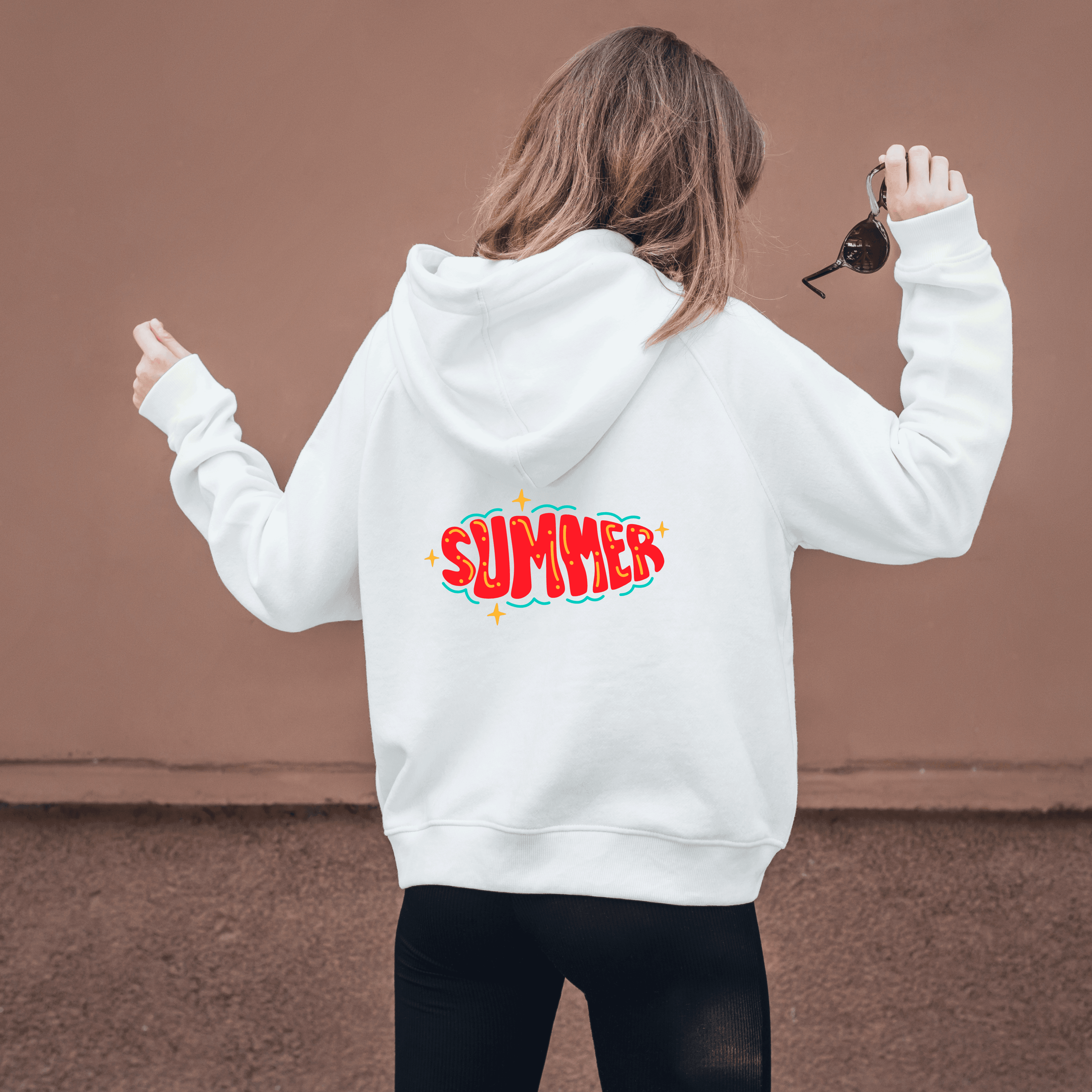




DTF Hoodies
Note: Please include your phone number at checkout so we can reach you faster if any order-related issues arise.
- Same Day Printing & Shipping
- 24/7 Accessible Pick-Up Area
- Same Day Print Cut-Off Time:
Weekdays by 3PM EST – Saturdays by 1PM EST
Checkout with PAYPAL
Ask a question
Estimate delivery times: Same Day Print, Next Day Delivery
Fast and Easy Pick-Up Service: Place your order for DTF and UV DTF prints, and pick them up at your convenience.
Guarantee Safe Checkout
DTF Hoodies
Description
DTF hoodies give apparel decorators, brands, teams, schools, and businesses a practical way to apply full-color artwork to hooded sweatshirts. DTF transfers can be used for front graphics, back designs, logos, names, event artwork, and other custom hoodie projects.
Because hoodies are heavier and more structured than basic T-shirts, good results depend on selecting the right transfer size, avoiding thick seams and pockets, preparing print-ready artwork, and following the recommended heat-press process.
What Are DTF Hoodies?
DTF hoodies are hooded garments customized with Direct-to-Film transfers. The artwork is printed onto transfer film and then applied to the garment using heat and pressure.
This workflow is useful when a design includes multiple colors, detailed artwork, text, logos, or other graphics that need to be reproduced consistently across one or multiple hoodies.
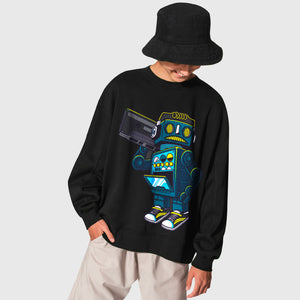
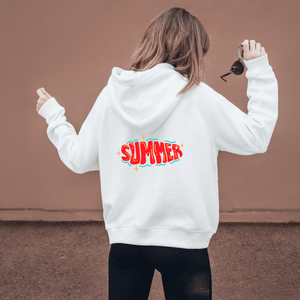
Common DTF Hoodie Projects
- Streetwear: Full-front or oversized back graphics.
- Business apparel: Logos and staff branding.
- Schools and teams: Names, mascots, numbers, and organization graphics.
- Events: Custom hoodies for groups, campaigns, and merchandise.
- Retail collections: Repeatable branded hoodie designs.
Choose the Right DTF Transfer Size for Hoodies
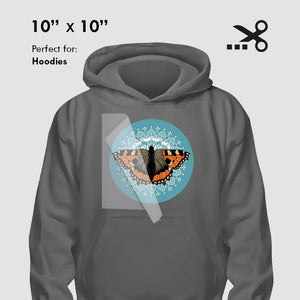
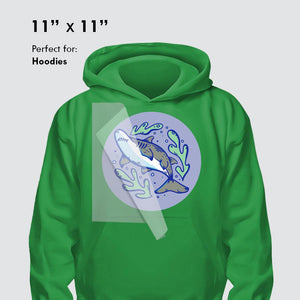
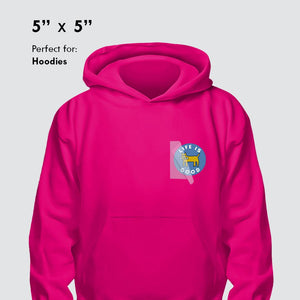
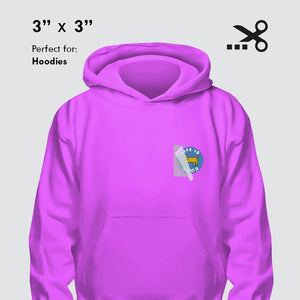
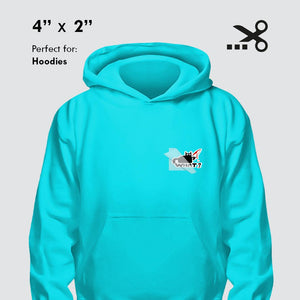
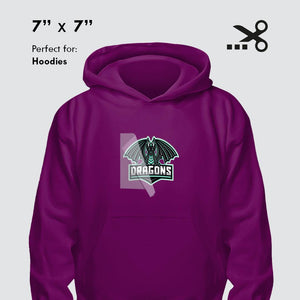
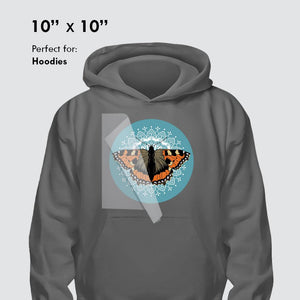
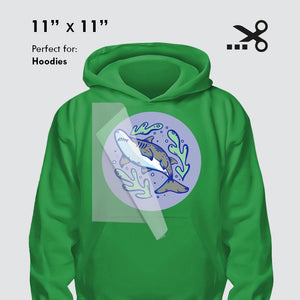
The right transfer size depends on the artwork, hoodie size, placement, and available flat print area. A compact left-chest design requires different dimensions than a large back graphic.
Before ordering, measure the intended placement and check nearby seams, pockets, zippers, drawstrings, and other garment construction details.
Available DTF Hoodie Transfer Sizes
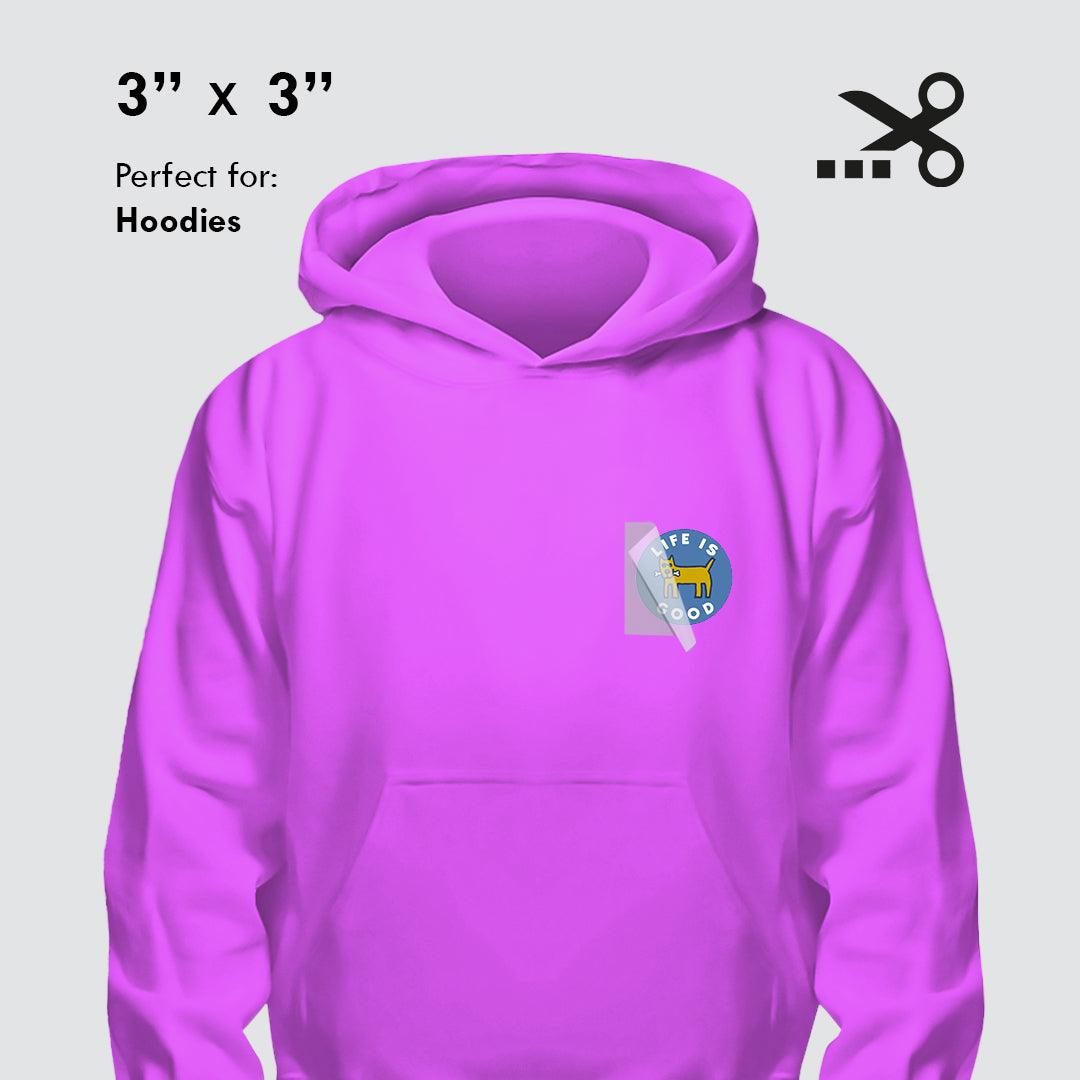
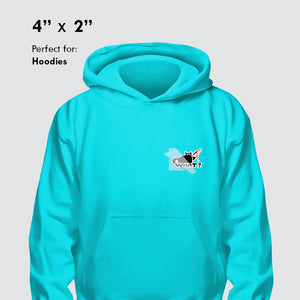
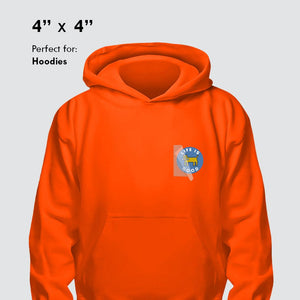
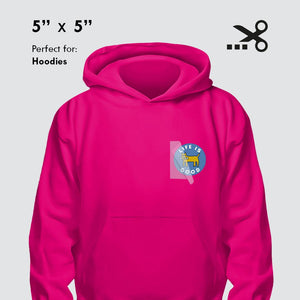
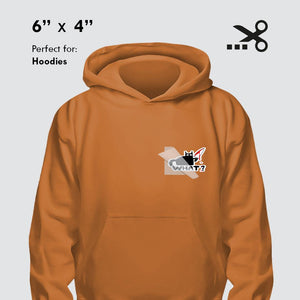
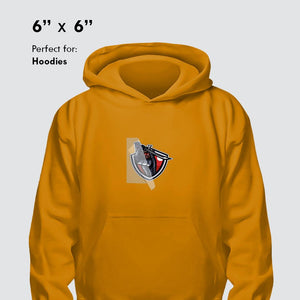
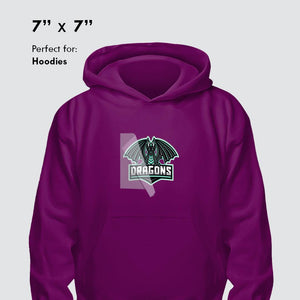
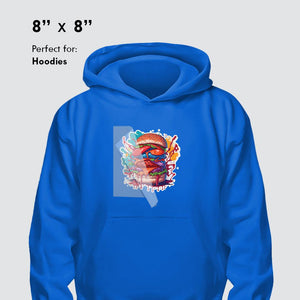
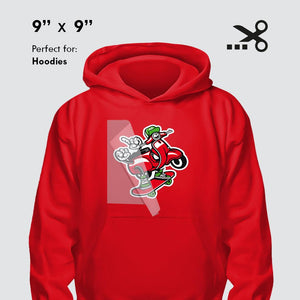
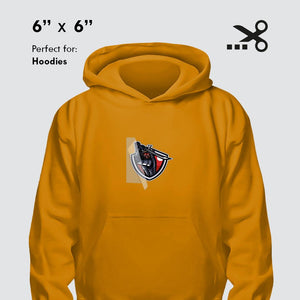
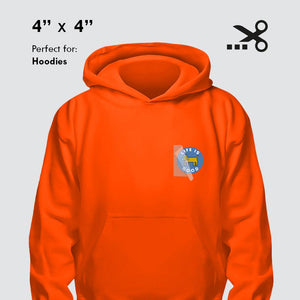
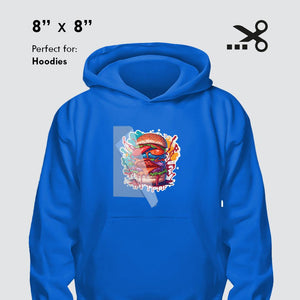
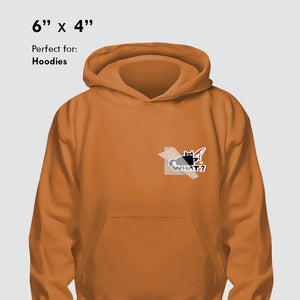
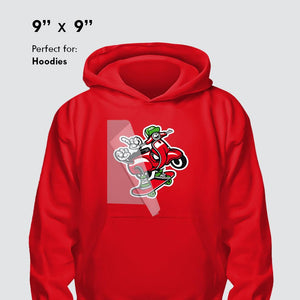
The DTF Hoodies product currently includes transfer size options from compact graphics through larger apparel placements, including 3" x 3", 4" x 2", 4" x 4", 5" x 5", 6" x 4", 6" x 6", 7" x 7", 8" x 8", 9" x 9", 10" x 10", and 11" x 11".
You can review the current options on the DTF Hoodies product page.
Plan Hoodie Artwork Around the Garment
Artwork should be prepared at the size you actually want it printed. Changing dimensions after the file is prepared can affect proportions, text readability, and overall placement.
For large back designs, check the available space between the shoulder area and lower garment construction. For front graphics, account for kangaroo pockets, zippers, or other raised areas before finalizing transfer size.
Better Placement Control
Measure the hoodie first so the transfer size matches the intended chest, back, or other print area.
Repeatable Production
Save the approved artwork, transfer dimensions, hoodie style, and placement for future reorders.
Prepare Print-Ready Artwork for DTF Hoodies
DTF Print Depot prints the artwork submitted for production, so files should be checked carefully before upload. Confirm spelling, sizing, orientation, background transparency, and artwork quality before completing the order.
PNG and PDF are listed as accepted file formats, with PNG preferred. Artwork should be prepared at sufficient resolution for the intended finished size, with the product guidance recommending at least 300 DPI for clean print results.
Artwork Checklist
- Use the final artwork version: Upload the exact design approved for production.
- Set the final size: Prepare the graphic at its intended printed dimensions.
- Check transparency: Make sure unwanted background areas are removed when required.
- Review text: Confirm spelling and small details before uploading.
- Check resolution: Use artwork with enough resolution for the intended print size.
Create Your Custom DTF Hoodie Transfers
Select the transfer size that fits your hoodie artwork and intended placement.
Explore DTF Hoodies →How to Heat Press DTF Transfers on Hoodies
For the DTF Hoodies product, the current pressing guidance lists a temperature range of 310–320°F (155–160°C), a press time of 10–15 seconds, and medium to firm pressure.
Because hoodie thickness, fabric composition, humidity, and heat-press calibration can affect results, testing on a sample garment before full production is recommended.
- Prepare the hoodie: Position the garment so the intended print area is flat and accessible.
- Cut and position the transfer: Place the design at the intended chest, back, or other location.
- Protect the transfer: Use parchment paper or a Teflon sheet during pressing.
- Press: Use 310–320°F for 10–15 seconds with medium to firm pressure.
- Cool: Allow the transfer to cool for approximately 15–30 seconds.
- Peel: Slowly remove the carrier from one corner.
- Optional repress: Cover the design and repress for 5–15 seconds when appropriate for the desired finish.
Avoid Hoodie Pockets, Zippers, and Thick Seams
Raised garment construction can prevent the heat press from delivering uniform pressure across the artwork. Thick pocket edges, zippers, seams, and similar areas should therefore be considered before deciding where a transfer will be placed.
If the design needs to sit near one of these areas, make sure the printable section can be supported evenly during pressing.
DTF Hoodie Durability and Care
The current product information describes the DTF transfers as durable through 60+ washes when properly applied and cared for. Long-term results still depend on correct pressing and garment care.
For hoodies, turn the garment inside out before washing, use cold water and a gentle cycle, and avoid bleach or harsh detergents. Air drying is preferred; if a dryer is used, choose low heat.
For the complete garment-care process, read the DTF Wash Instructions Care Guide.
DTF Hoodie Care Checklist
- Turn the hoodie inside out before washing.
- Use cold water.
- Select a gentle wash cycle.
- Avoid bleach and harsh detergents.
- Air dry when possible or use low dryer heat.
- Avoid ironing directly over the printed design.
DTF Hoodies for Business, Team, and Merchandise Orders
For repeat hoodie orders, save more than just the artwork file. Record the transfer dimensions, placement, hoodie style, quantity, and approved design version.
This creates a repeatable production reference that can help keep future staff apparel, merchandise, team gear, or customer reorders consistent.
Create a Hoodie Production Reference
- Approved artwork: Save the exact file used for production.
- Finished transfer size: Record width and height.
- Placement: Note front, back, chest, sleeve, or other position.
- Hoodie type: Keep a reference to the garment used.
- Quantity: Record the number of transfers or finished pieces needed.
Frequently Asked Questions About DTF Hoodies
What are DTF hoodies?
DTF hoodies are hooded sweatshirts customized using Direct-to-Film transfers applied with heat and pressure.
What transfer sizes are available for DTF hoodies?
The current product options include sizes ranging from 3" x 3" through 11" x 11", with several dimensions available between those sizes.
What temperature should I use for DTF hoodie transfers?
The current product instructions specify 310–320°F (155–160°C), 10–15 seconds, and medium to firm pressure. Test your garment and equipment before a full production run.
Should I press a transfer directly over a hoodie pocket or zipper?
Raised areas can interfere with consistent pressure, so seams, pockets, zippers, and other thick construction details should be considered when choosing placement.
How should I wash a DTF hoodie?
Turn the hoodie inside out, wash in cold water on a gentle cycle, avoid bleach and harsh detergents, and air dry or use low dryer heat.
How long can a properly applied DTF hoodie print last?
The current DTF Hoodies product information states that its DTF transfers are designed for durability through 60+ washes when properly applied and cared for.
Where can I order DTF hoodie transfers?
You can review the available sizes and ordering options on the DTF Hoodies product page.
Plan Your DTF Hoodie Project Before Ordering
A successful DTF hoodie project starts with suitable artwork, the right transfer dimensions, a practical placement area, and the correct pressing process. Measure the garment first, prepare the artwork at its intended final size, and keep the approved specifications for future production.
When you are ready to continue, visit DTF Hoodies to choose the transfer size for your custom hoodie project.
Additional Information
DTF Gang Sheet
Width X Height:
22" X 6", 22" X 12", 22" X 18", 22" X 24", 22" X 30", 22" X 36", 22" X 42", 22" X 48", 22" X 54", 22" X 60", 22" X 66", 22" X 72", 22" X 78", 22" X 84", 22" X 90", 22" X 96", 22" X 102", 22" X 108", 22" X 114", 22" X 120", 22" X 126", 22" X 132", 22" X 138", 22" X 144", 22" X 150", 22" X 156", 22" X 162", 22" X 168", 22" X 174", 22" X 180", 22" X 186", 22" X 192", 22" X 198", 22" X 204", 22" X 210", 22" X 216", 22" X 222", 22" X 228", 22" X 234", 22" X 240", 22" X 280"
Transfer by Size
Width X Height:
1" X 1", 2" X 2", 3" X 3", 4" X 4", 4" X 2", 5" X 3", 5" X 5", 6" X 4", 6" X 6", 7" X 7",
8" X 8", 9" X 9", 9" X 11", 10" X 10", 11" X 5", 11" X 11", 11" X 14", 12" X 17"
UV DTF Gang Sheet
Width X Height:
22" X 6", 22" X 12", 22" X 24", 22" X 36", 22" X 48", 22" X 60", 22" X 72", 22" X 84",
22" X 96", 22" X 120"
UV DTF Transfers By Size
Width X Height:
1" × 1", 2" × 2", 3" × 3", 4" × 4", 5" × 5", 6" × 6", 7" × 7", 8" × 8", 9" × 9", 10" × 10", 11" × 11"
Product Features
Optimize Your Workflow
Print smarter with gang sheets the perfect solution for combining multiple designs into one large-format print. Ideal for custom apparel, branding, labels, and more.
Large Format, Fully Customizable
Choose 22” wide sheets with flexible lengths from 24” up to 120” or more. Perfect for bulk orders, production runs, or testing multiple designs in a single sheet.
Print-Ready Files Only
We print exactly what you upload. Your gang sheet must be fully arranged, sized, and ready for production. No edits or resizing will be made unless requested in advance.
Premium DTF Transfer Quality
Enjoy vivid colors, sharp detail, and a soft feel with excellent stretch. Our prints are made to last durable through 60+ washes without cracking or fading.
No Minimums Order What You Need
From one sheet to one hundred, we support any order size. Whether you're a hobbyist or a production facility, we’ve got you covered.
Fast Turnaround Available
Submit your order with a print-ready file by 3:00 PM for same-day production. Choose local pickup or fast shipping during checkout.
Upload Recommendations
Accepted File Types
We accept PNG (preferred) and PDF formats only. If your design requires it, make sure the background is transparent.
👉 Important: Do not upload multiple individual files. All artwork must be combined into one single gang sheet file.
Resolution Guidelines
For crisp, professional results, files must be at least 300 DPI. Low-resolution artwork may appear blurry, pixelated, or grainy when printed.
Print-Ready Files Only
What you upload is exactly what gets printed. We do not resize, rearrange, or edit your artwork.
Please double-check your file for correct spelling, colors, sizing, and alignment before uploading.
Bleed & Design Spacing
Leave a minimum of 0.25” spacing between each design to ensure clean cuts.
We do not auto-separate or trim designs unless you select the "Pre-Cut" option at checkout.
Match Your Selected Sheet Size
Your uploaded file must match the sheet size you chose (e.g., 22” x 60”).
Files that are too large may be rejected or scaled down, which can cause unwanted distortion.
Size & Arrangement Tips
Fixed Sheet Width
All gang sheets are printed at a standard width of 22 inches.
You select the length based on your needs — common options include 24", 48", 60", or more.
You Control the Layout
You are fully responsible for arranging your artwork within the gang sheet.
We do not reposition, align, or organize your designs.
Use tools like Photoshop, Illustrator, Canva, or any gang sheet builder to finalize your layout before uploading.
Scale Designs to Final Print Size
Each element in your file must be already scaled to the size you want it printed.
For example, if your logo should be 3" x 3", make sure it's exactly that size in the file.
Pro Tip: Optimize Your Space
Group similar-sized designs together to maximize sheet space and minimize waste especially useful for repeating elements like logos, labels, or tags.
Pressing Instructions
Step 1: Cut Your Designs
Carefully cut around each design using scissors or a cutting mat.
Prefer a ready-to-press option? Select Pre-Cut during checkout (if available).
Step 2: Heat Press Settings
310–320°F (155–160°C)
10–15 seconds
Medium to Firm pressure
Use parchment paper or a Teflon sheet to protect the design during pressing.
Step 3: Cool & Peel
Let the transfer cool for 15–30 seconds after pressing.
Then, slowly peel from one corner for a clean release.
Step 4: Optional Repress
For a smoother, matte finish and longer-lasting results, cover with parchment paper and repress for 5–15 seconds.
Important Tip
Always test on a sample fabric or garment before full production.
Material types, humidity, and press variations can affect results.